
On a data volume, VolumeQueueLength stays high and VolumeIdleTime stays near zero while the application waits on disk. Instance CPU is modest. An operator wants a larger instance family and no volume change. What should change?
Select an answer to reveal the explanation.
Short Explanation
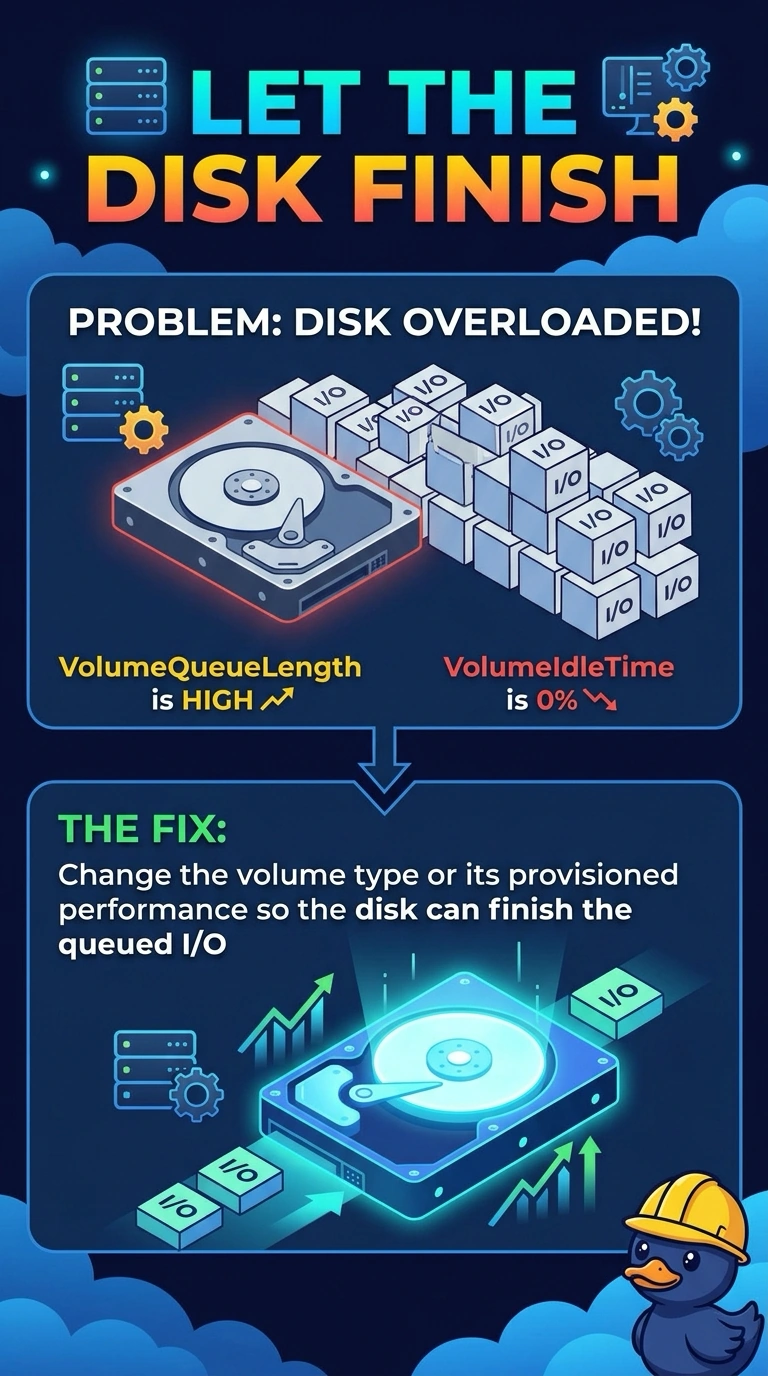
The checkout line is out the door and the register never idles, so a bigger waiting room does not scan items faster. Your volume queue is high and idle time is near zero, which means the volume is saturated. Change the volume, not only the instance family.
Full Explanation
VolumeQueueLength is the count of read and write requests waiting to finish, and VolumeIdleTime is how long the volume had no operations submitted. A high queue with idle time near zero means the volume is busy and work is backing up on the disk, not on spare CPU. Change the volume type or raise the performance that volume is configured to provide so the queued I/O can complete. A larger instance family adds CPU, memory, and network, and it does not by itself raise the volume provisioned performance. Detailed monitoring shortens the interval on some instance metrics. It does not add IOPS or throughput to an EBS volume. A reboot does not change the volume type or its provisioned performance, so the same queue returns with the same workload. Caveat: an instance type also has an EBS bandwidth ceiling. If that ceiling is what is full, a bigger volume setting cannot exceed it, so confirm the volume is the limit you are hitting and still change the volume rather than only the family. Operational check: after the volume modification, the same workload should show a lower queue length and idle time that is no longer pinned near zero.