
A lab cluster must attach one data volume to several instances at the same time in a single Availability Zone. The volume is gp3, and a second attach is rejected. What should they use instead?
Select an answer to reveal the explanation.
Short Explanation
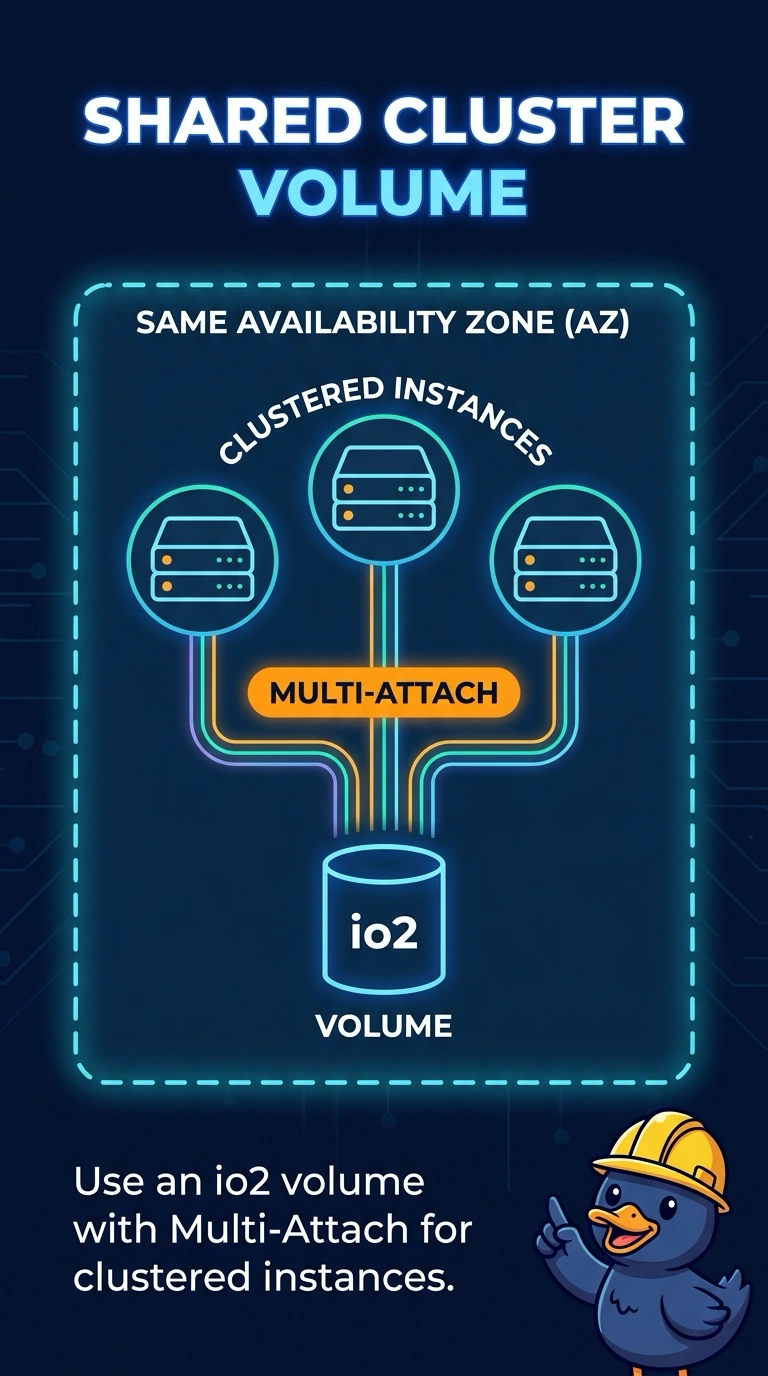
Think of one filing cabinet that can be mounted to only one desk: your gp3 volume allows a single attachment, so a second instance cannot attach it directly. You need io2 Multi-Attach to let the clustered instances use the same volume in that Availability Zone.
Full Explanation
EBS Multi-Attach lets one provisioned IOPS volume attach to multiple instances in the same Availability Zone at the same time. It is supported on io2, but not gp3, which is why the second attachment is rejected. Using an io2 volume with Multi-Attach enabled gives each clustered instance access to the same volume. Keeping the gp3 volume and sharing it over the network is a single attachment plus a file share; the share depends on the first instance and is not EBS Multi-Attach. Copying a gp3 snapshot to a separate disk for each instance creates independent volumes, so writes to one are not writes to the others. Moving the data to instance store does not provide a shared EBS volume: instance store is ephemeral local disk and cannot be detached and attached to other instances. Caveat: all instances must be in the volume’s Availability Zone, and a standard filesystem such as ext4 or XFS is not safe for writable mounting on several instances; the clustered application must coordinate writes. Practical check: confirm that the volume is io2 with Multi-Attach enabled and that every cluster node shows the same volume ID attached.