
A hospital's CloudFormation stack includes the production RDS instance. The team must be able to delete the stack later without deleting that database. Which template setting does that?
Select an answer to reveal the explanation.
Short Explanation
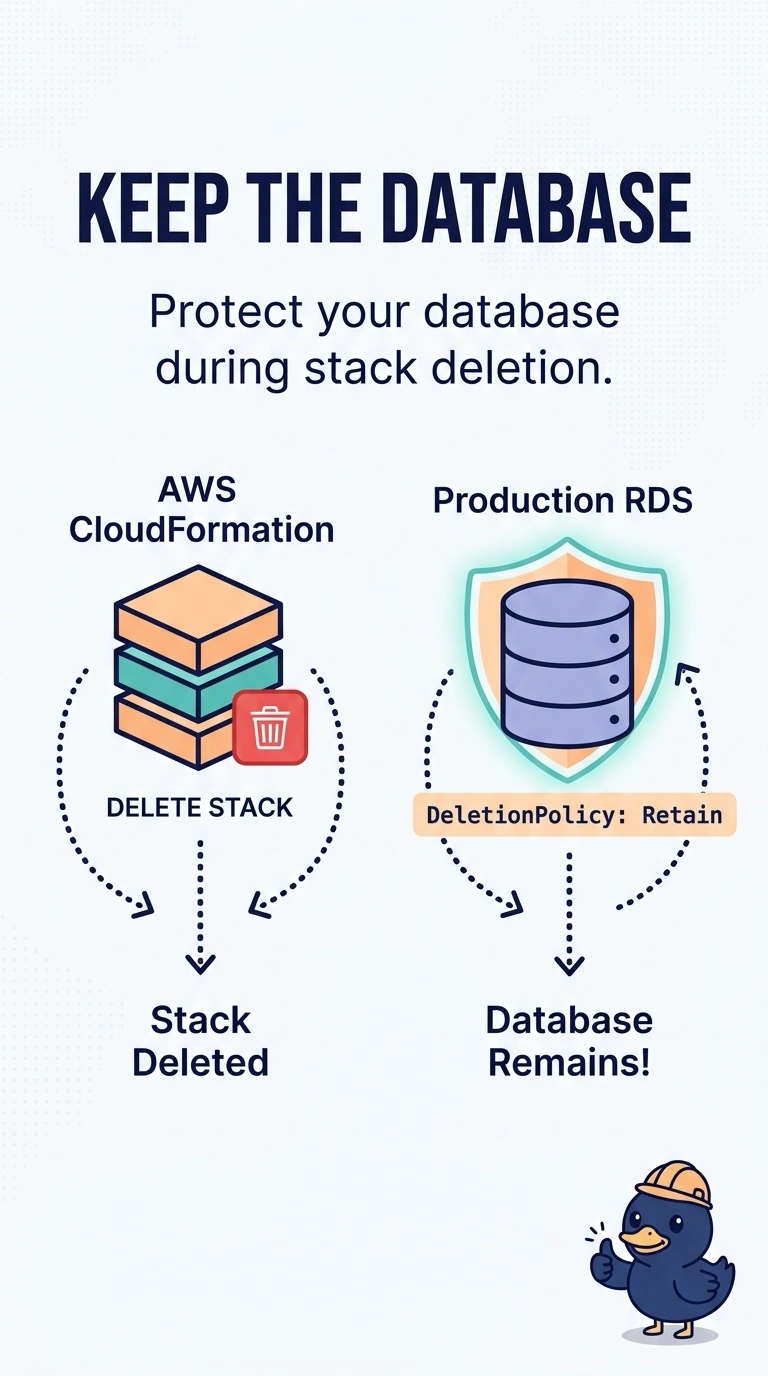
Retain is the note on the box that says do not throw this out when you pack up the rest of the room. You put DeletionPolicy Retain on the database. Delete does the opposite, and a lifecycle rule on a log bucket never touches RDS.
Full Explanation
DeletionPolicy Retain tells CloudFormation to leave the resource in the account when the stack is deleted, and to drop it from the stack's management. On the RDS instance, that keeps the database when the rest of the stack goes away. DeletionPolicy Delete, which is the default for many resources, removes the database with the stack. Termination protection on an Auto Scaling group does not apply to RDS and does not survive a stack delete of the database resource. An S3 lifecycle rule expires objects; it is not a deletion policy for a database. Caveat: a retained database still has its own deletion protection and final snapshot settings, which you should align so a later manual delete cannot surprise you. Operational check: in the template, the RDS resource's DeletionPolicy is Retain, and a change set for a stack delete shows the database will be retained. Retain leaves the database running and removes it from the stack, so a later stack that wants to manage it must import it. Snapshot settings on the instance are separate: a final snapshot on a delete policy of Delete is not the same as Retain. Name the resource so operators can find the retained database after the stack is gone. Test the policy on a non-production copy before you trust it on the hospital database.