
A studio changed an instance type in the console on a host that CloudFormation created. The template still names the old type. Before the next stack update, what should operations do so they can see that difference without applying it?
Select an answer to reveal the explanation.
Short Explanation
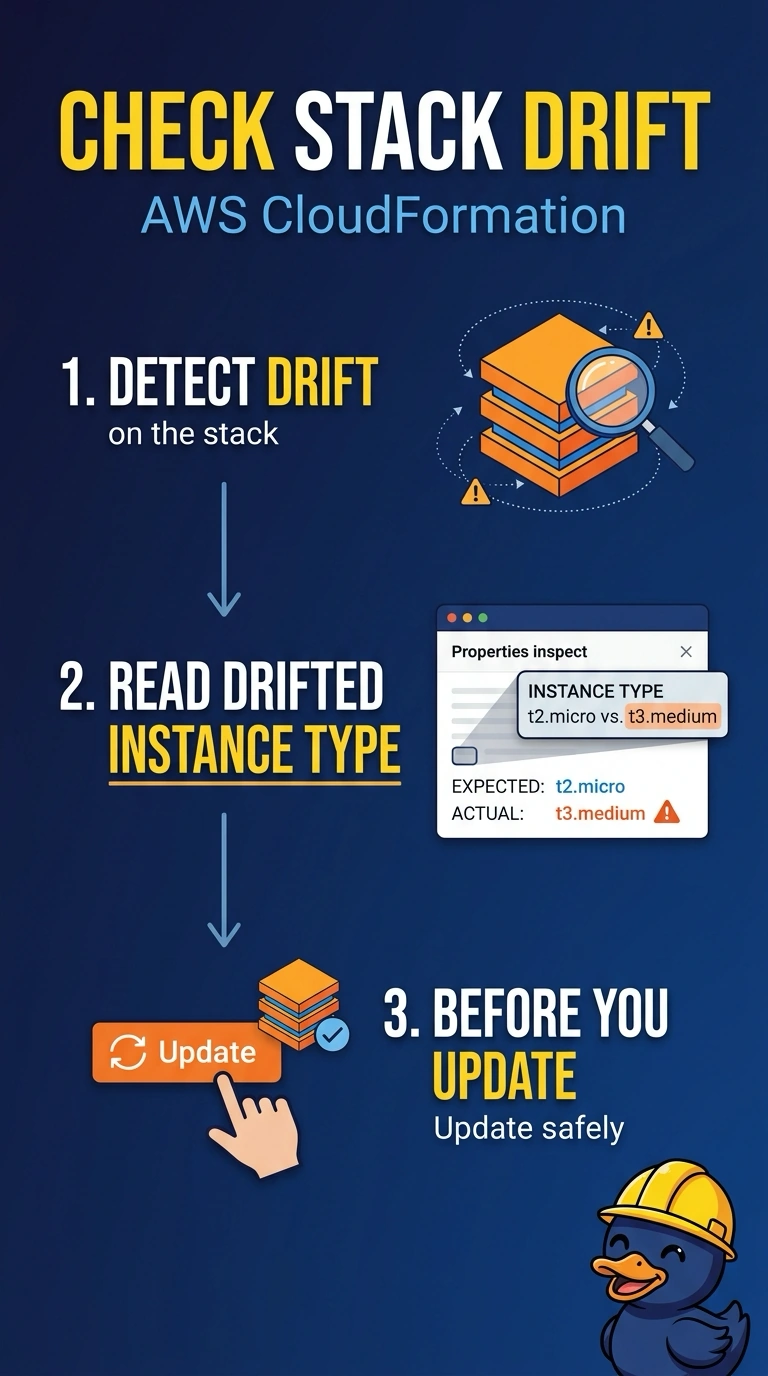
You can compare the live instance with its template before anything changes: drift detection shows the difference without applying it. Updating the stack applies the template rather than preserving the console edit, while deleting the stack removes the resource and CloudTrail shows events, not current drift.
Full Explanation
CloudFormation drift detection compares live resources with the template and reports differing properties without changing them. The console resize appears as a drifted instance type, letting you see the difference before an update applies the template’s old type or you decide whether to adopt the new one. Updating the stack immediately applies the template; it does not preserve the console edit or provide a preview. Deleting the stack removes the resource rather than reporting the difference. CloudTrail can show who called ModifyInstanceAttribute, but it is an event log, not a report comparing current properties with expected ones. Exam caveat: drift detection does not cover every property on every resource type, so a clean result does not prove that nothing was changed outside the template. Practical check: start drift detection, wait for the stack drift status to complete, then open the instance resource and compare its actual type with the expected type. Resource statuses include IN_SYNC, MODIFIED, and DELETED; a changed instance type is MODIFIED, with the template and live values shown in the property difference. Run detection after the console change and before updating the stack, since an update can clear the drift by applying the template. If you want to keep the larger type, update the template and use a change set so you can review the next update before applying it.