
A factory's new AMI must be launched by an application account in the same Organization. The image must not be public. How should the platform team share it?
Select an answer to reveal the explanation.
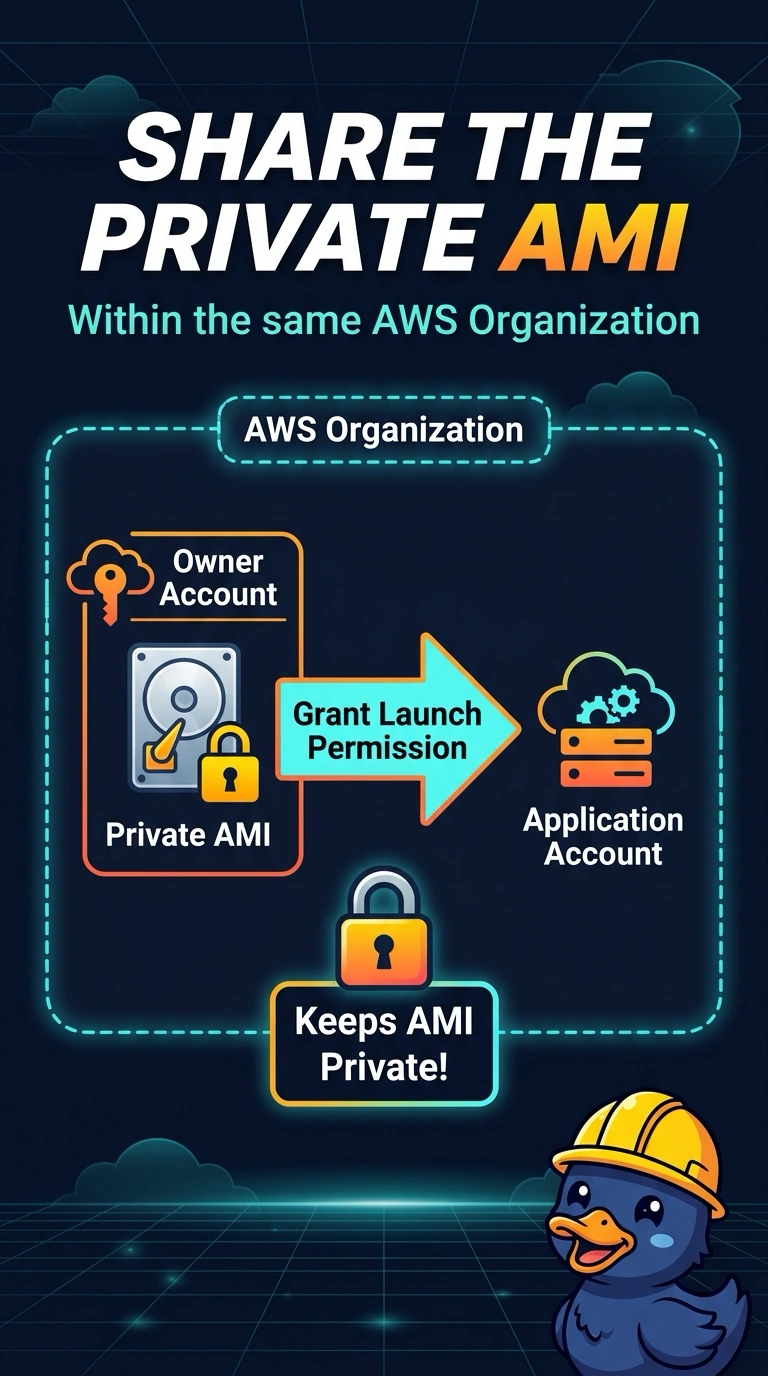
Short Explanation
Think of a private AMI as a tool you lend to one neighbor, not one you leave on the sidewalk. You grant the application account launch permission and keep the image private. Making it public or putting its snapshot in a world-readable bucket removes the boundary you need.
Full Explanation
An AMI stays private when you add the application account's ID to its launch permissions. That account can then launch instances from the AMI, while other accounts cannot. Making the AMI public lets any AWS account launch it, contrary to the requirement that the image not be public. Copying the snapshot into a world-readable bucket exposes the disk contents and does not grant the account AMI launch permission. Emailing the AMI ID and asking the other account to snapshot the running production host does not share this AMI; it creates a snapshot of a potentially drifted host instead. Caveat: the application account also needs IAM rights to run instances, and an encrypted snapshot requires a KMS key policy that trusts that account. The account can launch the AMI by ID and does not need its own snapshot copy unless an independent image is desired. Practical check: verify that the AMI's launch permissions list only the application account, that the AMI is not public, and that a test launch from that account succeeds. For an encrypted image, confirm the key policy as well, since launch can fail even when the AMI permission appears correct.