
An Image Builder pipeline meant for a hospital's Windows fleet fails while applying a component. The recipe is a Windows image, and the component that fails is marked for Linux. What should the team change in the build?
Select an answer to reveal the explanation.
Short Explanation
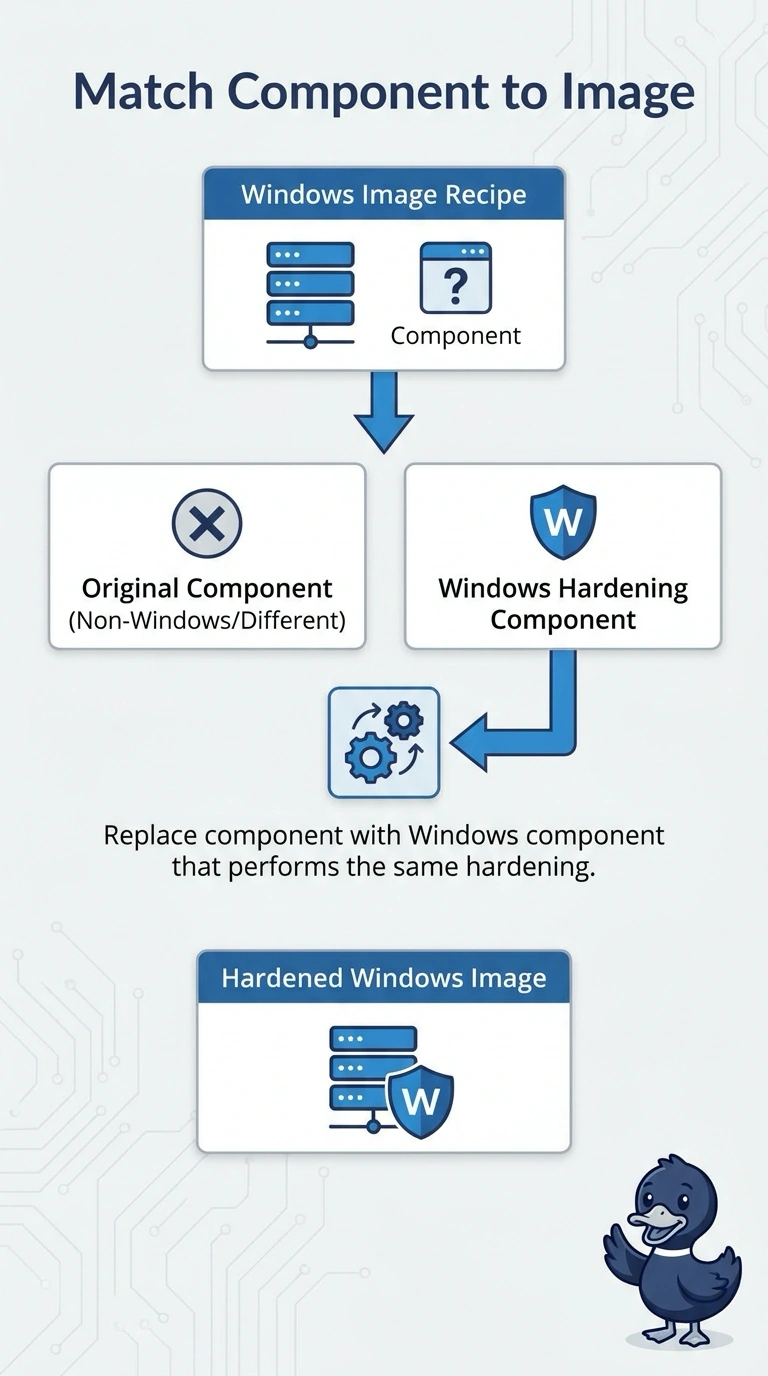
You can’t run a Linux component on a Windows image and expect the build to ignore the mismatch. Replace it with a Windows component that performs the same hardening, so your hospital fleet can stay on Windows. Changing the fleet’s operating system to suit one component would be the tail wagging the dog.
Full Explanation
Image Builder applies a component only on the platform the component supports. A Linux component on a Windows recipe fails because the platforms do not match; making the AMI public does not change that platform check. Replace the Linux component with a Windows component that performs the same hardening, keeping the recipe and hospital fleet on Windows. Switching the whole fleet to Linux just to accommodate one component is a separate and unnecessary change; it does not make the Windows recipe work as intended. Disabling every test component and publishing without the hardening step leaves out the control the pipeline is meant to apply, so it does not solve the mismatch safely. Making the AMI public affects its visibility, not which platform can run a component. Components declare a platform: a Windows hardening component uses Windows commands and features, while a Linux component uses commands the Windows build instance will not run. Caveat: confirm and pin the replacement component version you intend to use, since an unreviewed version change could alter a later build. Practical check: rerun the pipeline and verify that the Windows component completes and the resulting AMI is a Windows image.