
An EC2 Image Builder pipeline for a bank's golden AMI failed in the test component. The build instance is already gone. What should the operator read before changing the VPC?
Select an answer to reveal the explanation.
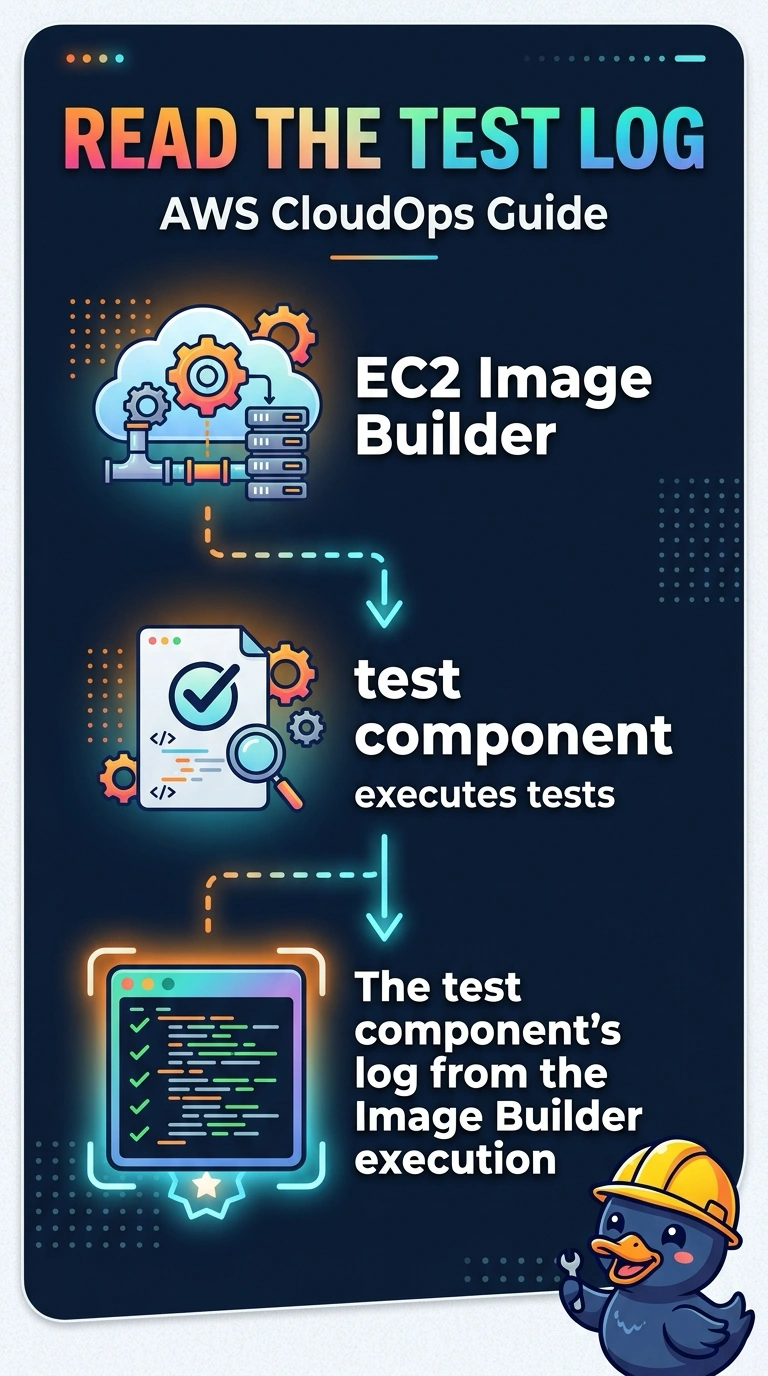
Short Explanation
When a recipe fails the taste test, you read the taster’s notes before renovating the kitchen. You can open the test component log from that Image Builder execution, even though the build instance is gone. The VPC is still a guess until the log shows that the network caused the problem.
Full Explanation
Image Builder records the output of each component, including a failed test, with the pipeline execution. That log is the first place to check whether a test command, a package, or a genuine network error failed the build. The build instance may already be terminated, but the log remains available with the execution. Starting with the VPC’s DHCP option set assumes a DNS problem that the question does not establish; last month’s AWS bill does not explain a component failure, and the bank’s public marketing hosted zone is unrelated to an AMI test. Caveat: if the log shows that the instance could not reach a repository, then investigate routes and endpoints—read the log before making that change. As a practical check, open the failed pipeline execution, follow the test component’s output, and review the test command and exit code before changing infrastructure. The execution page lists components in order and links to their output, so you can inspect the failure without the build instance. Make infrastructure changes only when the log identifies an issue such as a missing route, a denied API, or a package mirror; replacing the VPC first risks discarding a build that may have failed on a single assertion.