
A logistics partner needs one-time download of invoices from a private S3 bucket for 30 minutes without creating IAM users, while an analytics app needs scoped AWS API access from its EC2 role. Which temporary credential mechanism should the engineer implement to grant least-privilege short-lived access?
Select an answer to reveal the explanation.
Short Explanation
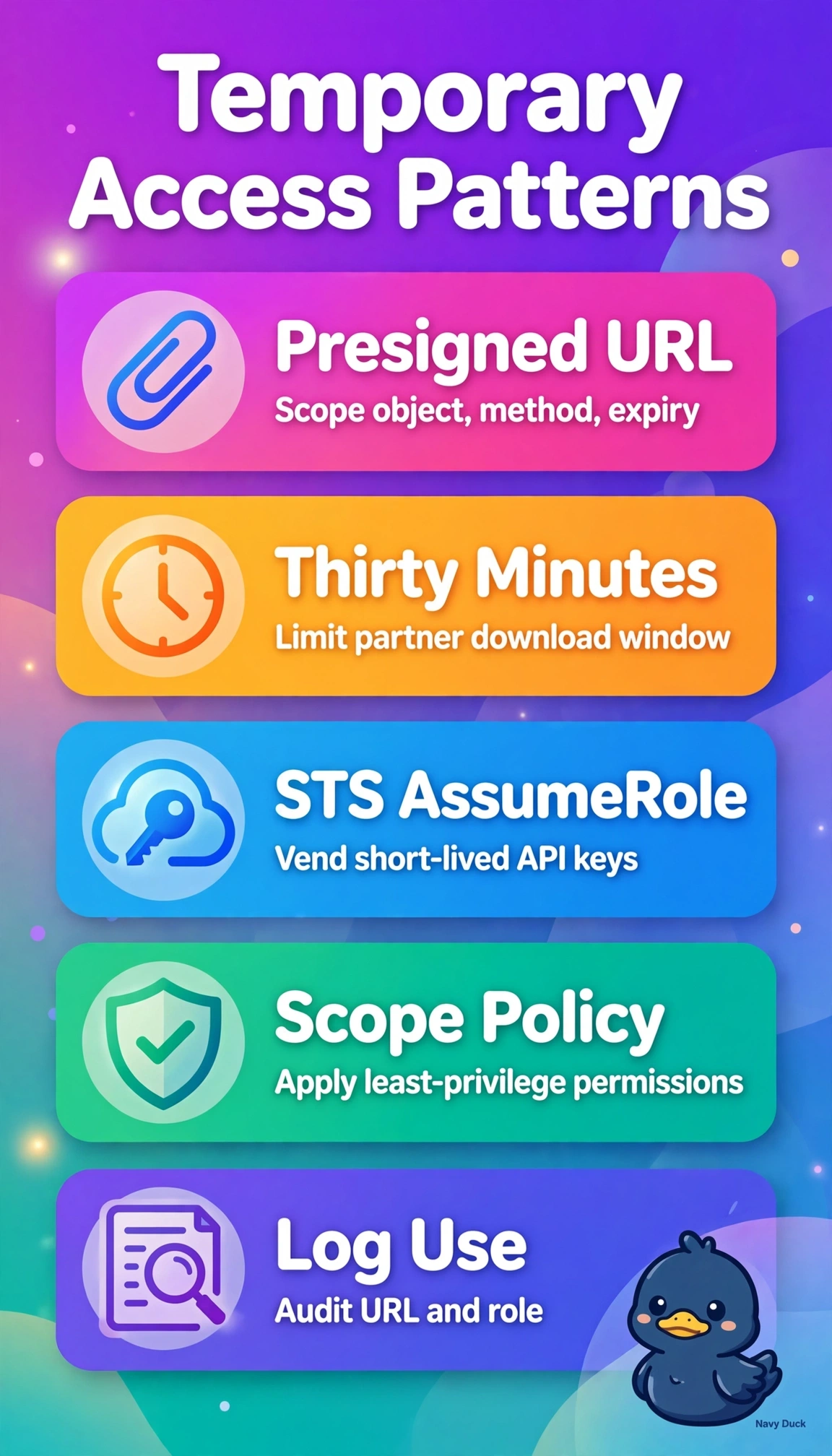
You can give the logistics partner a guest pass that stops working after 30 minutes with presigned URLs, without creating a user. For your analytics app, use STS AssumeRole from its EC2 role to provide scoped, short-lived API access.
Full Explanation
S3 presigned URLs provide the logistics partner a time-limited signature for downloading a specific object over HTTPS, without creating an IAM identity; setting a 30-minute expiry limits access to that window. For the analytics app, STS AssumeRole lets the EC2 instance profile obtain temporary credentials for a scoped role, with permissions controlled by its trust policy and least-privilege policies. Combining presigned URLs with static IAM user keys on EC2 gets the partner download right but leaves the app with long-term credentials that require manual rotation and increase compromise impact. Using AssumeRole with an external ID for both workloads gives the partner AWS API-capable credentials rather than a narrow object-download URL, adding complexity and potentially excess privilege. GetSessionToken for a dedicated partner IAM user does not meet the no-new-user requirement: it provides temporary credentials for an existing IAM user, while AssumeRole for the app does not remove that constraint. As an exam caveat, distinguish presigned URLs for HTTPS access to S3 objects from STS credentials for AWS API authentication. As a practical check, review CloudTrail AssumeRole events, verify the URL expiry timestamp, and test that downloads and API calls fail after expiration.