
A media firm needs editors to access S3 prefixes by project, EC2 workloads to fetch S3 without keys, and on-premises servers to use AWS APIs without stored secrets. Which authorization design best controls human, application, and system access appropriately?
Select an answer to reveal the explanation.
Short Explanation
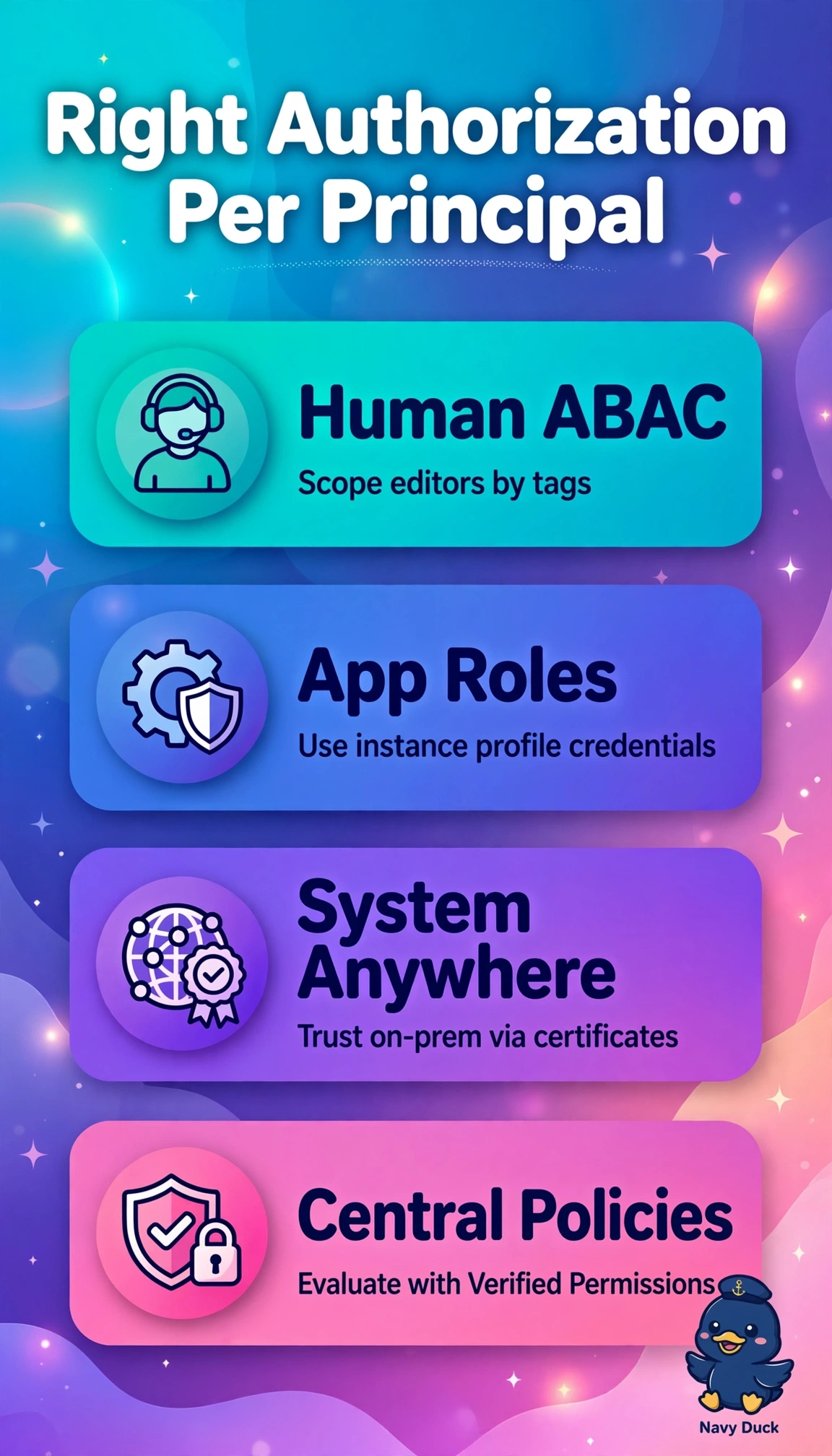
You've got editors, apps, and servers all knocking at once, so you'll love giving each one a pass that fits just right — like hotel keys for different floors. With ABAC permission sets, EC2 instance roles, and Roles Anywhere, your setup swaps stored secrets for short-lived access plus Verified Permissions checks.
Full Explanation
The correct design maps each identity to its native keyless broker while preserving project isolation, using IAM Identity Center permission sets with ABAC to bind editor session tags to S3 prefix conditions, EC2 instance profiles to supply short-lived credentials via instance metadata with no key handling, and IAM Roles Anywhere with trust anchor and certificate exchange for on-premises role assumption without long-term secrets, plus Verified Permissions for centralized fine-grained checks. The IAM-user-keys approach fails the no-stored-secrets mandate by giving on-premises servers long-term keys needing rotation, vaulting, and leakage risk despite correct ABAC and EC2 handling. The RBAC job-function approach fails project isolation by granting coarse shared S3 access without attribute conditions, requiring role sprawl to mimic scoping despite correct EC2 and Roles Anywhere use. The Secrets Manager on EC2 approach breaks keyless workloads by injecting fetchable credentials, losing metadata automatic rotation and widening blast radius if leaked via memory or logs. Exam caveat: Identity Center is for humans, instance profiles for EC2, Roles Anywhere for external hosts, and Verified Permissions authorizes rather than authenticates. Practical check: trace project tags to session to S3 conditions, verify trust policies limit assumption, and test lifetime and cross-project denies in CloudTrail.