
A clinic purchases new 5-megapixel diagnostic monitors for plain radiography interpretation in a room with large windows and overhead fluorescent lights. Radiologists report washed-out contrast and difficulty seeing subtle fractures during daytime reads. Which display monitor setup best preserves resolution and viewing conditions for diagnostic interpretation?
Select an answer to reveal the explanation.
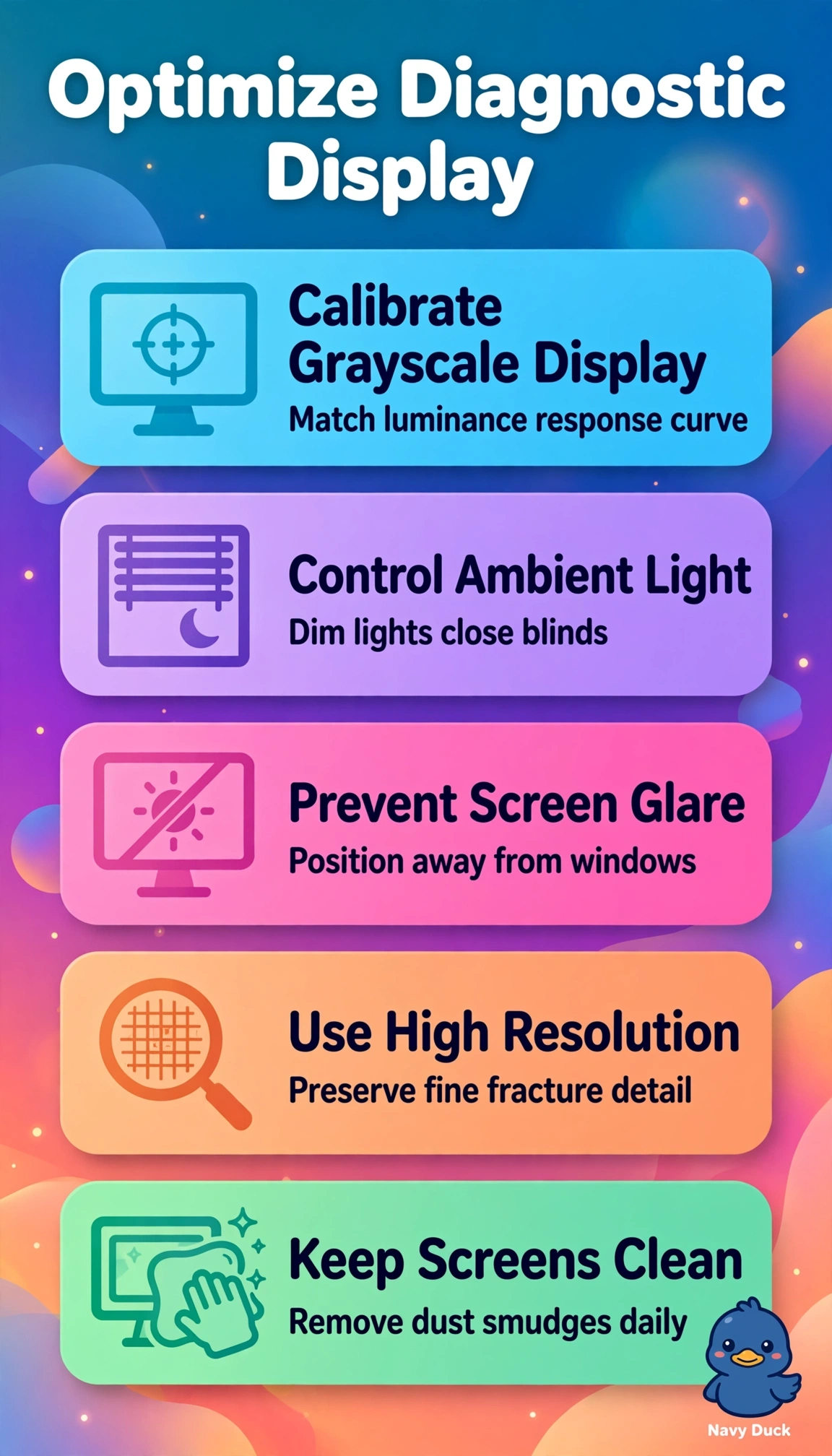
Short Explanation
You're fighting glare, not the fracture itself here. Controlling ambient light with calibrated luminance lets subtle detail pop through, protecting contrast-fidelity every read.
Full Explanation
Correct setup preserves subtle fracture detection by combining DICOM grayscale calibration for consistent luminance and contrast, controlled low ambient light to prevent veiling glare from windows and fluorescents, and maintained 5-megapixel resolution with clean screens for fine detail. Keeping bright ambient lighting for daytime workflow efficiency is common in clinical areas and retains calibration and resolution, yet it fails viewing conditions because excess illuminance elevates black level and washes out contrast despite proper calibration. Using vendor preset vivid mode with clean high-resolution monitors in controlled light is popular to make bones appear sharper, yet it fails calibration because non-DICOM curves distort grayscale tracking and render subtle densities inconsistently across stations. Using calibrated 3-megapixel review monitors in controlled light with clean screens is standard for ward or clinic review, yet it fails because review-class displays are not intended for primary diagnostic interpretation and would waste the diagnostic-grade 5-megapixel monitors the clinic already purchased. Exam caveat is to separate primary diagnostic display requirements from acceptable review display practice and to treat washed-out daytime contrast as a cue for ambient control plus DICOM calibration rather than resolution alone. Practical check is to shield windows, dim overheads, verify DICOM conformance with a photometer and TG18 pattern, confirm native resolution, and clean screens before repeating the read.