
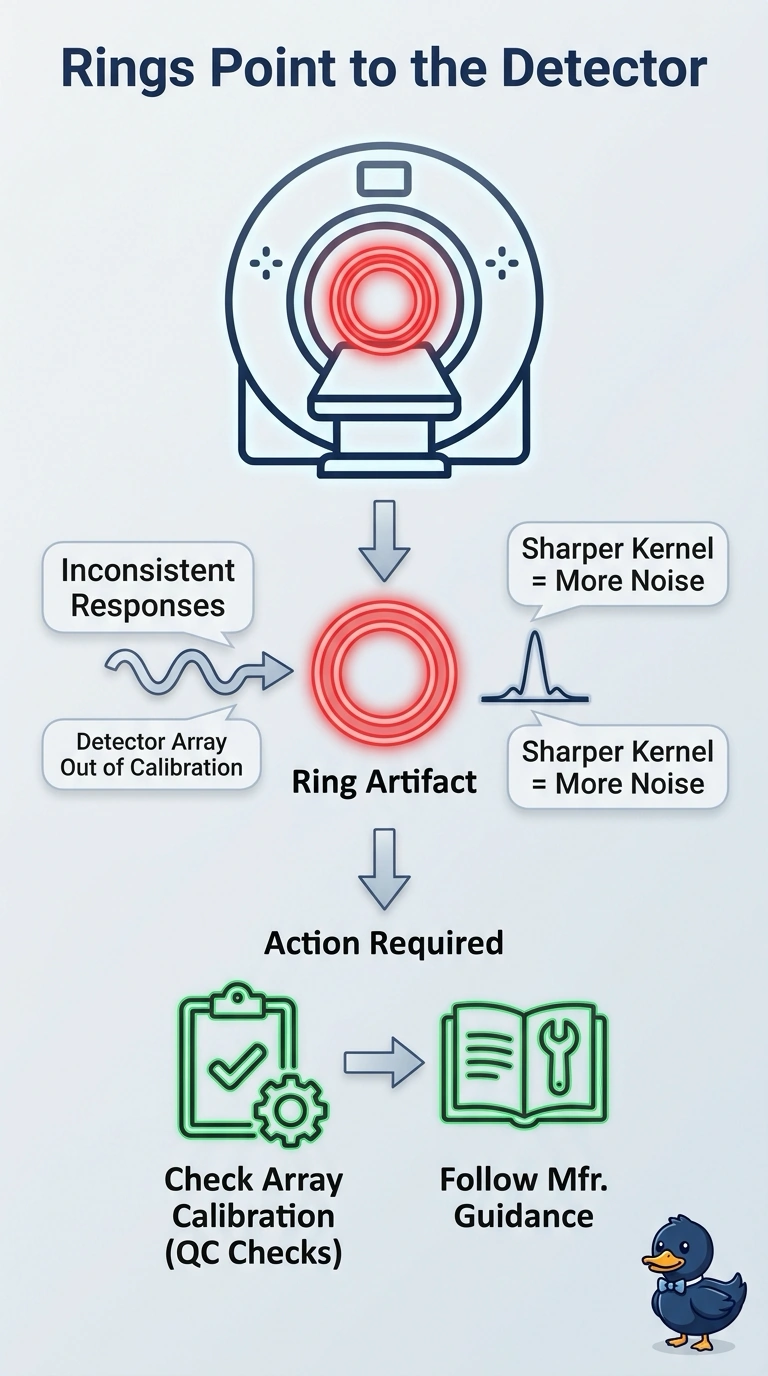
Concentric ring artifacts in a CT simulator image appear when one specific component drifts out of calibration, and the rings stay centered on the rotation axis throughout the reconstructed image. Which component generates this artifact pattern?
Select an answer to reveal the explanation.
Short Explanation
When you see rings centered on the rotation axis, the detector array is likely out of calibration, so its elements respond inconsistently. Think of a repeating mark from a stuck pixel; check detector calibration and follow the manufacturer’s quality-control and service procedures.
Full Explanation
Concentric rings that remain centered on the rotation axis are characteristic of inconsistent detector-element responses during CT reconstruction, so the detector array is the component indicated. When detector elements are out of calibration, their differing responses can be reconstructed as circular bands around the axis. A degraded X-ray tube focal spot can lower spatial resolution and blur fine detail, but that is not the characteristic ring pattern. A sharper reconstruction kernel can raise image noise without changing the hardware; it does not explain rings caused by inconsistent detector responses. Couch vibration during rotation can produce motion blur or misregistration, rather than rings centered on the rotation axis. One caveat is that a defective detector element can also generate a ring, so the pattern alone does not establish whether calibration drift or a hardware fault is responsible. As a practical check, assess detector calibration using the manufacturer’s quality-control procedures and follow its service guidance if the artifact persists.