
A library public kiosk runs Claude for visitors. Which tool control fits?
Select an answer to reveal the explanation.
Short Explanation
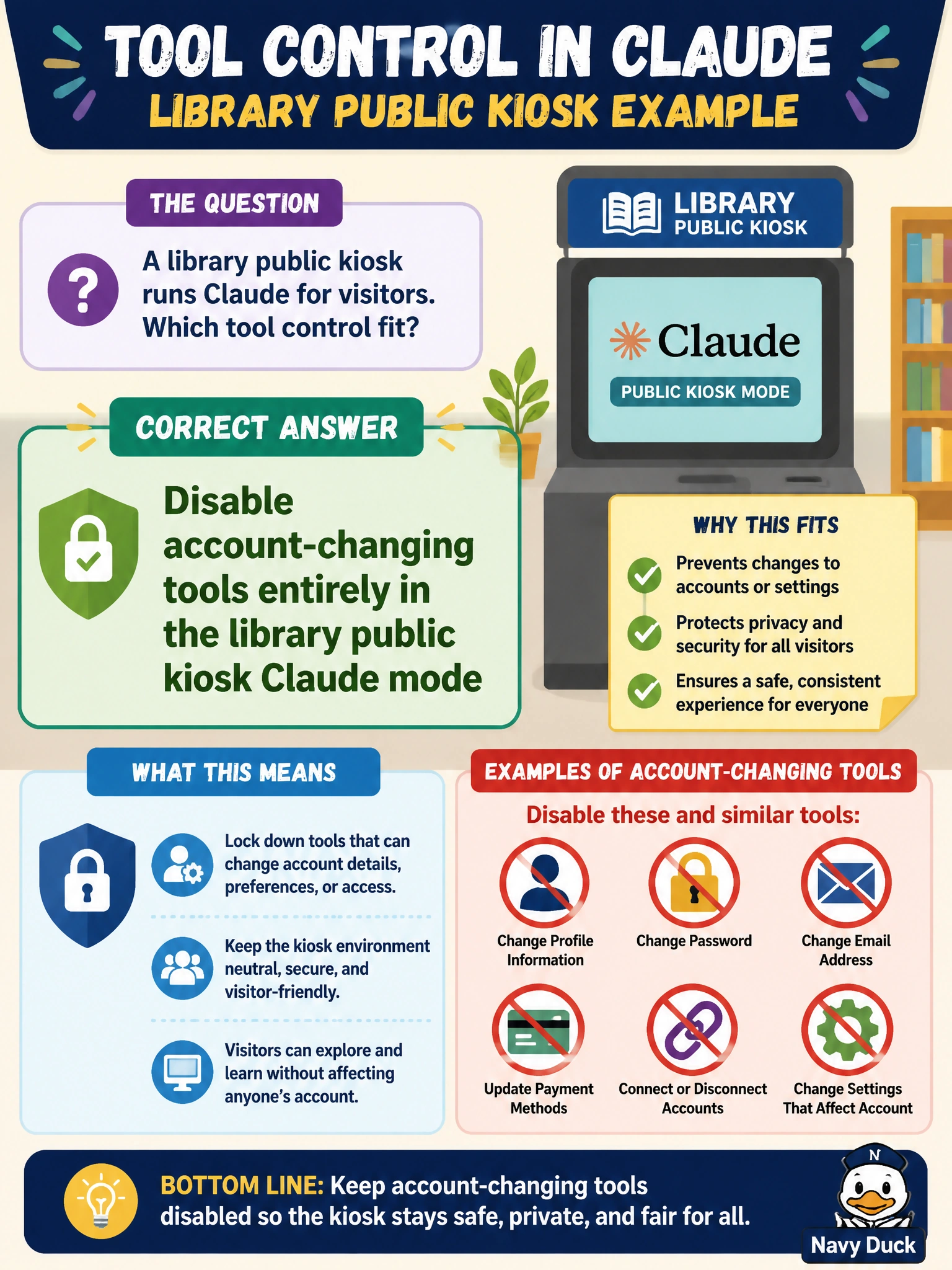
Unattended kiosks shouldn't change accounts—turn those tools all the way off for public Claude mode. A confirmation click, an after-the-fact log, or scoping to the current session still leaves the door open for anyone standing at the terminal.
Full Explanation
Disabling account-changing tools entirely in library public kiosk Claude mode is the correct tool control for unattended visitor terminals. That control works because kiosk users are often anonymous or lightly identified, and password resets or patron-account edits are privileged actions that do not belong on a shared public surface. Turning those tools off removes an entire abuse class—malicious or accidental account takeover—from the kiosk assistant.
Gating account-changing tools behind a visitor confirmation prompt in kiosk mode fails conceptually because an unattended terminal still lets any visitor click through to privileged account actions, leaving the abuse risk intact. Logging account-changing tool uses for later librarian review of kiosk visitor sessions fails because it only detects misuse after the fact rather than preventing password resets or patron-account edits on a shared public terminal. Scoping account-changing tools to the active visitor session in kiosk mode fails as a deployment pattern: physical access to an unattended terminal still lets the active visitor mutate privileged accounts, creating municipal account risk.
Exam caveat: staff-facing Claude modes may still need account tools under authentication; the disablement requirement is specific to public kiosk mode, not every library assistant. Operational check: ship distinct tool policies for kiosk versus staff modes, assert account-changing tools are absent from kiosk allowlists, test that reset/edit calls are rejected, and re-verify after each library assistant release.