
On this blueprint, which Git operation is named for switching the worktree onto another branch or restoring a file path from a revision?
Select an answer to reveal the explanation.
Short Explanation
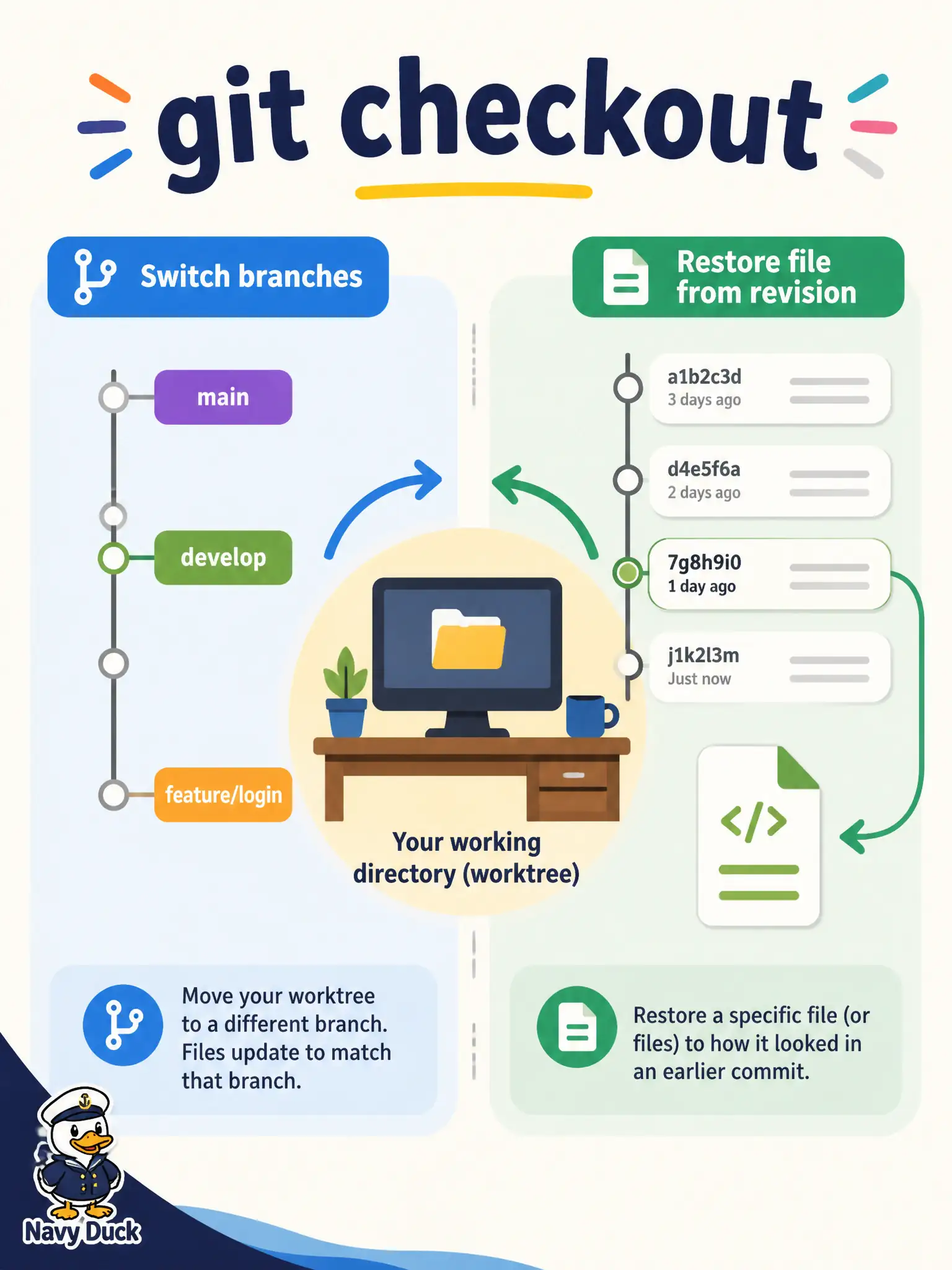
checkout is the blueprint’s name for hopping to another branch or bringing a file back from a revision—like changing which folder is open on your desk. It is not how you publish an undo of a commit others already pulled.
Full Explanation
On this blueprint, git checkout is the operation named for switching the worktree onto another branch or restoring a file path from a revision—like changing which folder is open on your desk. Classic checkout moves HEAD to another branch or brings a path back from a given revision into the worktree. That is the switch-or-restore verb the question asks for, distinct from undo-on-shared-history workflows.
git revert of a published main commit is how you undo a change by adding a new inverse commit; it is not the daily way to switch feature branches. git reset --hard origin/main as the routine branch-switch command is destructive to local work and is not the named switch/restore operation. git cherry-pick copies specific commits onto the current branch; it is not the official switch-or-restore verb for changing branches or restoring a path.
Exam caveat: newer Git also documents git switch and git restore as split verbs for the same ideas—exam items that still say checkout mean that classic combined behavior. Operational check: create a scratch branch with a known file edit, use checkout to move to another branch and back, then checkout a single path from a prior revision and confirm only that path reverts while unrelated local edits remain intentional.