
A bad commit that broke Ansible inventory parsing is already on the shared main branch and teammates have fetched it. How should the team undo that change safely?
Select an answer to reveal the explanation.
Short Explanation
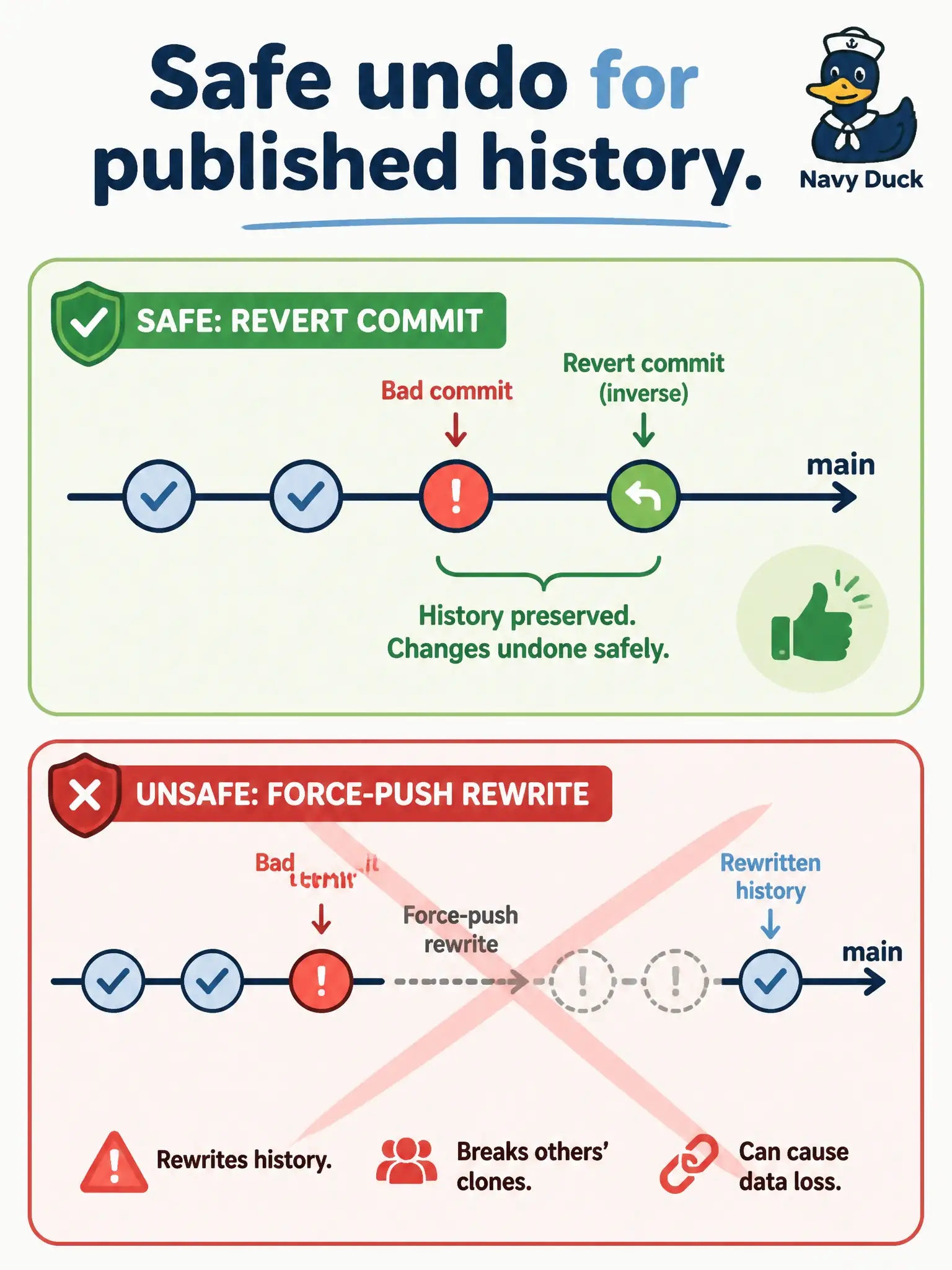
Once the bad change is in everyone’s hands, you do not rip pages from the shared book—you add a new page that crosses out the mistake. That new page is git revert. Resetting shared main and force-pushing breaks teammates who already fetched.
Full Explanation
When a bad commit that broke Ansible inventory parsing is already on shared main and teammates have fetched it, undo safely with git revert: add a new commit that applies the inverse while leaving history intact. Once the mistake is in everyone’s hands, you do not rip pages from the shared book—you add a page that crosses out the mistake. Revert preserves SHAs teammates already have and makes the undo reviewable and deployable like any other change.
git reset --hard on shared main plus force-push rewrites history others already fetched, breaking their clones and any open work based on the old tip. Deleting the remote repository and recreating it without the commit is catastrophic operational theater, not a controlled undo. Checking out an unrelated tag and abandoning main permanently leaves the shared integration line undefined and does not surgically reverse the bad inventory-parsing change.
Exam caveat: revert of a merge commit needs explicit parent selection; for a simple bad commit on main, a normal revert suffices—coordinate if multiple bad commits stacked. Operational check: revert the offending SHA on a branch, run Ansible inventory parsing tests, merge or push the revert to main, and confirm teammates can pull a fast-forward without rebase or force-fetch recovery.