
A parks-department ChatOps bot sits in several Webex spaces, but status automation must react only to messages in one designated ops room. What does setting the webhook filter accomplish?
Select an answer to reveal the explanation.
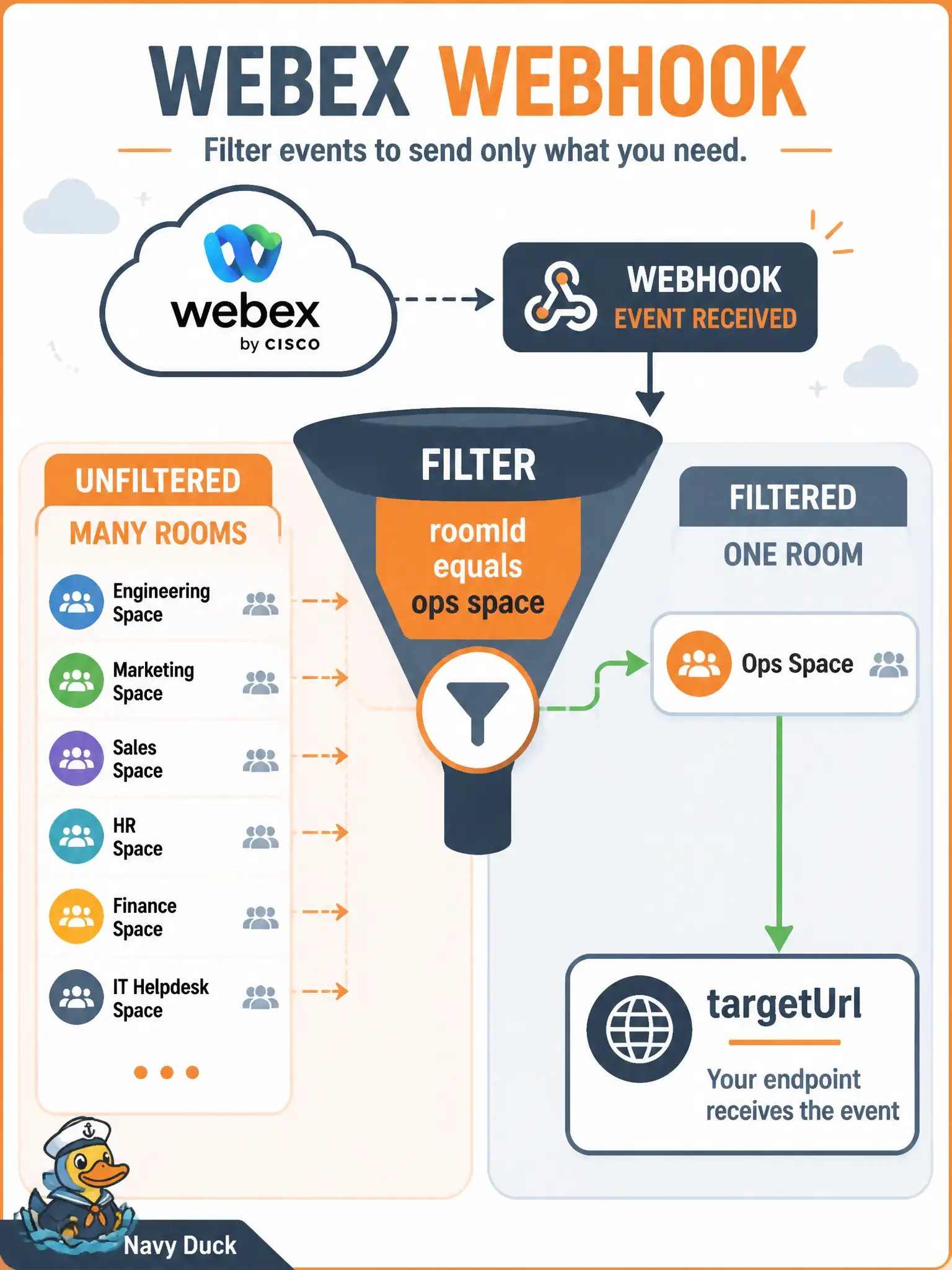
Short Explanation
Without a filter, every space the bot is in becomes a firehose into your app. The filter is the door marked “ops room only,” usually keyed by roomId.
Full Explanation
A parks-department ChatOps bot that belongs to several Webex spaces will generate messages/created (and related) events across all of those rooms unless the webhook is scoped. Setting the webhook filter—commonly a roomId=… expression—limits which events Webex delivers to your targetUrl so only traffic from the designated ops room reaches the automation consumer. That keeps status bots from reacting to chatter in unrelated project spaces while still allowing the bot to remain a member elsewhere if needed.
Renaming the webhook in the developer portal fails the scoping problem: display naming helps humans find a registration, but it does not constrain which room events are pushed. Replacing targetUrl with a rate-limit retry queue confuses Domain 2 consumer resilience patterns with webhook configuration; filters do not turn the callback URL into a retry fabric. Converting every messages/created event into a Firepower FDM deploy job fails by inventing a cross-product side effect—webhook filters select event delivery, they do not transform ChatOps traffic into firewall deploy operations.
Exam caveat: without a filter, a multi-room bot is a firehose; filters are about event selection, not authentication of the targetUrl.
Operational check: register (or update) the webhook with resource/event of interest and a roomId filter for the ops space, post a test message in that room and in a non-ops room, and confirm only the ops-room event hits your receiver logs.