
Before a transit-ops ChatOps bot can post into an existing Webex space, which API call correctly adds the bot to that room?
Select an answer to reveal the explanation.
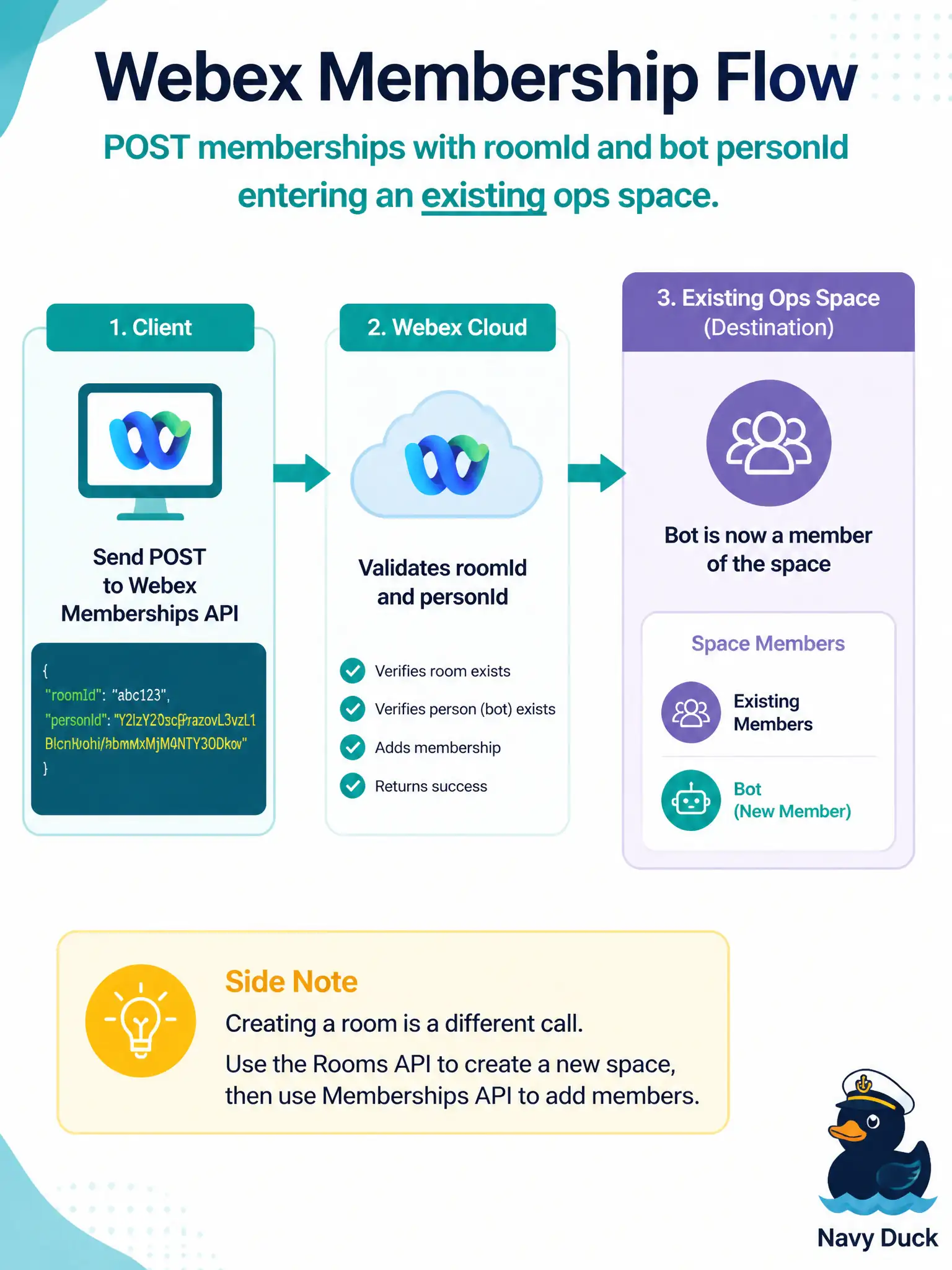
Short Explanation
A bot cannot shout into a room it has not joined—membership is the invite card. Creating a new room is a different call and is not required just to enter an existing ops channel.
Full Explanation
Before a transit-ops ChatOps bot can post into an existing Webex space, that bot must be a member of the room. The correct API action is to POST a membership that includes the room identifier together with the bot’s email or person id. Membership is the invite that grants the bot permission to create messages in that space; without it, message posts fail even if the bot token is valid elsewhere.
Creating a brand-new room for every outage fails the operational goal of joining an existing ops channel: operators already watch a known space, and proliferating rooms hides notices rather than delivering them where staff look. Posting a message first and assuming Webex auto-joins the bot fails because message create does not invent membership; the bot must already be able to address that roomId as a member. Deleting and recreating the room with the bot name in the title fails by destroying history and memberships and by confusing display naming with the membership resource—titles are not join credentials.
Exam caveat: room create and membership create are separate resources; task wording that says “existing space” points to membership, not room factory patterns.
Operational check: GET memberships filtered by roomId (or list people in the space) after the POST and verify the bot’s person id appears, then POST a short test message into that roomId with the bot token.