
A permit-status Function prints valid JSON objects, but Logging Search cannot filter on nested fields. Which application setting change unlocks structured fields for advanced filters?
Select an answer to reveal the explanation.
Short Explanation
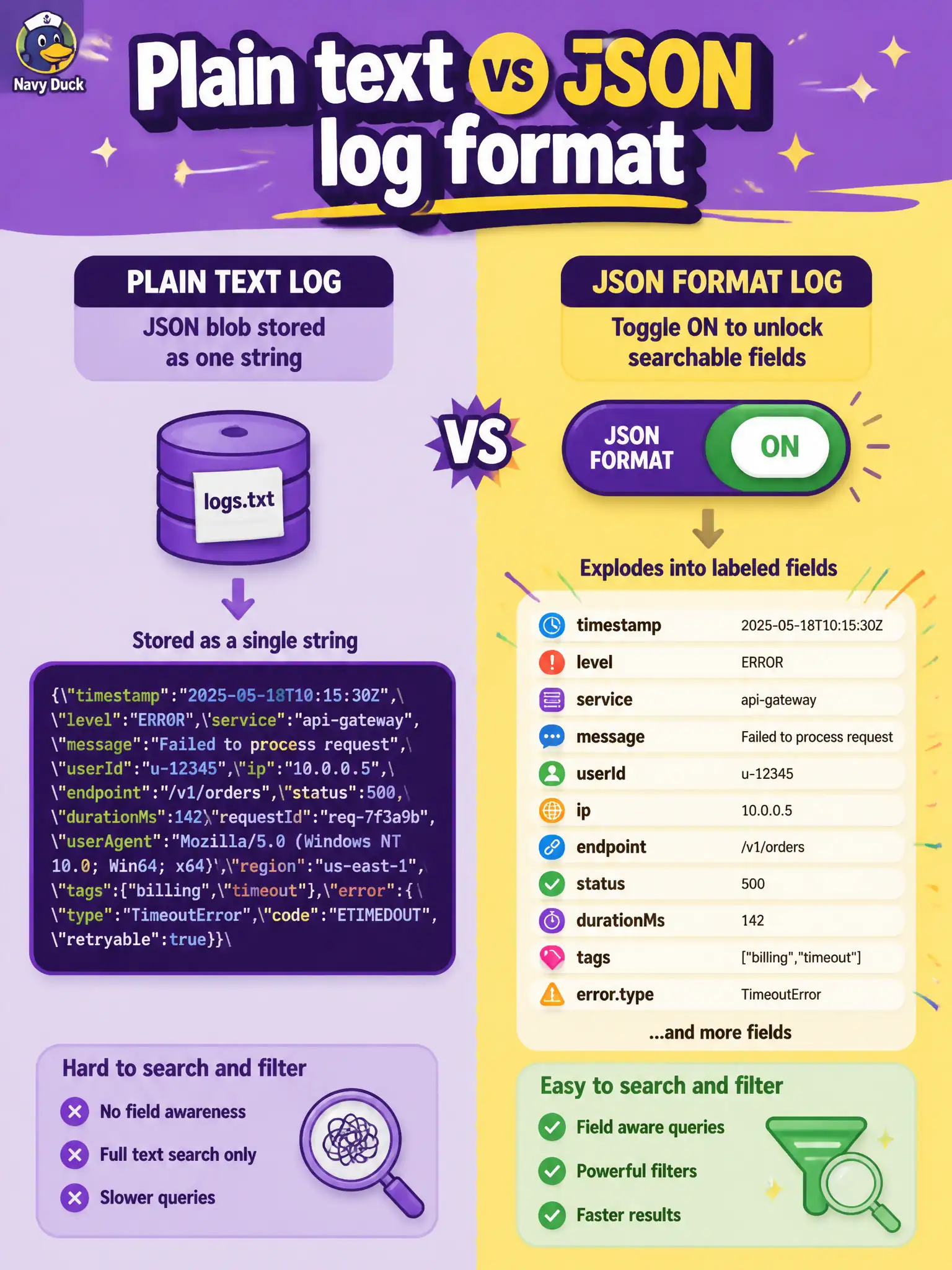
Default plain text keeps even pretty JSON as one opaque string. Flip the application to JSON format and valid lines become fields advanced search can filter.
Full Explanation
Functions applications expose a logging line format setting. The default is plain text: even if the permit-status Function prints valid JSON objects, Logging may store the payload as an opaque string, so advanced Search cannot filter on nested fields. Setting the application logging line format to JSON promotes valid JSON lines into structured fields that filters and aggregates can address. That application-level switch is what unlocks field-aware search for this pattern.
Switching the tenancy Audit log to JSON mode for all services misses the point—Audit is a different log kind and does not control Functions application line parsing. Deleting the log group does not promote fields; it removes organization and can strand or delete log configuration rather than fix structure. Enabling only plain-text format because "JSON lines are always queryable fields by default" is the opposite of documented behavior—plain text keeps JSON as a string.
Exam caveat: malformed JSON under JSON format may not yield the structured fields you expect—validate handler output is single-line valid JSON objects. Operational check: set the Functions application to JSON line format, emit a known nested field (for example statusCode or permitId), invoke, then run an advanced Logging Search filter on that field and confirm matches instead of full-string-only queries.