
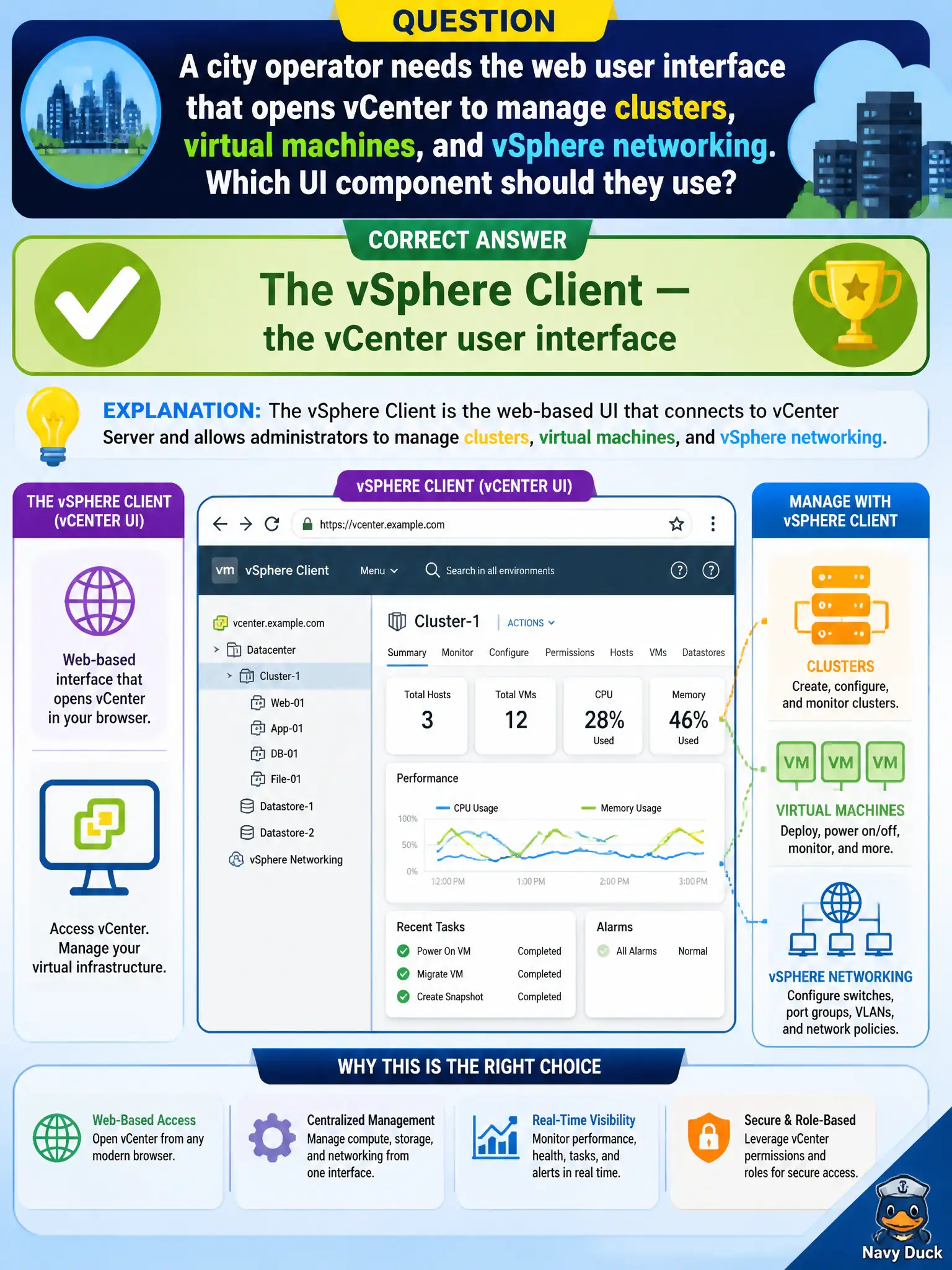
A city operator needs the web user interface that opens vCenter to manage clusters, virtual machines, and vSphere networking. Which UI component should they use?
Select an answer to reveal the explanation.
Short Explanation
The vSphere Client is the front door to vCenter. NSX Manager is a different product's door for overlay and firewall. Horizon and Carbon Black are EUC and endpoint consoles, not the civic VM inventory UI.
Full Explanation
A city operator who needs the web user interface that opens vCenter to manage clusters, virtual machines, and vSphere networking should use the vSphere Client—the vCenter user interface. That client is the front door to the civic hypervisor management server for day-2 compute operations such as inventory, HA settings, and VDS edits. NSX Manager Policy mode is the UI/API experience for NSX overlay, routing, and security—not the vCenter UI for clusters and VMs. The Horizon Administrator console manages EUC pools and sessions for virtual desktops and published apps. The Carbon Black Cloud console manages endpoint sensors and detections for workload protection. Exam caveat: operators often keep several consoles open; choosing the correct console for the task is an associate skill. Managing a VM’s hardware, a cluster HA setting, or a VDS port group is a vSphere Client task, not an NSX Policy, Horizon Administrator, or Carbon Black task. Do not open NSX Manager first when the ticket is purely about vSphere cluster membership or VM hardware. Operational check: authenticate to the vSphere Client against vCenter, perform a simple VM or cluster inventory action, and confirm the same action is not available as the primary workflow in NSX Manager, Horizon Administrator, or Carbon Black Cloud when the ticket is about vSphere compute management.