
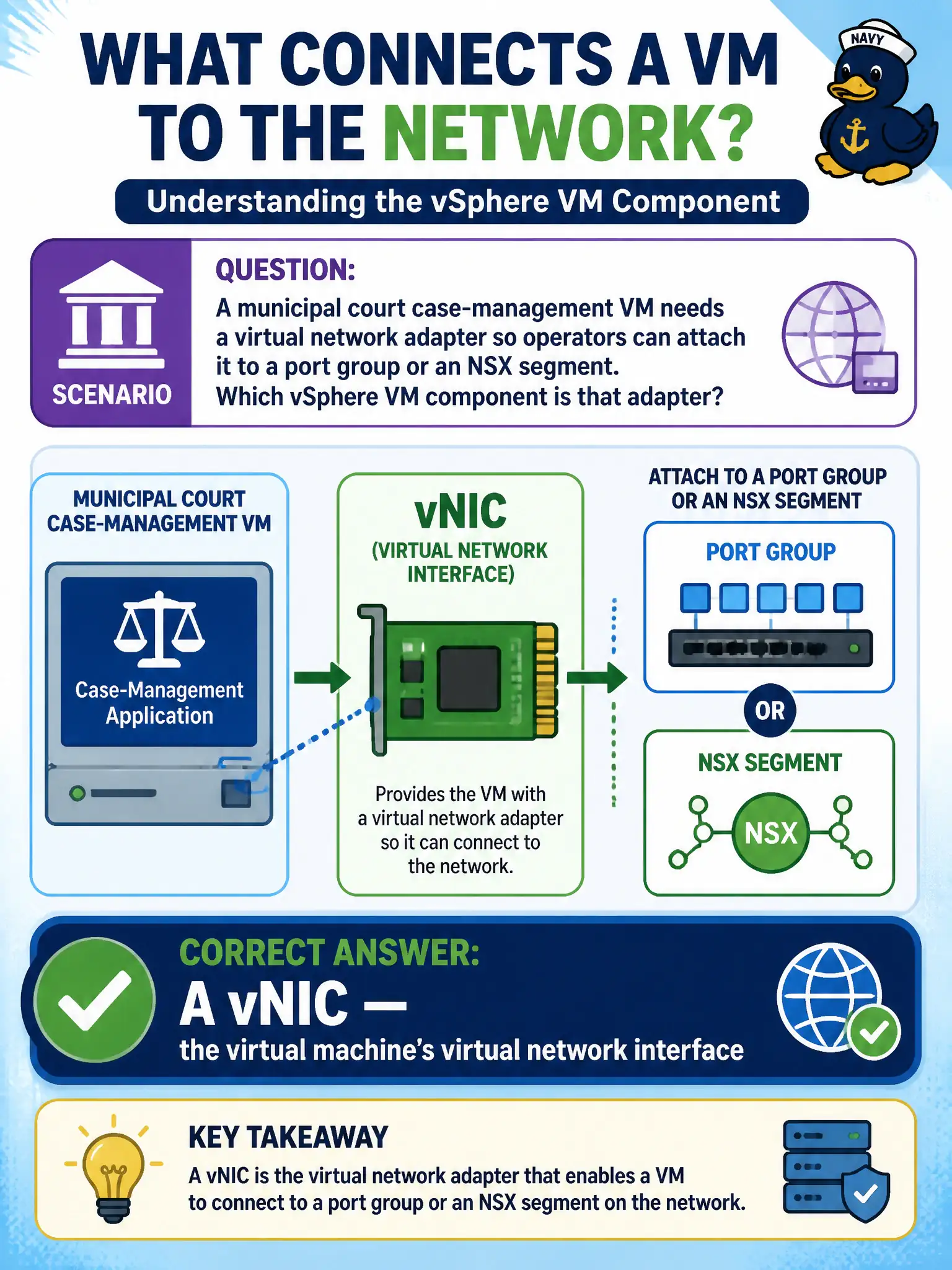
A municipal court case-management VM needs a virtual network adapter so operators can attach it to a port group or an NSX segment. Which vSphere VM component is that adapter?
Select an answer to reveal the explanation.
Short Explanation
The vNIC is the court VM's virtual network jack. Plug it into a port group or an NSX segment and the guest can talk. A VMkernel adapter is the host's own jack for vMotion and management, not the guest's.
Full Explanation
A municipal court case-management VM that needs a virtual network adapter so operators can attach it to a port group or an NSX segment requires a vNIC—the virtual machine’s virtual network interface. The vNIC is the court VM’s virtual network jack; plug it into a port group or segment and the guest can communicate on that Layer-2 network. A VMkernel adapter used by ESXi for vMotion and management is the host’s own service interface, not the guest’s adapter for case-management traffic. An NSX VTEP that is installed inside the guest operating system confuses host tunnel endpoints with the VM’s vNIC; TEPs live on transport nodes for Geneve, not as the guest’s primary attachment object. A physical uplink profile stored on the virtual machine misplaces uplink profiles, which apply to transport-node pNIC teaming and underlay parameters, not as a piece of VM virtual hardware. Exam caveat: Distributed Firewall and many troubleshooting views key off the vNIC or segment port; attaching the wrong network is a common root cause that looks like an application outage. Operational check: edit the court VM’s hardware and confirm a vNIC connected to the correct port group or NSX segment; do not look for a guest-installed VTEP or an uplink profile on the VM as the attachment mechanism when validating connectivity.