
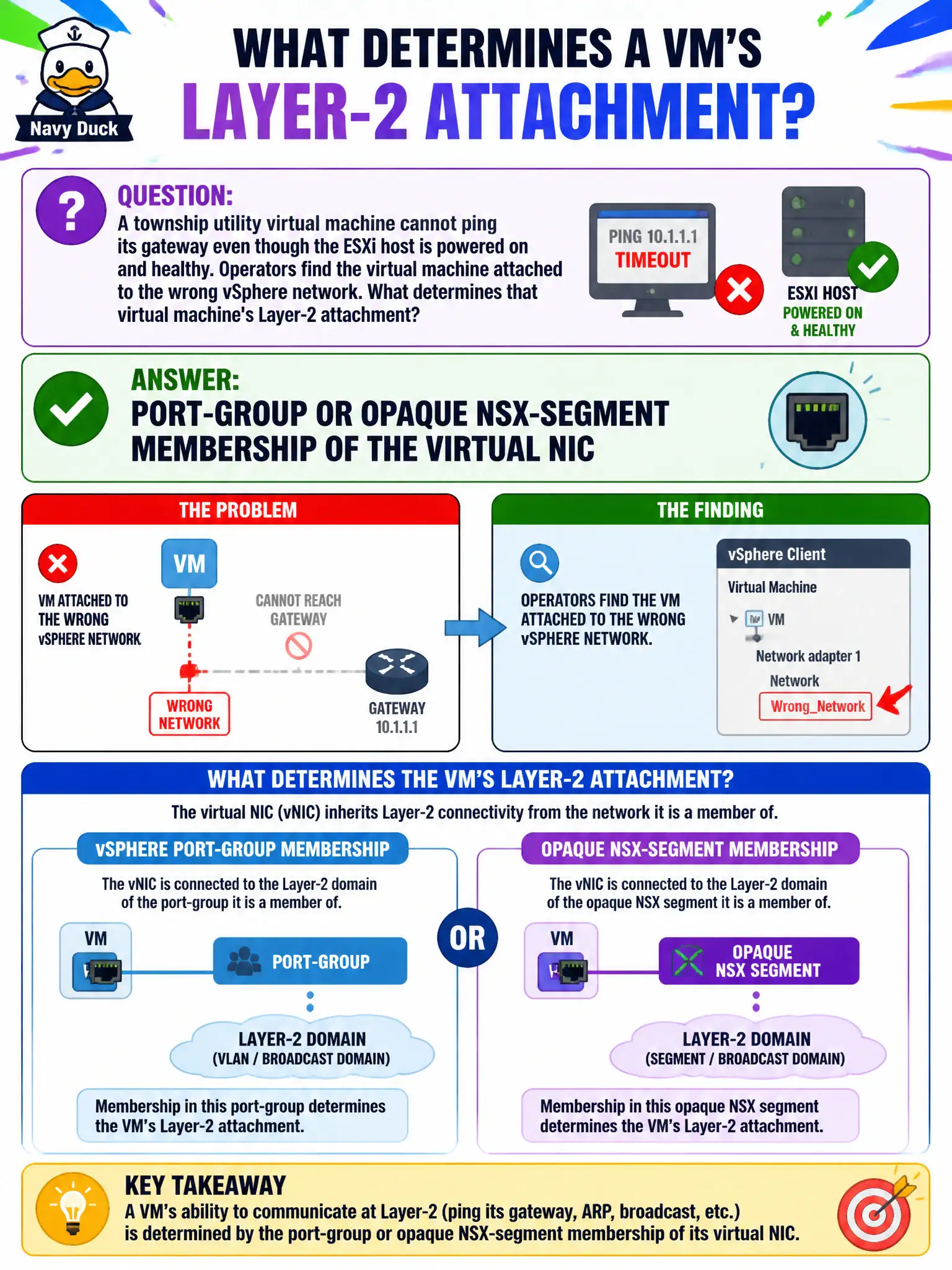
A township utility virtual machine cannot ping its gateway even though the ESXi host is powered on and healthy. Operators find the virtual machine attached to the wrong vSphere network. What determines that virtual machine's Layer-2 attachment?
Select an answer to reveal the explanation.
Short Explanation
The host can be wide awake and the guest still plugged into the wrong jack. Connectivity follows the vNIC's port group—or an opaque NSX segment—not the power LED, the disk groups, or a Horizon pool.
Full Explanation
A township utility virtual machine that cannot ping its gateway while the ESXi host is powered on and healthy is often simply attached to the wrong vSphere network. Layer-2 attachment is determined by port-group or opaque NSX-segment membership of the virtual machine’s virtual NIC—not by the chassis power LED. The host can be wide awake while the guest is plugged into the wrong jack. Whether the ESXi host chassis is powered on is a prerequisite for any guest networking but does not select which L2 network the vNIC joins. The number of vSAN disk groups on the host affects storage capacity and policies, not the VM’s Ethernet broadcast domain. The Horizon desktop pool the virtual machine belongs to (if any) controls EUC entitlement and brokering, not the vSphere or NSX network attachment of a utility guest. Exam caveat: after NSX, the attachment may appear as an opaque network or segment in vCenter; the principle is unchanged—connectivity follows vNIC membership. Do not troubleshoot overlay TEPs first when the guest is simply on the wrong port group. Operational check: inspect the VM’s network adapter and confirm the connected port group or NSX segment; compare with a working peer on the correct network; move the vNIC if needed and retest ARP and ping to the gateway.