
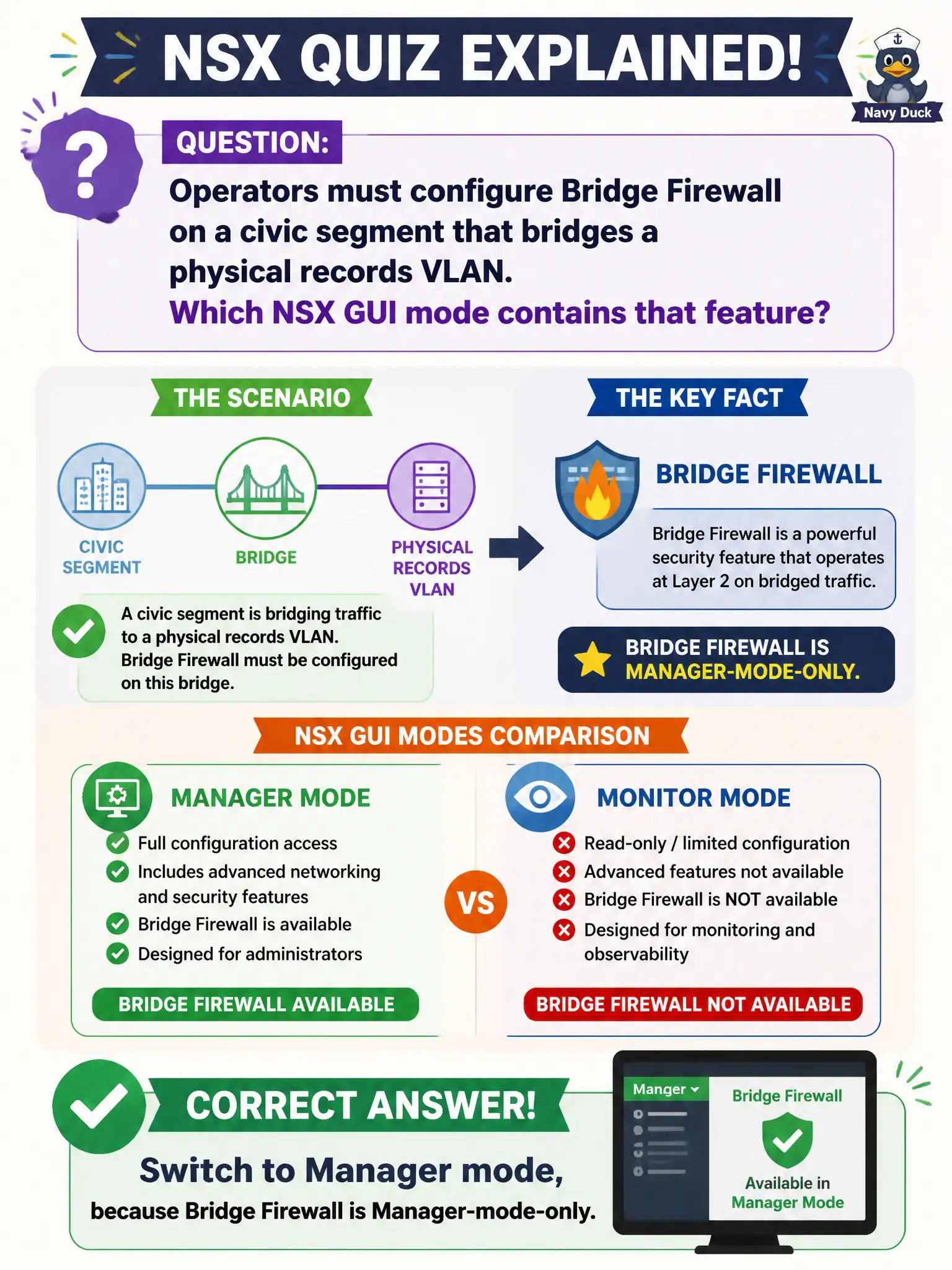
Operators must configure Bridge Firewall on a civic segment that bridges a physical records VLAN. Which NSX GUI mode contains that feature?
Select an answer to reveal the explanation.
Short Explanation
Some leftover advanced tools live only in the Manager-mode cabinet. Bridge Firewall is one of them. Hunting Policy Security, Horizon, or vSAN will not surface it.
Full Explanation
Operators who must configure Bridge Firewall on a civic segment that bridges a physical records VLAN switch to Manager mode, because Bridge Firewall is Manager-mode-only per NSX Manager UI capability tables. Staying in Policy Security and searching until Bridge Firewall appears under Distributed Firewall will not surface a Manager-only feature. Opening Horizon Administrator → Network → Bridged Desktops confuses EUC bridged networking with NSX Bridge Firewall. Enabling vSAN File Services and treating file shares as Bridge Firewall confuses storage services with L2 bridge firewalling. Exam caveat: mixed Policy/Manager fabrics require documenting which advanced bridge controls remain Manager-only so on-call staff do not waste time in Policy. Operational check: switch to Manager mode, open Bridge Firewall for the bridged records segment, apply the required rules in a maintenance window, and verify physical-to-overlay flows still match the records VLAN policy. In municipal operations, record the chosen control and the rejected alternatives in the change ticket so future on-call staff understand which failure modes would affect city services. Re-validate after the next maintenance window that the same GUI path and realized state still hold under the current NSX build used by the civic platform team.