
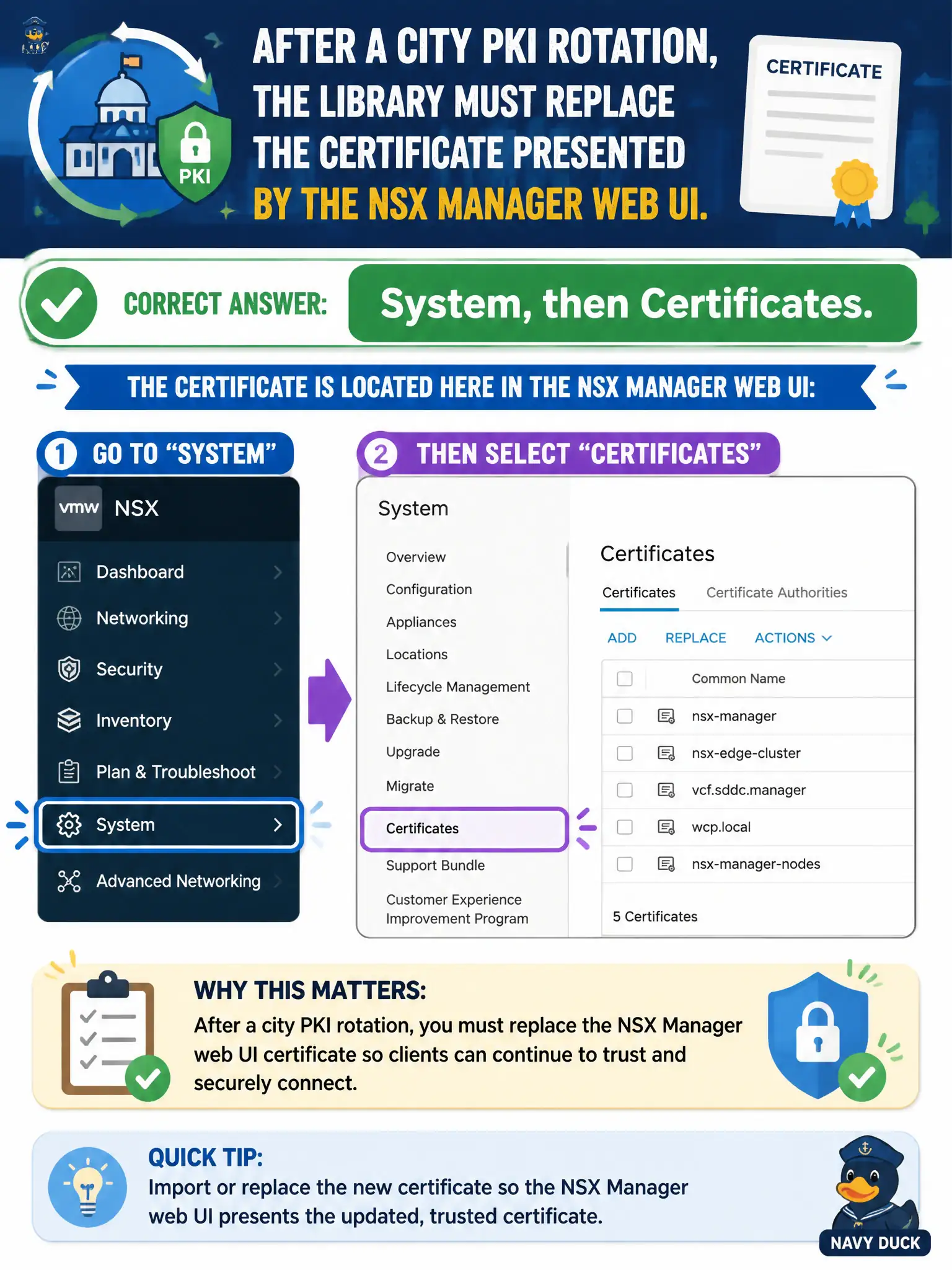
After a city PKI rotation, the library must replace the certificate presented by the NSX Manager web UI. Which NSX GUI location holds that certificate?
Select an answer to reveal the explanation.
Short Explanation
The library website's nameplate hangs in the civic records room, not in vCenter's SSO drawer. System, then Certificates, is where you replace the NSX Manager UI cert. VPN profiles and Inventory groups are different cabinets.
Full Explanation
After a city PKI rotation, the library replaces the certificate presented by the NSX Manager web UI under System → Certificates—the GUI store for Manager HTTPS identity. Using the vCenter SSO certificates page is incorrect because that store serves vCenter identity services, not the NSX Manager GUI certificate. Uploading the web UI certificate as an IPsec profile under Networking → VPN confuses VPN trust material with the Manager appliance certificate assignment. Attaching the certificate to an Inventory group of Managers does not install or present the UI certificate. Exam caveat: replacing the cert requires applying/assigning it to the Manager service and may briefly interrupt UI sessions; plan the civic maintenance window accordingly. Operational check: import the new civic PKI certificate under System → Certificates, assign it to the Manager UI service per runbook, browse to https://Manager and verify the presented chain, then update monitoring that checks certificate expiry. In municipal operations, record the chosen control and the rejected alternatives in the change ticket so future on-call staff understand which failure modes would affect city services. Re-validate after the next maintenance window that the same GUI path and realized state still hold under the current NSX build used by the civic platform team.