
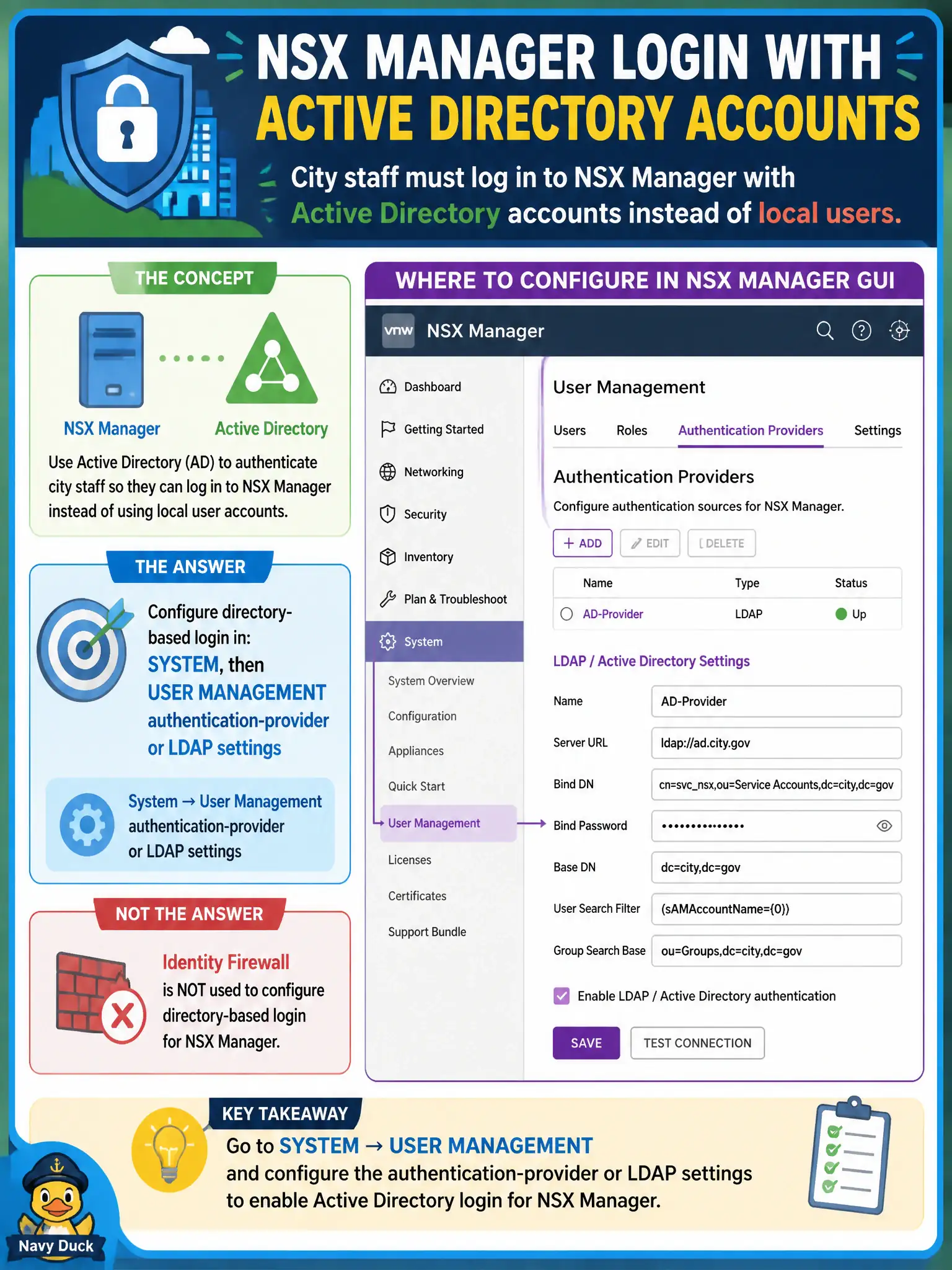
City staff must log in to NSX Manager with Active Directory accounts instead of local users. Which NSX GUI location configures that directory-based login?
Select an answer to reveal the explanation.
Short Explanation
Logging into city hall is the front-door badge reader, not the hallway camera. Directory login is System User Management (LDAP or identity source). Identity Firewall uses AD to group workloads; it is not the Manager sign-on page.
Full Explanation
City staff who must log in to NSX Manager with Active Directory accounts configure directory-based login under System → User Management authentication-provider or LDAP settings—not Identity Firewall. Opening Security → Distributed Firewall Identity Firewall confuses workload identity matching with the Manager sign-on source: IDFW uses directory groups for rule membership, not the login page. Creating a Networking → DHCP pool so Active Directory can lease addresses does not bind NSX Manager authentication to AD. Building an Inventory → Groups AD group used only as the Manager login page invents a group object that is not the authentication-provider configuration. Exam caveat: after LDAP or identity-source binding, still assign NSX roles to directory users or groups; directory login alone does not grant Enterprise Admin. Operational check: configure the authentication provider under System user management, test an AD user login on a non-production Manager or maintenance window, confirm role mapping, and keep a break-glass local admin documented for civic outages. In municipal operations, record the chosen control and the rejected alternatives in the change ticket so future on-call staff understand which failure modes would affect city services. Re-validate after the next maintenance window that the same GUI path and realized state still hold under the current NSX build used by the civic platform team.