
After creating the library overlay segment in NSX Manager, operators must confirm it appeared for vSphere admins. What should they expect in vCenter?
Select an answer to reveal the explanation.
Short Explanation
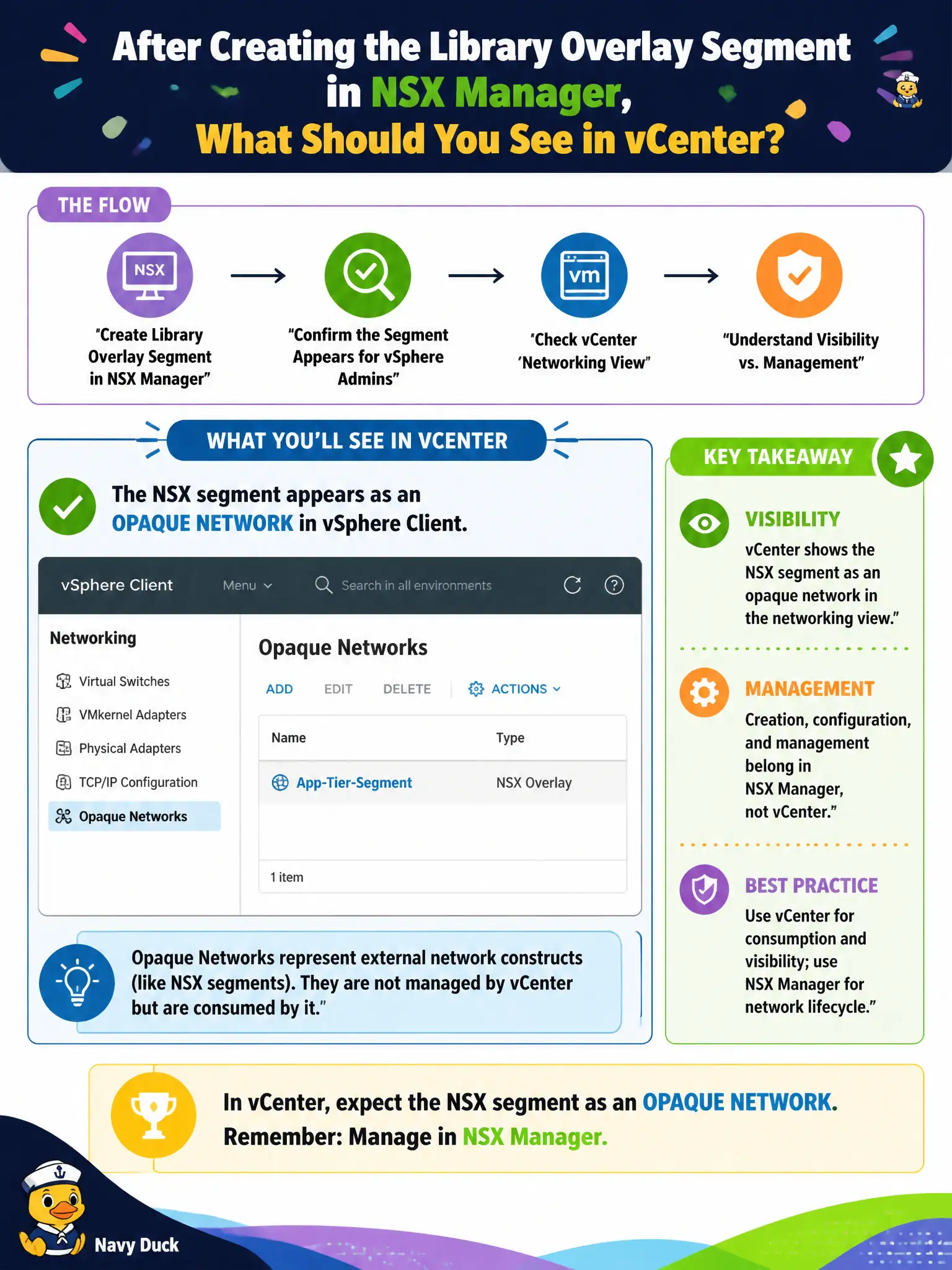
vCenter is the lobby directory that lists the new library hallway as an opaque network. You still build and remodel that hallway in NSX Manager—you do not start editing TEPs or rebuilding it as a standard vSwitch in vCenter.
Full Explanation
After creating the library overlay segment in NSX Manager, vSphere admins should see it in the vSphere Client networking view as an opaque network, while creation and ongoing management still belong in NSX Manager. That split is the expected civic operational model: vCenter consumes the network for VM attachment; NSX owns Geneve/segment policy. vCenter is not where operators edit Geneve TEP IP addresses for that segment; TEPs/host prep remain NSX fabric concerns. Recreating the segment as a standard vSwitch port group is unnecessary and incorrect for an NSX overlay segment lifecycle. Horizon RDS farms do not publish NSX segments as the visibility mechanism in vSphere. Exam caveat: if the opaque network is missing, check compute manager sync and segment realization before assuming vCenter UI bugs. Operational check: create the library segment in NSX, confirm opaque network visibility in vSphere, attach a test VM, and brief library vSphere admins that day-2 segment edits stay in NSX Manager. In municipal operations, record the chosen control and the rejected alternatives in the change ticket so future on-call staff understand which failure modes would affect city services. Re-validate after the next maintenance window that the same GUI path and realized state still hold under the current NSX build used by the civic platform team.