
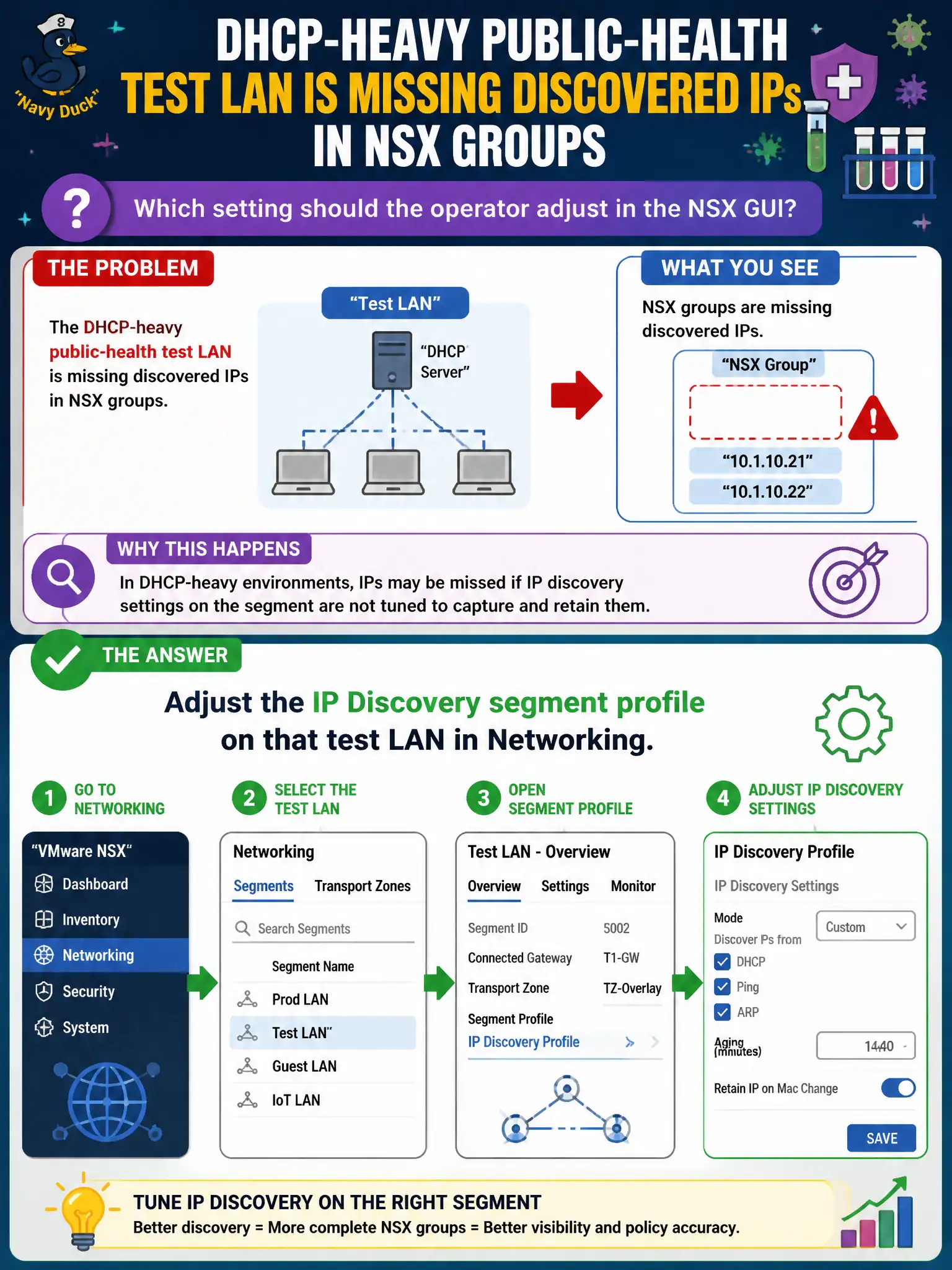
A DHCP-heavy public-health test LAN is missing discovered IPs in NSX groups. Which setting should the operator adjust in the NSX GUI?
Select an answer to reveal the explanation.
Short Explanation
IP Discovery is how NSX peeks at DHCP and ARP so groups know who lives on the test LAN. Tune that segment profile in Networking—physical DHCP relay, Horizon IP pools, and BGP restart do not fill NSX discovered IPs.
Full Explanation
A DHCP-heavy public-health test LAN missing discovered IPs in NSX groups usually needs the IP Discovery segment profile adjusted on that test LAN in Networking—timers, DHCP snooping/binding controls, and related discovery options that feed NSX inventory and group membership for civic test workloads. Enabling DHCP relay only on a physical core switch may help clients get leases but is not configuring the NSX IP Discovery segment profile. Resizing Horizon instant-clone IP pools affects VDI addressing, not NSX IP Discovery on a public-health segment. BGP graceful restart on ISP routers preserves routing during restarts; it does not populate NSX groups with guest IPs. Exam caveat: groups that rely on IP discovery will lag or miss members if discovery is disabled or too aggressive—validate discovery before blaming DFW rule logic. Operational check: open the test LAN segment profiles, tune IP Discovery appropriately for DHCP churn, wait for learn, confirm IPs appear for group members, and retest public-health automated security rules. In municipal operations, record the chosen control and the rejected alternatives in the change ticket so future on-call staff understand which failure modes would affect city services. Re-validate after the next maintenance window that the same GUI path and realized state still hold under the current NSX build used by the civic platform team.