
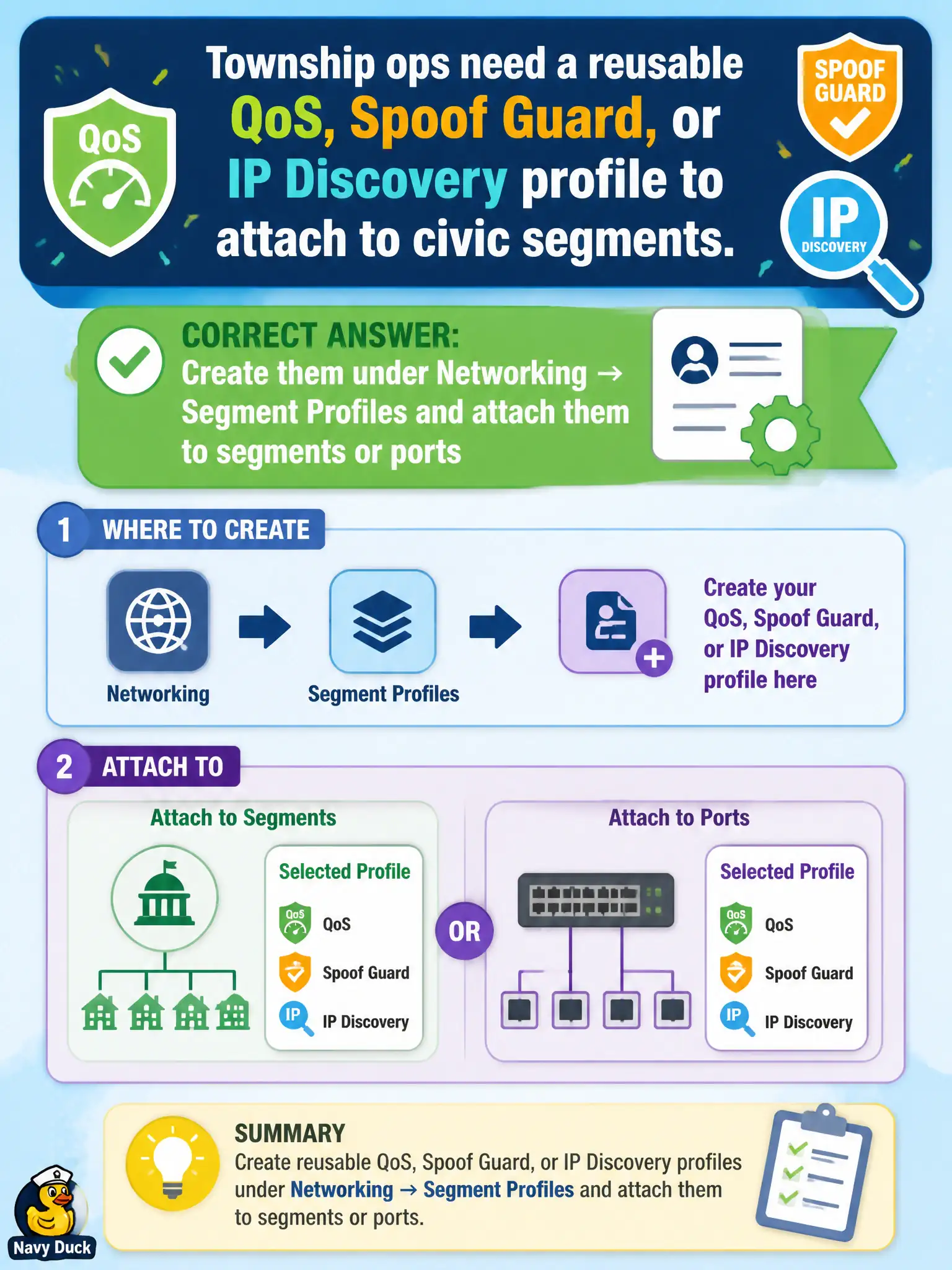
Township ops need a reusable QoS, Spoof Guard, or IP Discovery profile to attach to civic segments. Where are those profiles created?
Select an answer to reveal the explanation.
Short Explanation
Segment profiles are stickers you print in Networking and slap on a segment or port—QoS, Spoof Guard, IP Discovery. Gateway Firewall profiles, support bundles, and L7 context profiles are different stickers.
Full Explanation
Reusable QoS, Spoof Guard, or IP Discovery profiles for civic segments are created under Networking → Segment Profiles and then attached to segments or ports. That Networking profile family is how township ops standardize discovery and anti-spoof settings across library, utility, and finance overlays. Gateway Firewall profiles under Security attach to gateway firewall behavior, not segment QoS/Spoof Guard/IP Discovery profiles. System → Support Bundle generates diagnostics; it does not author segment profiles as bundled XML for attachment. Inventory → Context Profiles are L7/context attributes for rules; they are not the place that defines segment QoS and Spoof Guard profiles. Exam caveat: segment profiles are effective only when attached to the intended segment/ports—creating a profile in the catalog does not protect a treasury segment until binding exists. Operational check: create the needed Spoof Guard/IP Discovery/QoS profiles, attach them to the township segments, verify realized status, and list profile-to-segment mappings in the network standards doc. In municipal operations, record the chosen control and the rejected alternatives in the change ticket so future on-call staff understand which failure modes would affect city services. Re-validate after the next maintenance window that the same GUI path and realized state still hold under the current NSX build used by the civic platform team.