
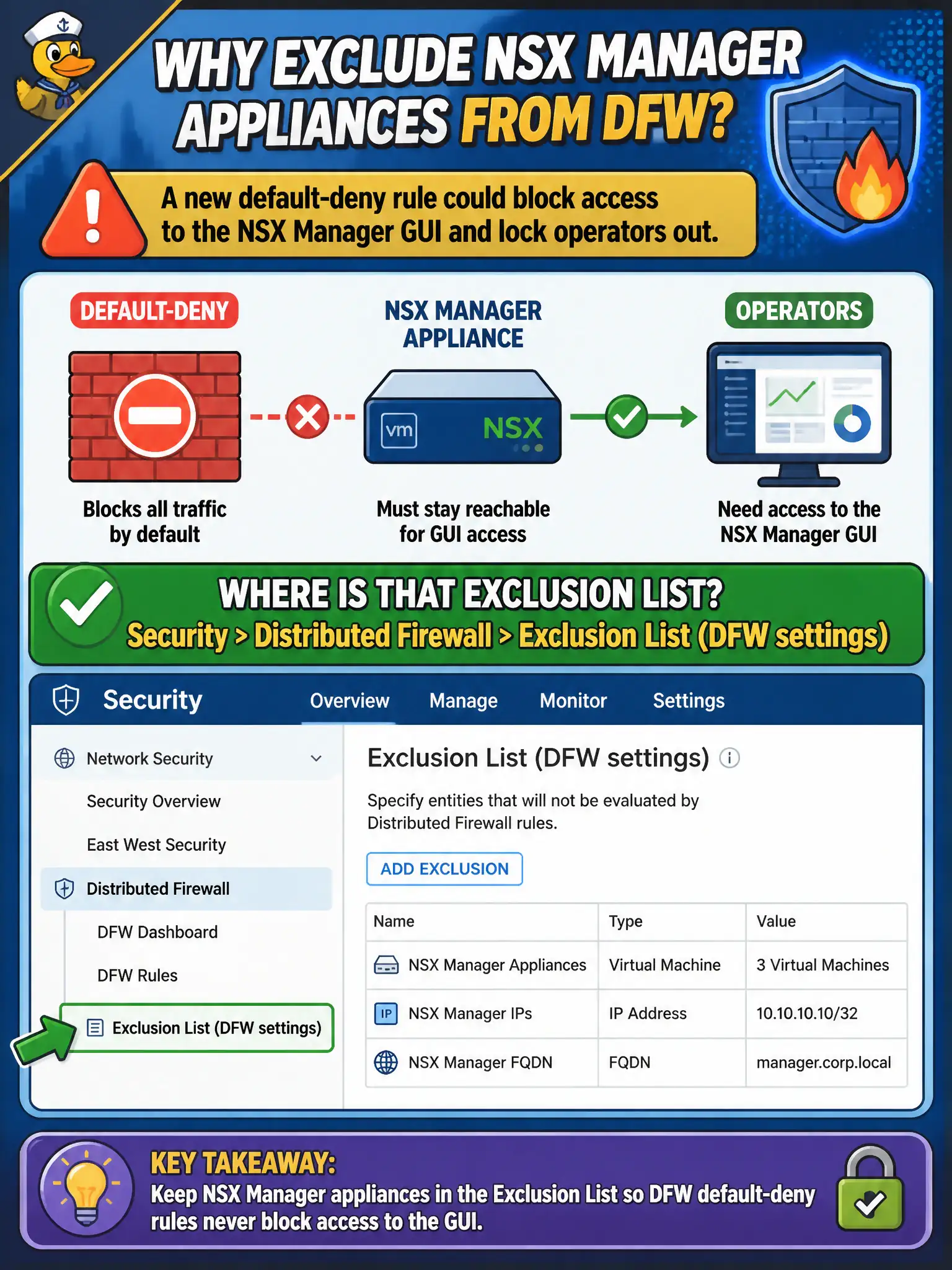
City-hall change control wants NSX Manager appliances kept off Distributed Firewall enforcement so a new default-deny cannot lock operators out of the GUI. Where is that exclusion list?
Select an answer to reveal the explanation.
Short Explanation
Don't put the fire-alarm panel on the sprinkler circuit. NSX Managers belong on the Distributed Firewall exclusion list under Security DFW settings—not on a segment checkbox or Workspace ONE.
Full Explanation
City-hall change control keeps NSX Manager appliances off Distributed Firewall enforcement via the DFW Exclusion List under Security > Distributed Firewall settings. That list prevents listed VMs—including management appliances—from receiving DFW rules so a new default-deny cannot lock operators out of the GUI; do not put the fire-alarm panel on the sprinkler circuit. Marking a management overlay segment “Overlay-Exempt” under Networking > Segments is not the DFW exclusion mechanism. Transport zone flags under System > Fabric > Transport Zones define Geneve/VLAN scope for nodes; they are not VM exclusion from DFW. Workspace ONE Access identity-provider settings govern authentication federation, not DFW appliance exclusion. Exam caveat: exclusion stops DFW on the listed VMs but does not replace gateway firewall, Edge, or physical perimeter controls protecting management networks. Operational check: verify NSX Manager (and typically Edges, if required by design) appear on the DFW Exclusion List before publishing a default-deny, test Manager UI reachability from the jump host, and record the exclusion members in the municipal security baseline. Re-check the exclusion list after Manager redeploy or hostname change, because a replaced appliance VM may need to be re-added; include that verification in the city-hall default-deny checklist before any broad DFW publish.