
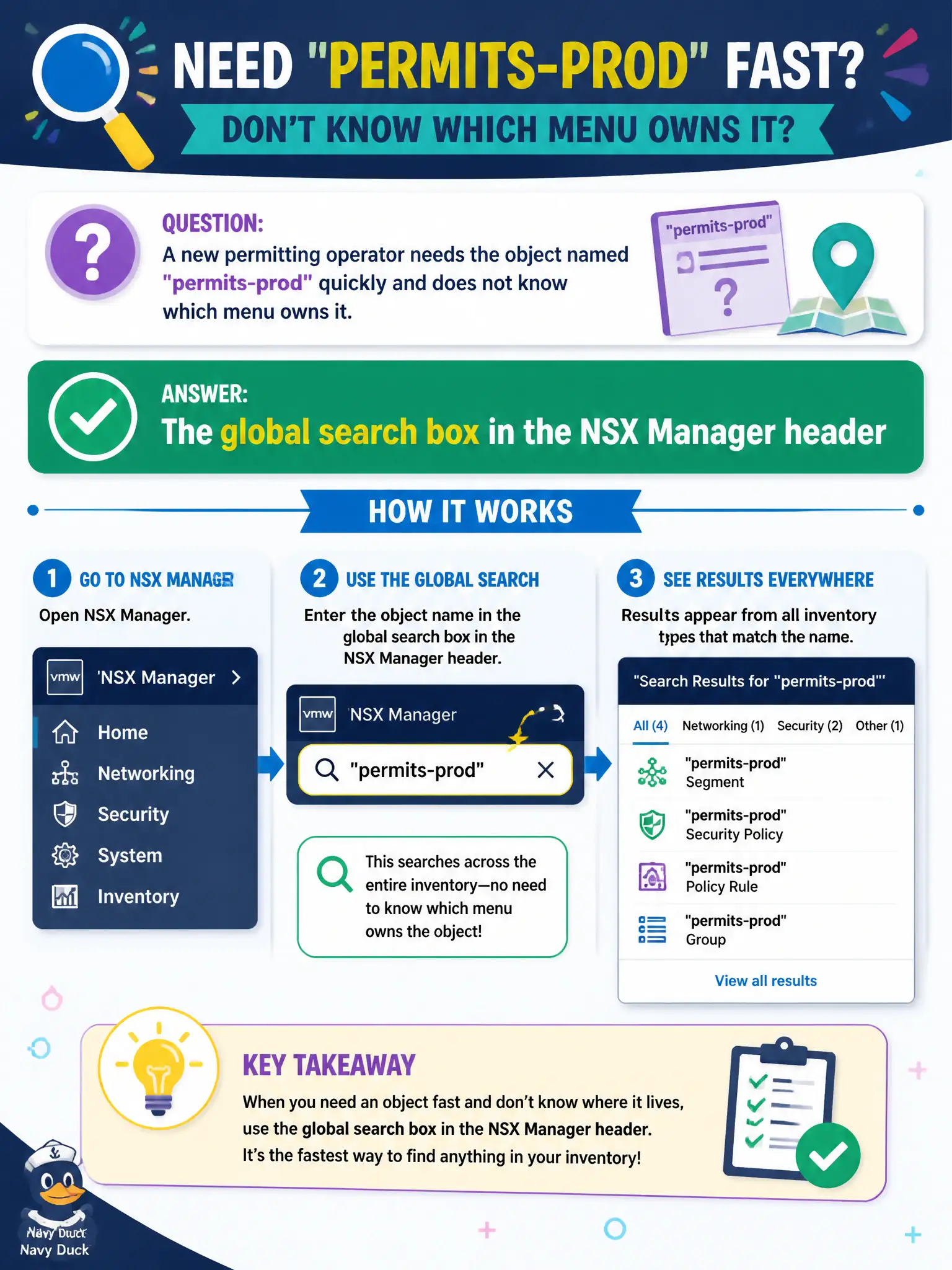
A new permitting operator needs the object named permits-prod quickly and does not know which menu owns it. What NSX Manager control locates objects by name across the inventory?
Select an answer to reveal the explanation.
Short Explanation
When you don't know which drawer holds permits-prod, you use the front-desk search box—not a backup catalog and not Carbon Black. That's the global search in the NSX Manager header.
Full Explanation
When a new permitting operator must find the object named permits-prod without knowing which menu owns it, NSX Manager’s global search box in the header locates segments, gateways, groups, and other objects by name across the inventory—the front-desk search for the civic NSX catalog. System > Backup & Restore search is wrong: backups do not replace live inventory search, and backup catalogs are not the primary index of object names. vSphere Client VM search finds vSphere inventory; it is not the only or correct place to resolve NSX segment and policy object names inside NSX Manager. Carbon Black watchlists track endpoint hashes and detections; they do not store NSX segment names. Exam caveat: global search finds objects the operator’s role can see—Auditor vs Enterprise Admin results may differ under RBAC. Operational check: type permits-prod in the NSX header search, open the matching object type, confirm it is the intended production object, and bookmark or document the path in the permitting onboarding guide. If multiple objects share similar names across library, utility, and permits projects, open each hit and verify tags, project, or connected gateway so the operator does not edit a similarly named non-production object during a live outage.