
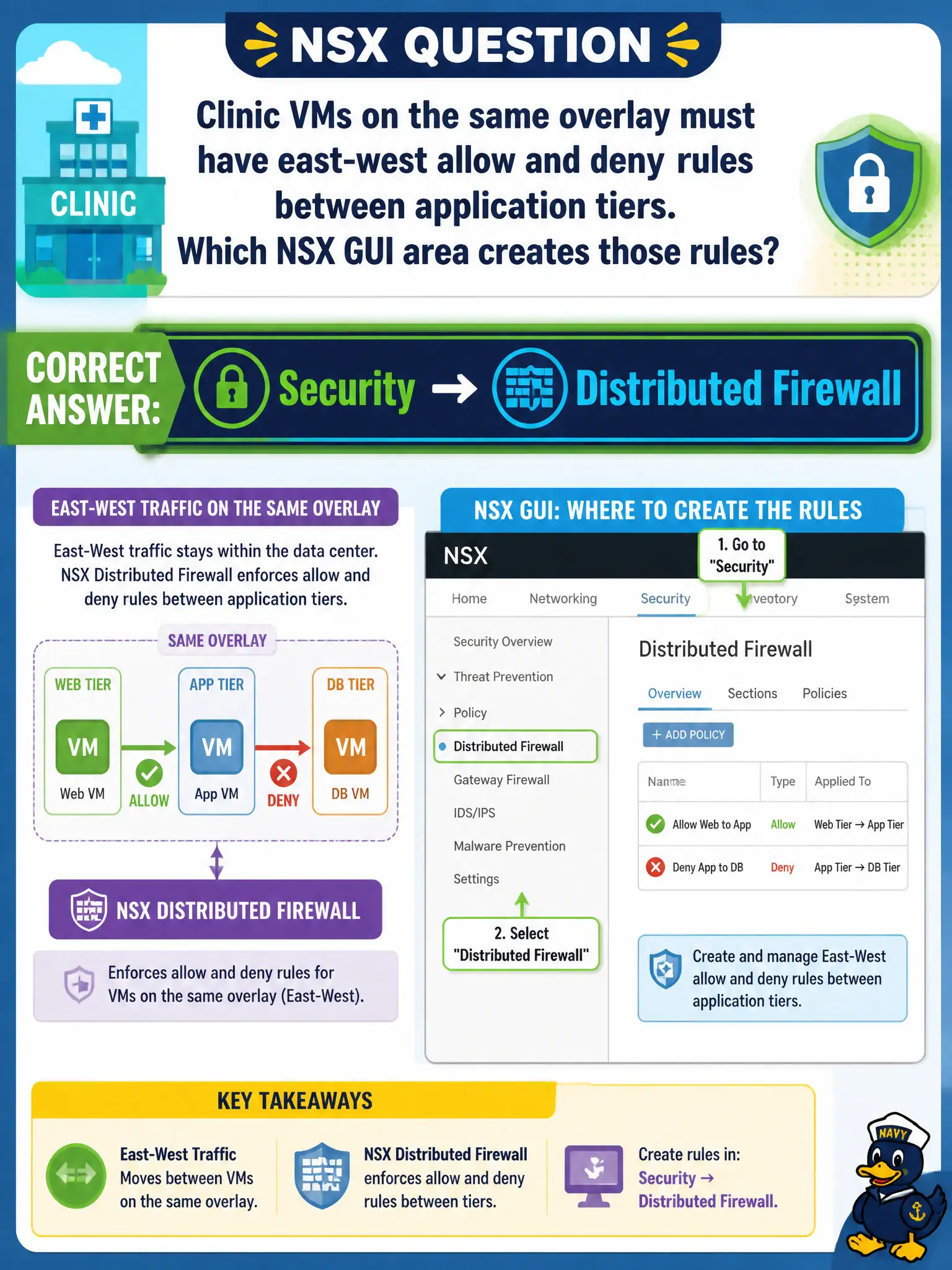
Clinic VMs on the same overlay must have east-west allow and deny rules between application tiers. Which NSX GUI area creates those rules?
Select an answer to reveal the explanation.
Short Explanation
Clinic web talking to clinic app is hallway traffic, not a trip out to the street. East-west rules live under Security, then Distributed Firewall. A hardware perimeter box, Horizon Blast, and NAT are the wrong counters.
Full Explanation
East-west overlay rules between clinic VMs are created as Distributed Firewall policies under Security in the Policy UI. Clinic web talking to clinic app is hallway traffic, not a trip out to the street—those allow and deny rules live under Security, then Distributed Firewall. Hairpinning that traffic to a physical perimeter firewall is the traditional problem NSX DFW avoids. Horizon Blast policies are display-protocol settings. NAT translates addresses; it does not implement east-west micro-segmentation. Exam caveat: gateway firewall remains for north-south; when the stem is east-west between application tiers on overlay, the GUI area is Distributed Firewall. Operational check: open Security Distributed Firewall, create clinic tier rules using groups, test allow and deny between tiers, and reject hardware perimeter GUI, Horizon Blast, and NAT as the east-west authoring path. Document the civic rationale in the change record so the next operator can restate why the correct control matches the agency outcome, why each distractor fails by concept, and which NSX Manager view confirms the result after publish. Document the civic rationale in the change record so the next operator can restate why the correct control matches the agency outcome, why each distractor fails by concept, and which NSX Manager view confirms the result after publish.