
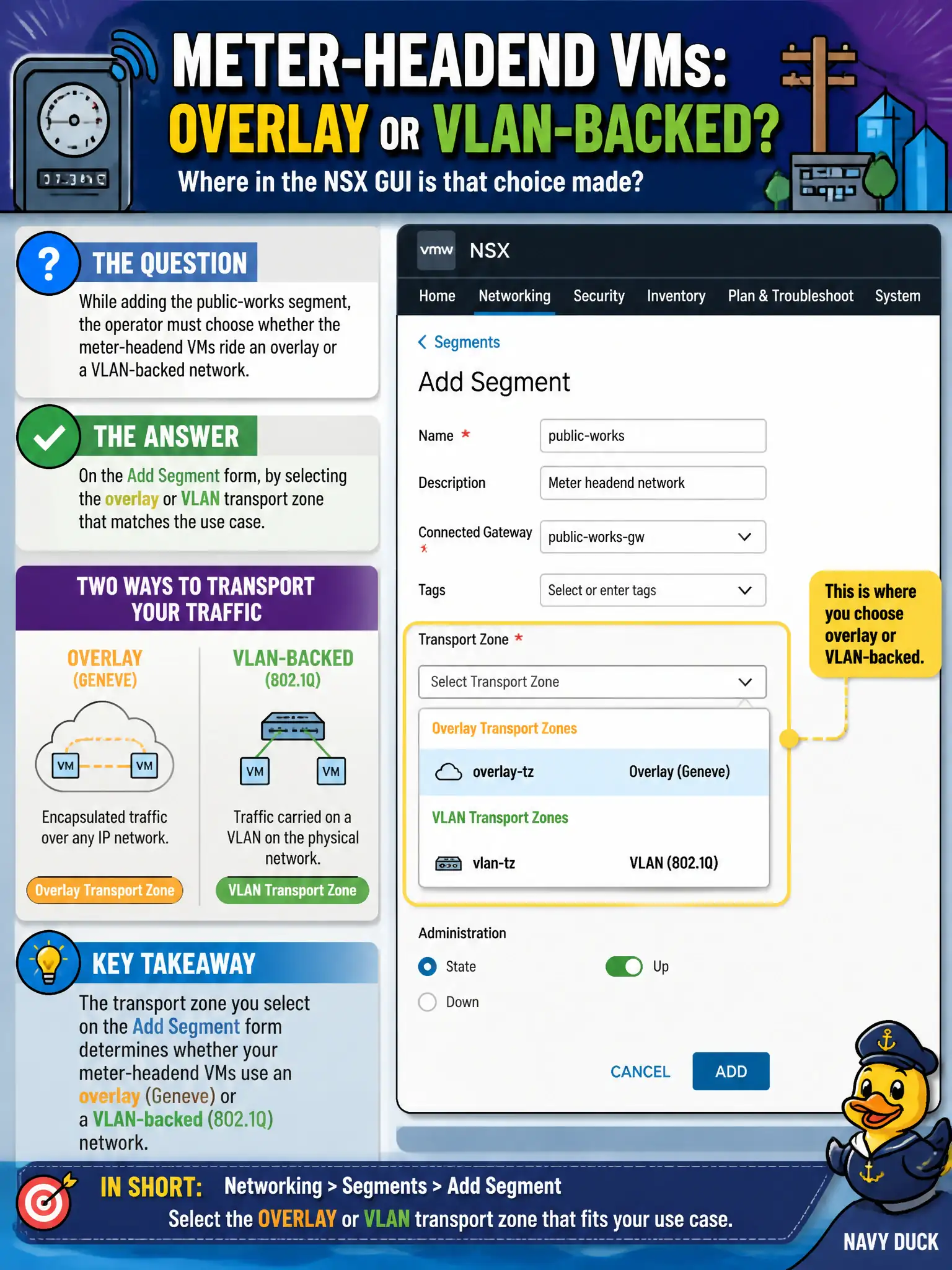
While adding the public-works segment, the operator must choose whether the meter-headend VMs ride an overlay or a VLAN-backed network. Where in the NSX GUI is that choice made?
Select an answer to reveal the explanation.
Short Explanation
Overlay versus VLAN is which road the segment sits on, not a firewall category and not a Horizon farm. On Add Segment, pick the transport zone that matches the use case. DCUI TEP MTU work is not that GUI choice.
Full Explanation
The Add Segment form includes the transport-zone, or backing, selection that places the public-works segment on an overlay or VLAN transport zone. Overlay versus VLAN is which road the segment sits on, not a firewall category and not a Horizon farm setting. Distributed Firewall categories classify rules, not segment backing. Horizon farm wizards are EUC objects. Host DCUI TEP MTU settings are important for underlay health but are not the Policy UI control for overlay versus VLAN on a new segment. Exam caveat: pick the transport zone that matches the use case before publishing; changing backing later is harder than selecting correctly on Add Segment. Operational check: on Add Segment for the meter-headend network, select the overlay or VLAN transport zone that matches the design, publish, confirm the segment shows the expected TZ, and reject DFW categories, Horizon farms, and DCUI MTU screens as that GUI choice. Document the civic rationale in the change record so the next operator can restate why the correct control matches the agency outcome, why each distractor fails by concept, and which NSX Manager view confirms the result after publish. Document the civic rationale in the change record so the next operator can restate why the correct control matches the agency outcome, why each distractor fails by concept, and which NSX Manager view confirms the result after publish.