
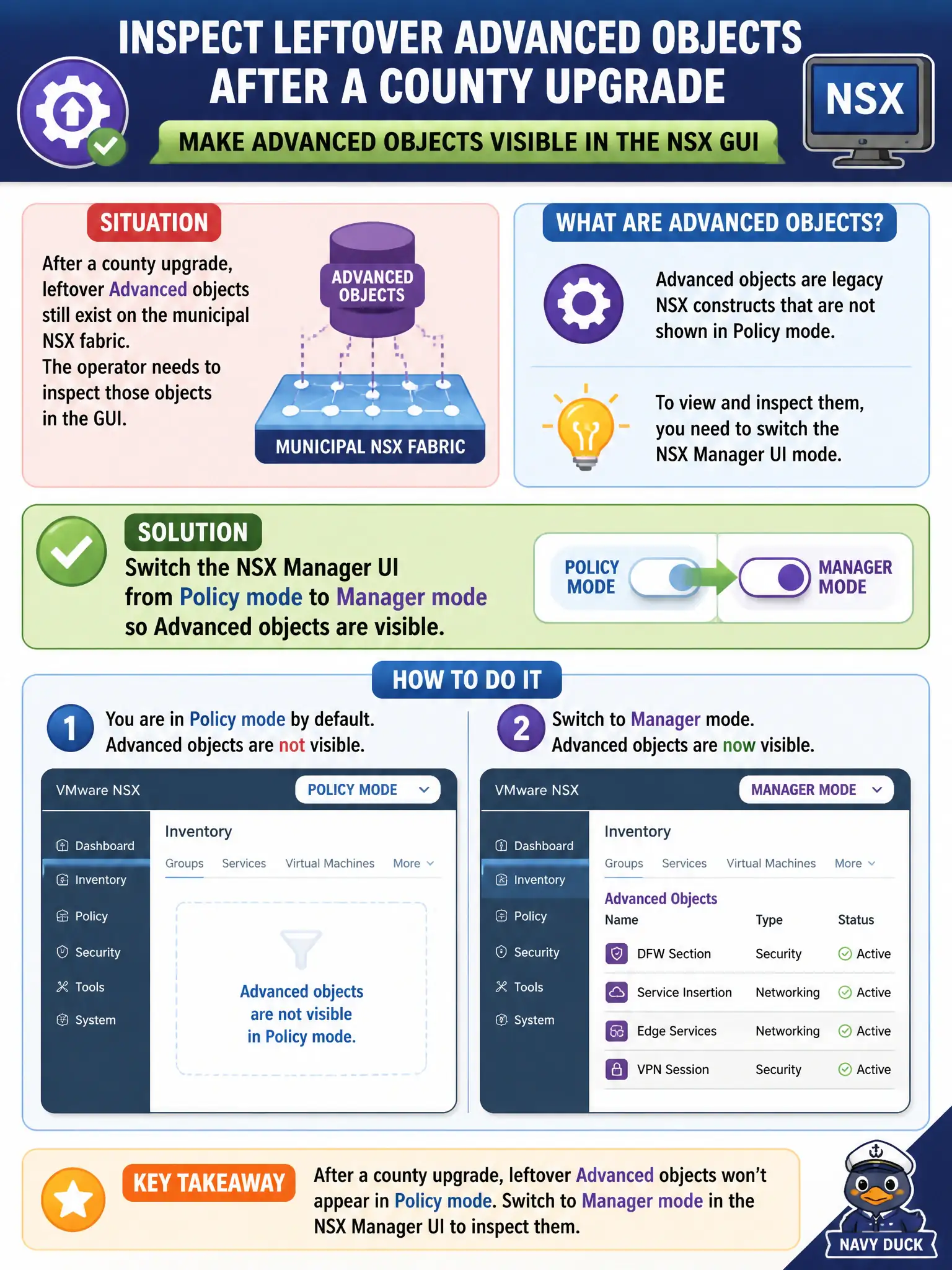
After a county upgrade, leftover Advanced objects still exist on the municipal NSX fabric. The operator needs to inspect those objects in the GUI. What should the operator do?
Select an answer to reveal the explanation.
Short Explanation
Think of Policy and Manager as two filing cabinets in the same city hall. Advanced leftovers live in the Manager cabinet, so flip the Policy/Manager toggle to Manager mode and look there. Carbon Black and Horizon will not show those NSX objects.
Full Explanation
NSX Manager exposes a Policy/Manager toggle when Advanced, Manager-mode objects remain after a county upgrade. Switching to Manager mode is how an operator views and works with those leftover Advanced objects in the GUI—think of Policy and Manager as two filing cabinets in the same city hall. Deleting every Advanced object from the vSphere Client does not reveal them and is not the inspection method. Carbon Black Cloud will not show Advanced NSX network objects. Creating matching Horizon entitlements will not make Advanced objects appear under End-User Computing. Exam caveat: after upgrades, operators must know which cabinet holds Advanced leftovers; Policy mode alone will not list them. Operational check: on the upgraded municipal fabric, use the Policy/Manager toggle to open Manager mode, locate a leftover Advanced object, and confirm Carbon Black and Horizon were not used as the object browser. Document the civic rationale in the change record so the next operator can restate why the correct control matches the agency outcome, why each distractor fails by concept, and which NSX Manager view confirms the result after publish. Document the civic rationale in the change record so the next operator can restate why the correct control matches the agency outcome, why each distractor fails by concept, and which NSX Manager view confirms the result after publish.