
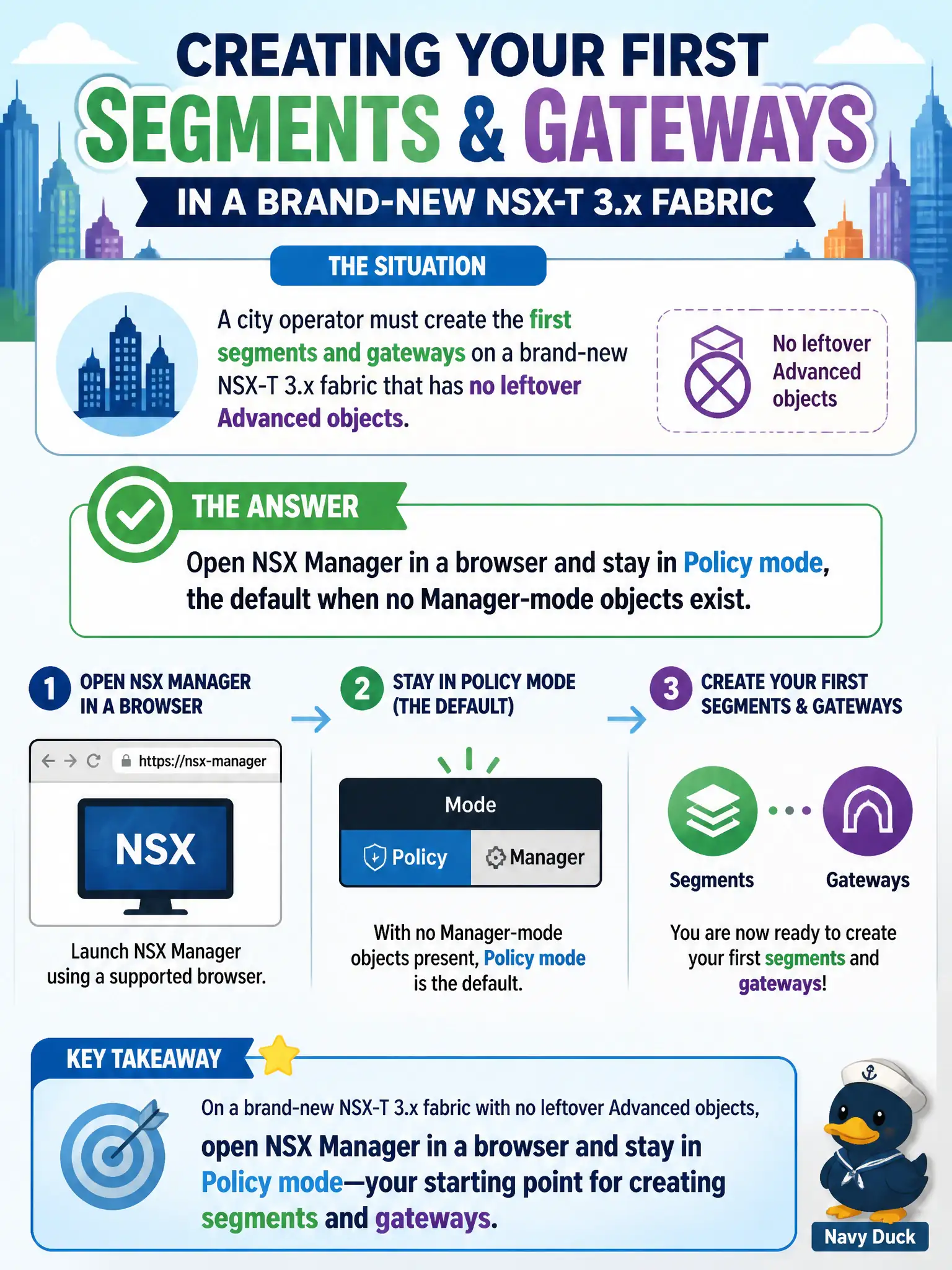
A city operator must create the first segments and gateways on a brand-new NSX-T 3.x fabric that has no leftover Advanced objects. How should the operator open NSX to do that work?
Select an answer to reveal the explanation.
Short Explanation
A brand-new civic fabric is a clean counter, not a leftover filing cabinet. Walk into NSX Manager in a browser and stay in Policy mode — that is the default when nobody has created Advanced objects yet. The vSphere Client and Horizon are not the NSX GUI.
Full Explanation
On a greenfield NSX-T 3.x system, operators administer objects through the NSX Manager web UI. Policy mode is the default interface when no Manager-mode objects exist, and new segments, gateways, and groups for the city should be created there. A brand-new civic fabric is a clean counter, not a leftover filing cabinet—walk into NSX Manager in a browser and stay in Policy mode. The vSphere Client Hosts and Clusters inventory is not the primary NSX configuration GUI. Horizon Administrator is an EUC console outside this task. Switching immediately to Manager mode so Policy-only objects can be created for Federation misunderstands the greenfield default and Federation requirements. Exam caveat: Manager mode is for leftover Advanced objects, not the first objects on a clean fabric. Operational check: open NSX Manager on the new fabric, confirm Policy mode is active with no Advanced leftovers, create a first segment and gateway there, and avoid vSphere Client or Horizon as the authoring UI. Document the civic rationale in the change record so the next operator can restate why the correct control matches the agency outcome, why each distractor fails by concept, and which NSX Manager view confirms the result after publish.