
Every Midland 311 agent fails to stay in the call-center pool; sessions start and then drop for the whole pool. Which Horizon-family logs belong in the first gather?
Select an answer to reveal the explanation.
Short Explanation
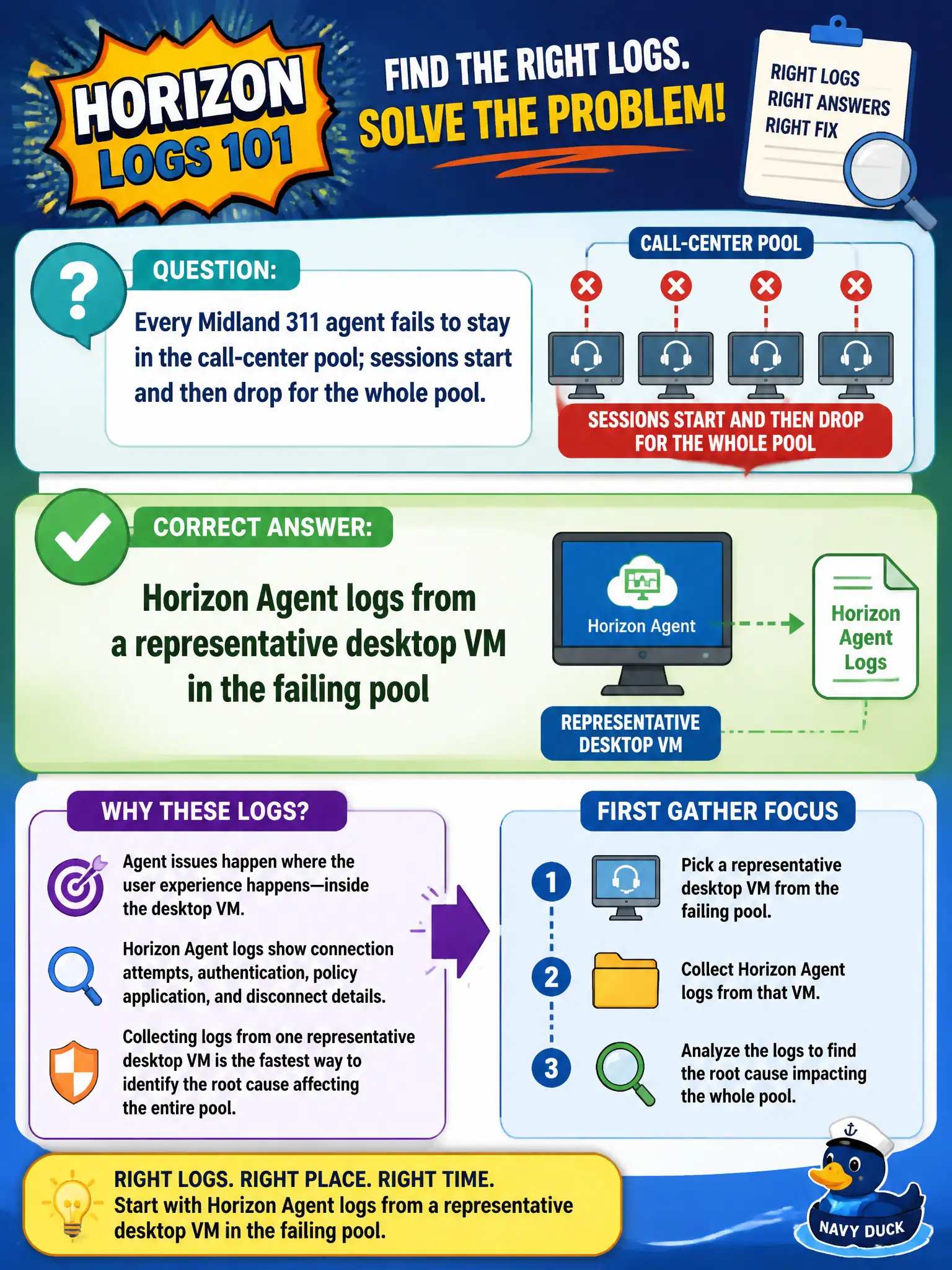
When the whole 311 pool falls over, you do not start with a phone mail app. Pull Horizon Agent logs from one typical desktop in that pool so you can see what the guest agent did as the session died.
Full Explanation
When every Midland 311 agent fails to stay in the call-center pool and sessions start then drop for the whole pool, Horizon Agent logs from a representative desktop VM in the failing pool belong in the first gather. Estate-wide post-connect drops implicate the guest agent and session path shared by the pool. Contact-center outages require pool-scoped Agent evidence so shift supervisors are not asked for phone app logs while callers wait. Intelligent Hub logs from one agent's phone address enrollment, not a pool-wide VDI drop after sessions start. Boxer logs from the 311 mailbox on a supervisor iPhone diagnose mail and cannot explain desktop session teardown. Workspace ONE Content logs from a supervisor tablet address locker sync, not Horizon Agent session stability. Exam caveat: Pool-wide symptoms after connect point to Agent and shared infrastructure rather than one user's mobile productivity apps. Operational check: Pick a representative failing 311 desktop, collect Horizon Agent logs around the drop, correlate timestamps, and expand to Connection Server or UAG only as needed. Keeping the civic evidence trail tied to the failing component also reduces cross-team handoffs that delay public services.