
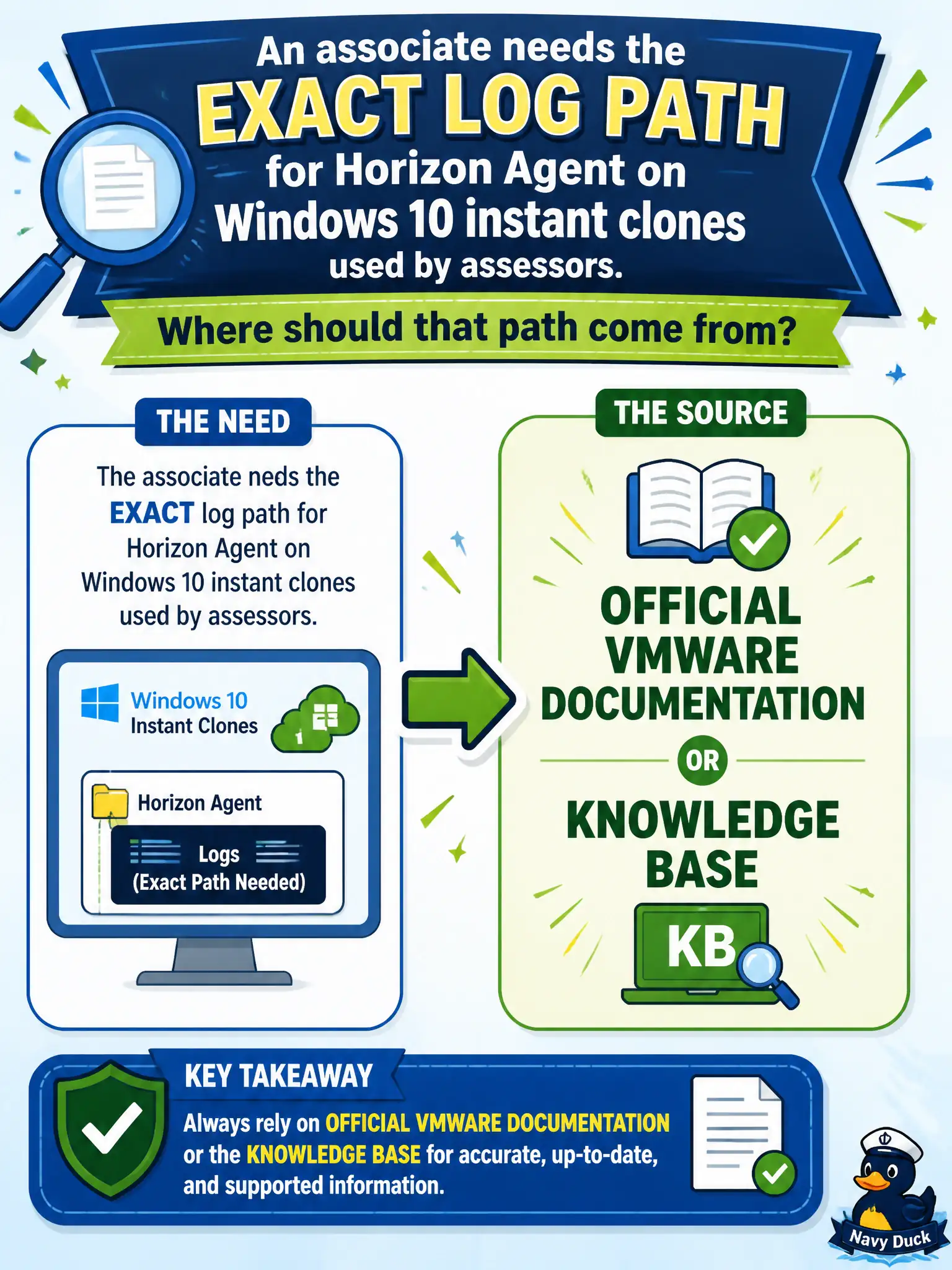
An associate needs the exact log path for Horizon Agent on Windows 10 instant clones used by assessors. Where should that path come from?
Select an answer to reveal the explanation.
Short Explanation
Log paths are street addresses; you copy them from the city's official map, not from a neighboring town's Citrix flyer. Wikis and NSX traces do not publish Horizon Agent folders. Use VMware Docs or Knowledge Base for the Windows 10 instant-clone path.
Full Explanation
Exact log paths for Horizon Agent on Windows 10 instant clones used by assessors must come from official VMware documentation or Knowledge Base. Those publications list supported collection locations and tools so associates do not invent filesystem paths after upgrades. Assessor-pool troubleshooting stays efficient when technicians copy the documented path for the current agent build instead of hunting through legacy wiki screenshots. A Citrix VDA article may look similar but documents a different product and must not be treated as Horizon Agent truth. Guessing from a parks-department wiki page is unofficial and can be stale relative to the installed agent version. NSX Traceflow shows overlay packet paths in the network fabric; it does not publish Horizon Agent folder locations. Exam caveat: Log-path questions test whether candidates start from vendor canon rather than adjacent vendors or tribal knowledge. Operational check: Look up the Horizon Agent log location for the installed agent version in Docs or Knowledge Base, navigate to that path on a representative assessor clone, and collect with the documented utility when support requests a bundle. Using the documented path also keeps support bundles consistent when assessor clones are refreshed after each logoff.