
The county must let staff open a state-provided grant portal with their county directory accounts. Which Workspace ONE Access function makes that possible?
Select an answer to reveal the explanation.
Short Explanation
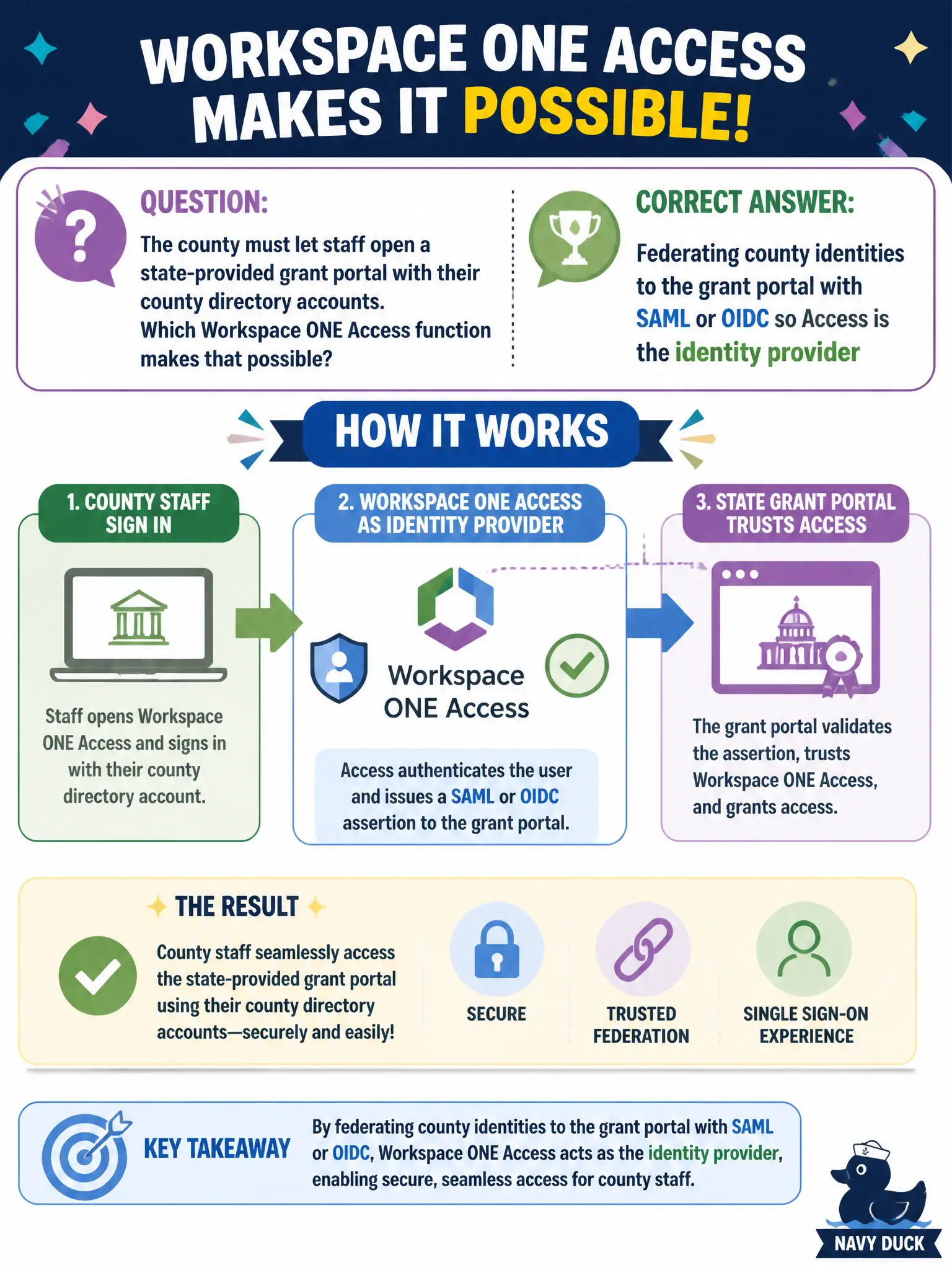
Federation is the county handshake that lets the state portal trust the same badge staff already use. Access speaks SAML or OIDC to that SaaS door. Blast, a weekly password email, and a DMZ gateway do not create that trust.
Full Explanation
When the county must let staff open a state-provided grant portal with their county directory accounts, the Workspace ONE Access function that makes that possible is federating county identities to the grant portal with SAML or OIDC so Access acts as the identity provider (or broker) the state SaaS trusts. Federation is the county handshake that lets the state portal accept the same badge staff already use instead of inventing a second password store. Publishing the grant portal as a Horizon published application fails by concept: Blast (or another display protocol) can deliver a Windows app window, but that path does not create SAML or OIDC trust to a third-party SaaS tenant and is the wrong tool when the requirement is native SaaS SSO with county accounts. Writing an Intelligence automation that emails a new grant-portal password every Monday fails because Intelligence is analytics and automation over device and app telemetry; password-email churn is neither federation nor sound identity practice, and Intelligence is not the IdP. Installing Unified Access Gateway in the DMZ so the state portal can scan county phones fails because UAG is an edge appliance for Horizon, Tunnel, and similar inbound access paths—it does not establish SaaS federation to a state tenant and does not inventory phones for the state’s IdP decision. Exam caveat: federation requires correct SAML/OIDC metadata, entity IDs, certificates, and attribute mapping on both Access and the grant portal; a working UAG or Horizon farm does not substitute for those IdP/SP settings. Operational check: sign on to the state grant portal with a county directory account through Access, confirm the SAML or OIDC assertion is accepted without a separate portal password, and verify that disabling the user in the county directory stops subsequent federated launches.