
A health-department technician wants to layer a Windows clinic desktop application onto RDSH session hosts. A colleague suggests Workspace ONE UEM because app management is UEM. Which statement correctly scopes App Volumes?
Select an answer to reveal the explanation.
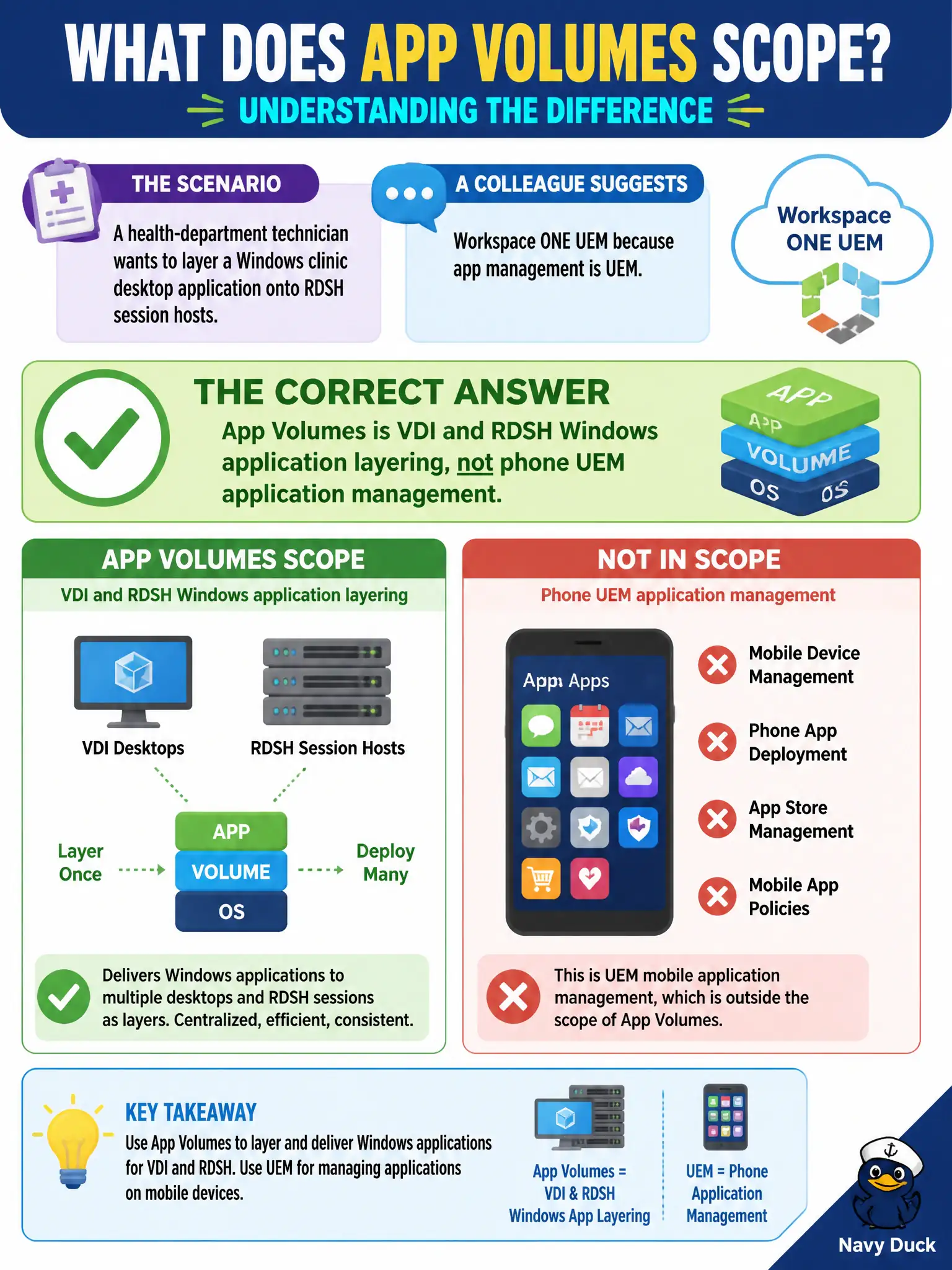
Short Explanation
UEM is the phone-and-tablet locker; App Volumes is the Windows layer that snaps onto VDI and RDSH. Same word “app,” two different lockers. Clinic phones stay on UEM; clinic Windows sessions get App Volumes packages.
Full Explanation
A health-department technician who wants to layer a Windows clinic desktop application onto RDSH session hosts should use App Volumes. App Volumes is VDI and RDSH Windows application layering, not phone Unified Endpoint Management application management. Suggesting Workspace ONE UEM merely because “app management is UEM” confuses mobile endpoint catalogs with Windows layering on Horizon session hosts used by clinic staff. App Volumes is not the Workspace ONE UEM catalog for iOS and Android clinic phones. App Volumes does not replace Horizon Client on zero clients so phones can attach AppStacks. App Volumes is not merely a log-gathering agent used with Workspace ONE Assist for remote support. Exam caveat: civic clinics often need both UEM for phones and App Volumes for Windows clinic apps—scope the answer to the platform named in the stem, and do not treat Assist remote control as application layering. Operational check: deliver the clinic Windows app with an App Volumes package to an RDSH farm or VDI pool, confirm phones remain enrolled and managed in UEM separately, launch the layered app on a session host, and reject any design that tries to attach AppStacks to mobile devices through Hub or Assist alone.