
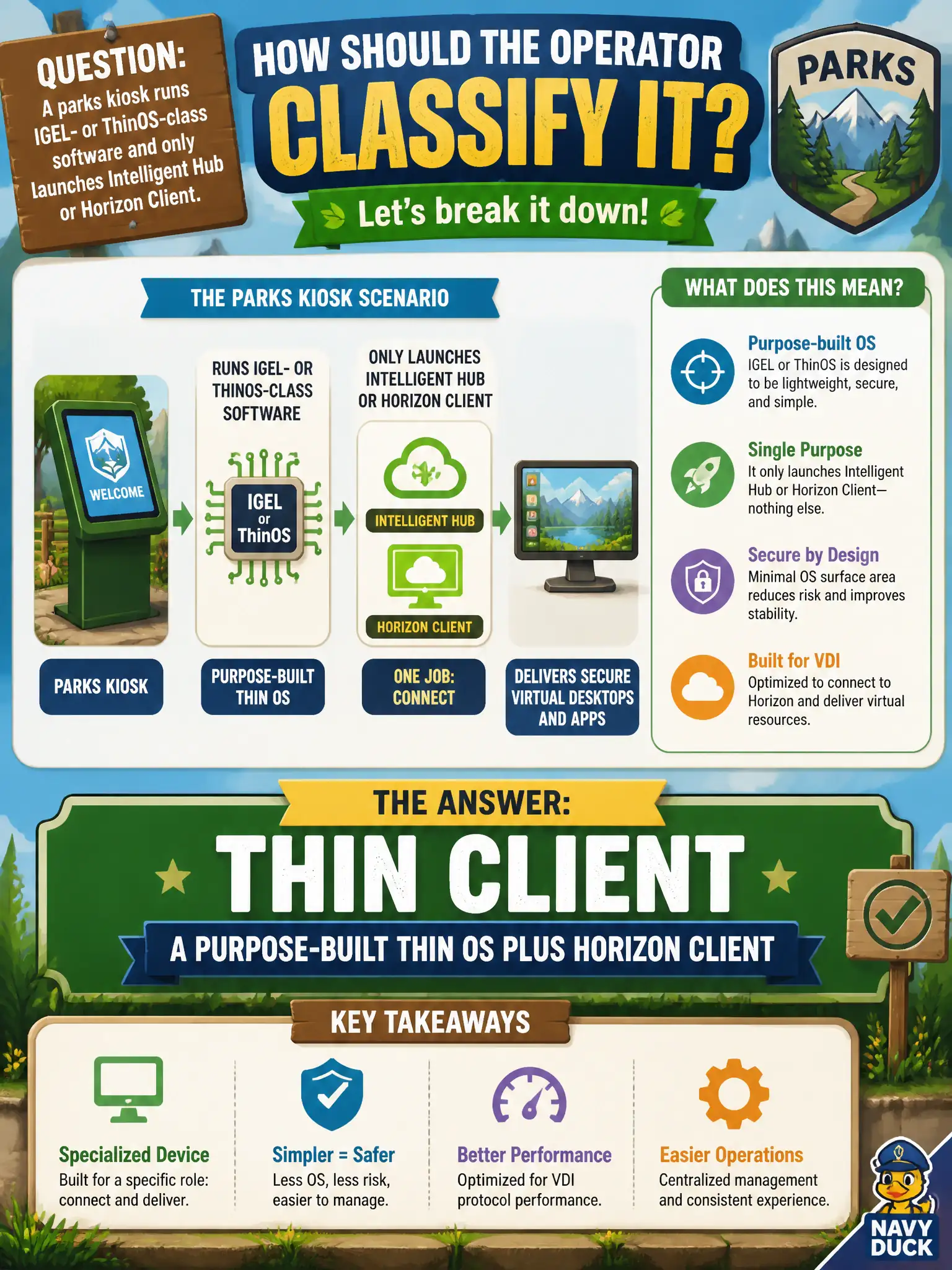
A parks kiosk runs IGEL- or ThinOS-class software and only launches Intelligent Hub or Horizon Client. How should the operator classify it?
Select an answer to reveal the explanation.
Short Explanation
IGEL- and ThinOS-class boxes are the textbook thin client: a purpose-built tiny OS whose job is to launch Horizon Client or Hub. That is not a full Windows PC, not a firmware-only zero client, and not Cloud Connector in the datacenter.
Full Explanation
A parks kiosk running IGEL- or ThinOS-class software that only launches Intelligent Hub or Horizon Client is a thin client—purpose-built thin OS plus client. In municipal EUC terms, treat the endpoint as a window into city systems when the architecture says so, not as the system of record for the files or apps in the stem. Distractor concept: IGEL/ThinOS-class is not a full Windows fat-client SKU. Distractor concept: It is not a zero client merely because a browser is not primary; zero means no general OS. Distractor concept: It is not Workspace ONE UEM Cloud Connector in the datacenter. Exam caveat: Purpose-built thin OS + Horizon/Hub client = thin client classification. Operational check: Record the kiosk OS family (IGEL/ThinOS-class) in asset inventory under thin client, not zero or fat. Record the chosen control and the rejected failure modes in the civic change ticket or runbook so on-call staff and auditors share the same rationale after the next maintenance window. Re-validate after personnel or image changes that the same control still meets the city's continuity, security, and support expectations for this service. Helpdesk coaching tip aligned to the conversational brief: IGEL- and ThinOS-class boxes are the textbook thin client: a purpose-built tiny OS whose job is to launch Horizon Client or Hub. That is not a full Windows PC, not a firmware-only zero client, and not Cloud Connector in the datacenter.