
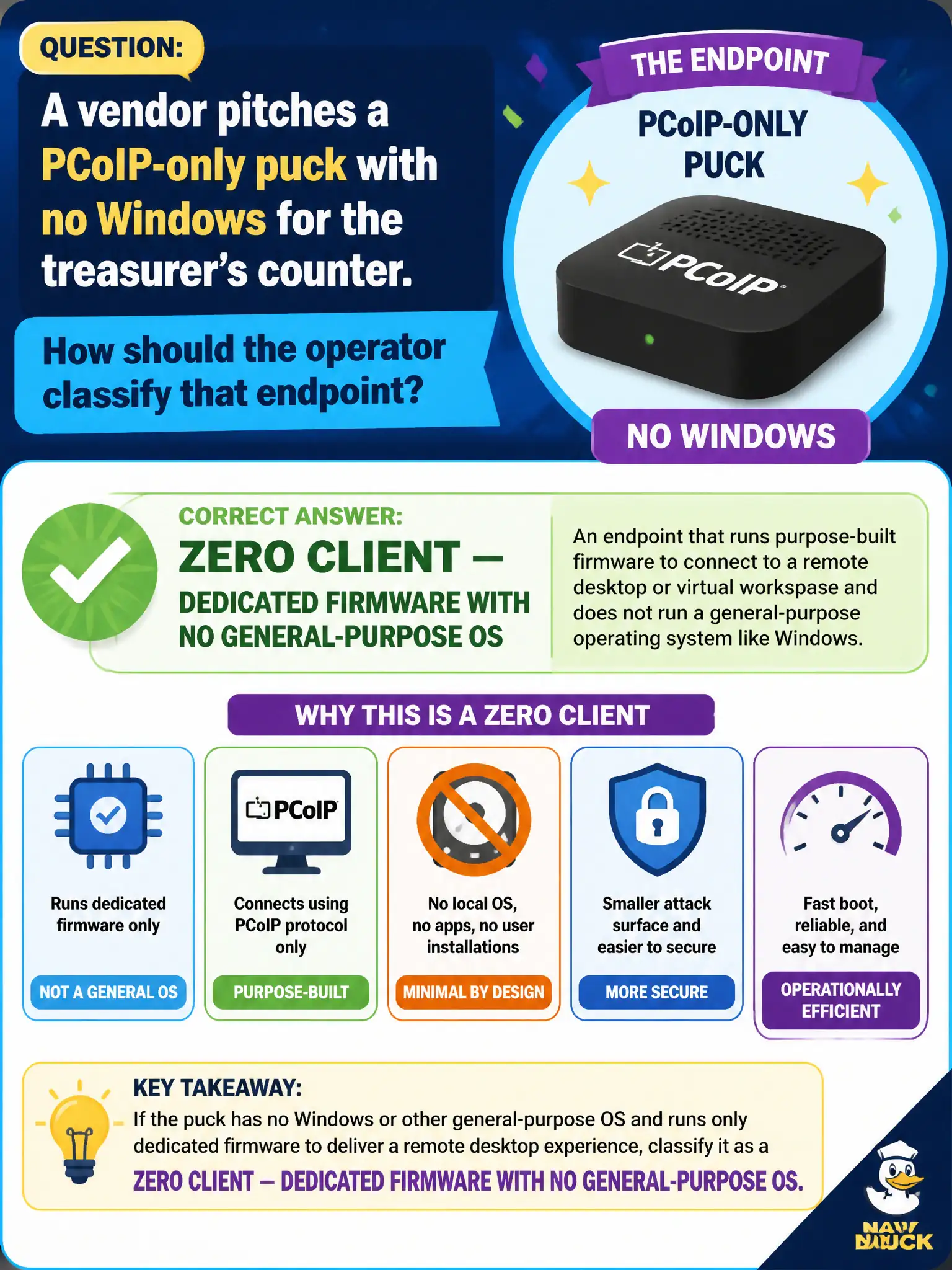
A vendor pitches a PCoIP-only puck with no Windows for the treasurer's counter. How should the operator classify that endpoint?
Select an answer to reveal the explanation.
Short Explanation
Classify by what lives on the device, not by the pretty Windows session it shows. No local OS, protocol firmware only — that is a zero client. A thin client still has a little OS; a fat client is a PC; Connection Server is the broker in the datacenter, not a puck on the counter.
Full Explanation
A PCoIP-only puck with no Windows for the treasurer's counter is classified as a zero client—dedicated firmware with no general-purpose OS. In municipal EUC terms, treat the endpoint as a window into city systems when the architecture says so, not as the system of record for the files or apps in the stem. Distractor concept: It is not a fat client merely because it displays a Windows desktop session. Distractor concept: It is not a thin client; thin implies a small local OS plus client software. Distractor concept: It is not a Horizon Connection Server appliance. Exam caveat: Classify by what runs on the device locally, not by the Windows session it displays. Operational check: Check vendor docs/firmware: protocol stack only, no general OS, then label purchasing quotes as zero client. Record the chosen control and the rejected failure modes in the civic change ticket or runbook so on-call staff and auditors share the same rationale after the next maintenance window. Re-validate after personnel or image changes that the same control still meets the city's continuity, security, and support expectations for this service. Helpdesk coaching tip aligned to the conversational brief: Classify by what lives on the device, not by the pretty Windows session it shows. No local OS, protocol firmware only — that is a zero client. A thin client still has a little OS; a fat client is a PC; Connection Server is the broker in the datacenter, not a puck on the counter.