
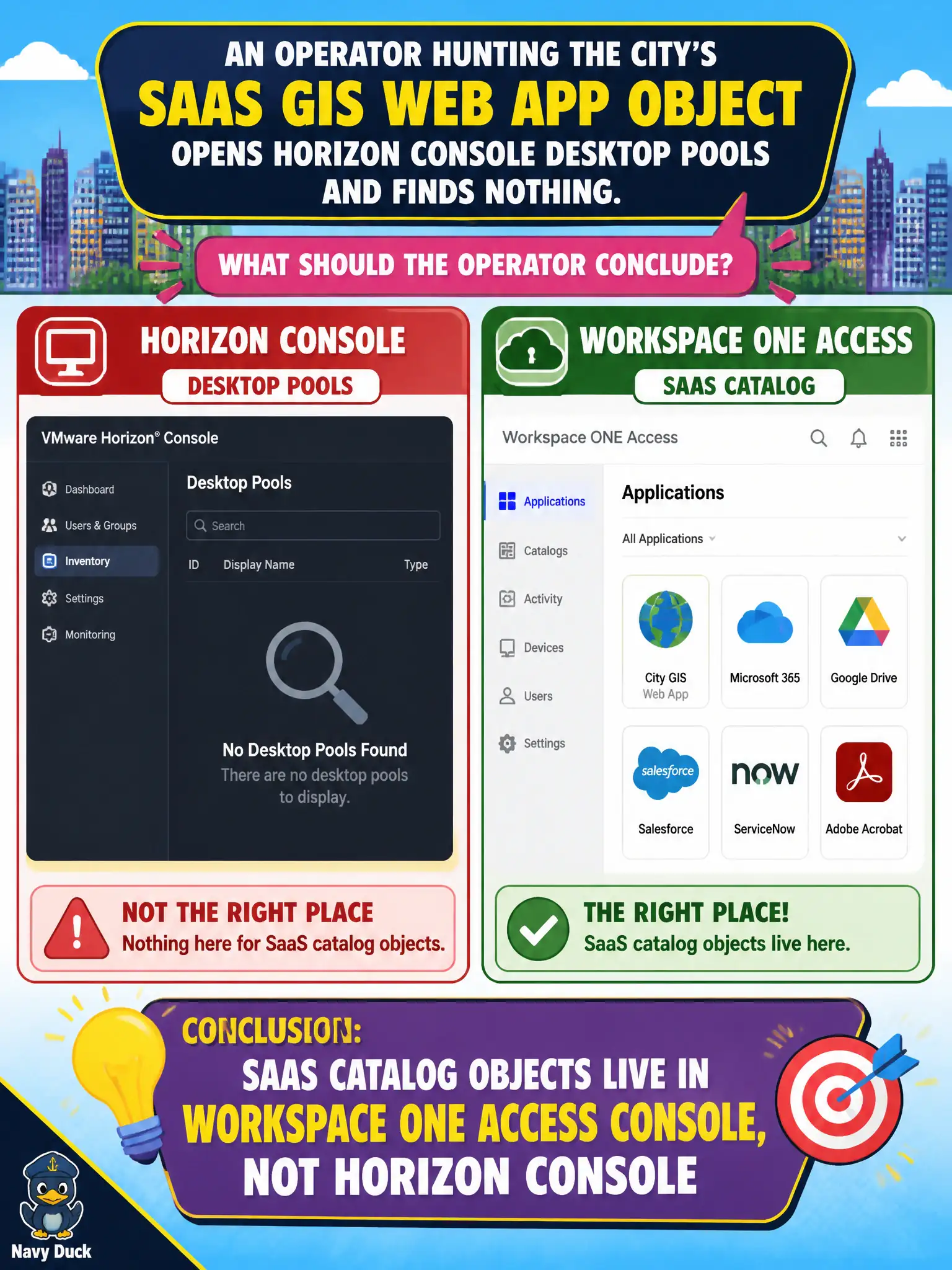
An operator hunting the city's SaaS GIS web app object opens Horizon Console desktop pools and finds nothing. What should the operator conclude?
Select an answer to reveal the explanation.
Short Explanation
Horizon Console is the VDI shop. The SaaS GIS tile lives in Access. Looking under desktop pools is the wrong building.
Full Explanation
If an operator hunting the city's SaaS GIS web app object opens Horizon Console desktop pools and finds nothing, the correct conclusion is that SaaS catalog objects live in the Workspace ONE Access console, not Horizon Console. Horizon pools are for brokered desktops and virtual apps, not SaaS web application catalog entries. SaaS app objects do not appear under Horizon desktop pools after a refresh. App Volumes Manager is not the catalog for SaaS web apps. vSphere VM settings for a SaaS tenant do not replace Access catalog objects. Exam caveat: Horizon virtual apps integrated into Hub still need Access catalog assignment visibility—finding nothing in Horizon pools should redirect to Access, not to endless Horizon refreshes. Operational check: close Horizon Console pools search, open Access Catalog, locate SaaS GIS, verify assignment, and update the troubleshooting guide with the correct console path. In municipal EUC operations, record the console path and the rejected alternatives in the change ticket so the next on-call technician repeats the same evidence-first workflow for city staff. Re-validate after the next maintenance window that the same control still holds for the civic tenant.