
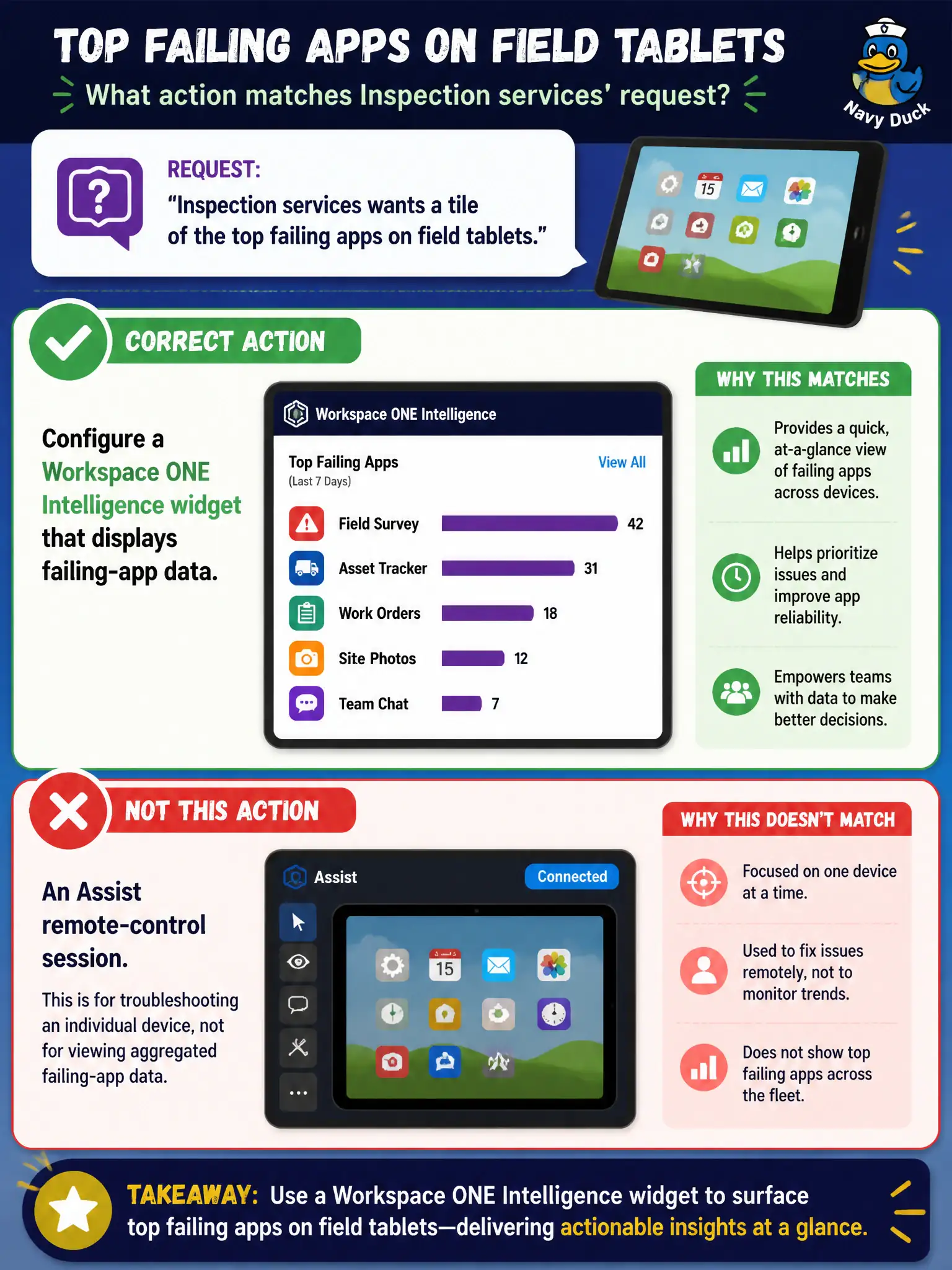
Inspection services wants a tile of the top failing apps on field tablets. Which action matches that request?
Select an answer to reveal the explanation.
Short Explanation
A widget is a chart on the wall. Assist is a remote pair of hands on one tablet. Inspection services asked for the chart.
Full Explanation
Inspection services wanting a tile of the top failing apps on field tablets should configure a Workspace ONE Intelligence widget that displays failing-app data, not an Assist remote-control session. Widgets aggregate app success/failure analytics across the fleet. Starting Assist on each tablet to screenshot Settings does not produce a top-failing-apps tile. Opening Horizon Help Desk and recording BLAST disconnects measures protocol disconnects, not mobile app failures. Creating an NSX Distributed Firewall rule named Top-Failing-Apps does not generate app analytics. Exam caveat: define "failing" using the Intelligence metrics available (crashes, install failures, or version noncompliance) so the widget matches the service desk definition. Operational check: add a failing-apps widget to the inspections dashboard, filter to field tablets, verify the top offenders match recent tickets, and assign remediation owners. In municipal EUC operations, record the console path and the rejected alternatives in the change ticket so the next on-call technician repeats the same evidence-first workflow for city staff. Re-validate after the next maintenance window that the same control still holds for the civic tenant.