
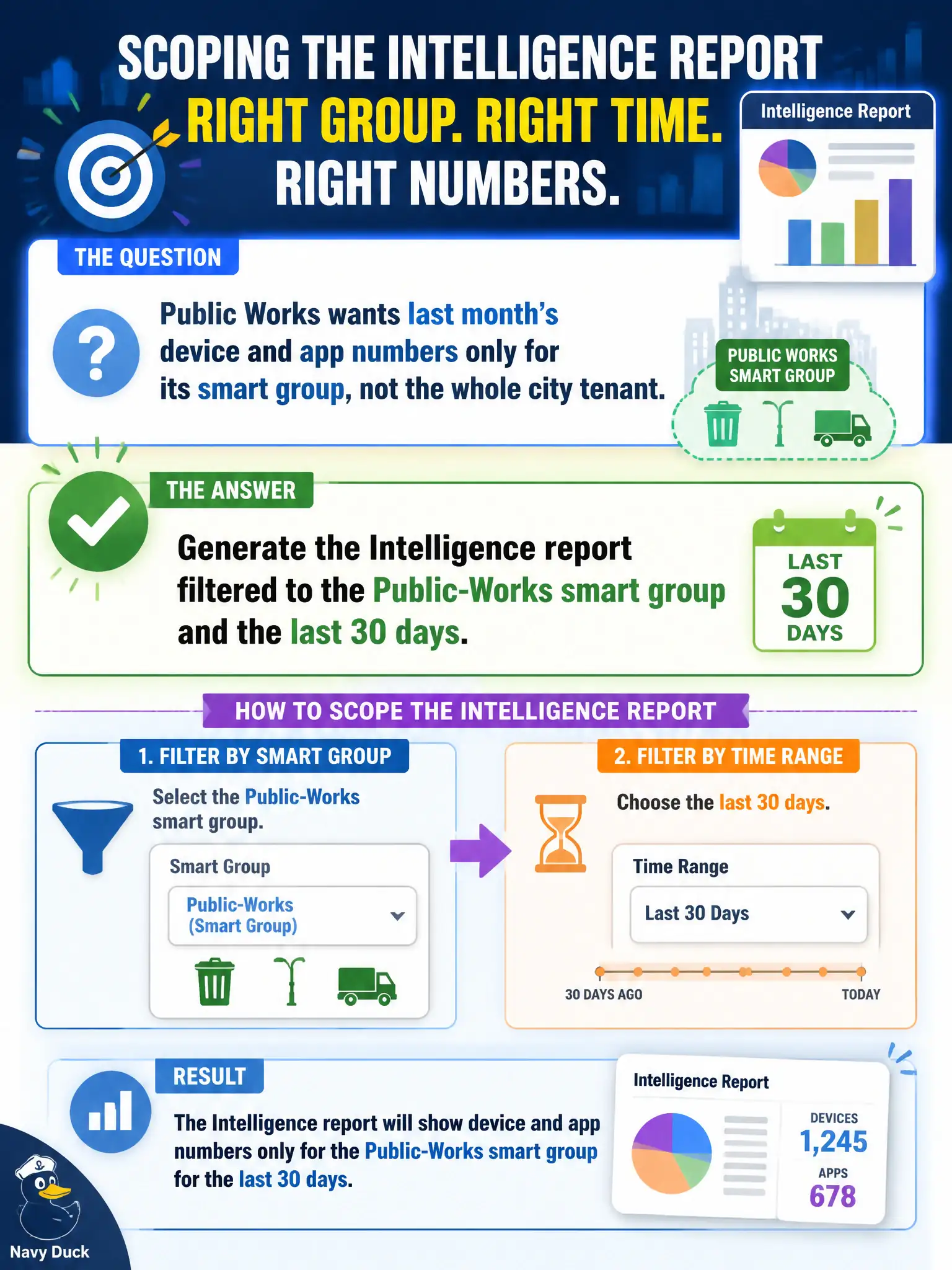
Public Works wants last month's device and app numbers only for its smart group, not the whole city tenant. How should the operator scope the Intelligence report?
Select an answer to reveal the explanation.
Short Explanation
Do not dump the whole city into a spreadsheet lab. Intelligence filters are the Public-Works sticker on last month's folders.
Full Explanation
Public Works wanting last month's device and app numbers only for its smart group requires generating the Intelligence report filtered to the Public-Works smart group and the last 30 days. Scope and time range belong in the report filters so the city tenant-wide noise is excluded. Exporting every device in the tenant to a data-science notebook and filtering later is slower and riskier for privacy. Building a new UEM Wi-Fi profile named Public-Works-30-days creates a network profile, not an analytics report. Using Horizon Help Desk to list Public Works sessions from the past month reports VDI sessions, not UEM device/app analytics for that smart group. Exam caveat: confirm the smart group membership is current before trusting month-end numbers for budget talks. Operational check: in Intelligence set filters to Public-Works and last 30 days, run device and app widgets/reports, export for Public Works leadership, and archive the filter definition for next month. In municipal EUC operations, record the console path and the rejected alternatives in the change ticket so the next on-call technician repeats the same evidence-first workflow for city staff. Re-validate after the next maintenance window that the same control still holds for the civic tenant.