
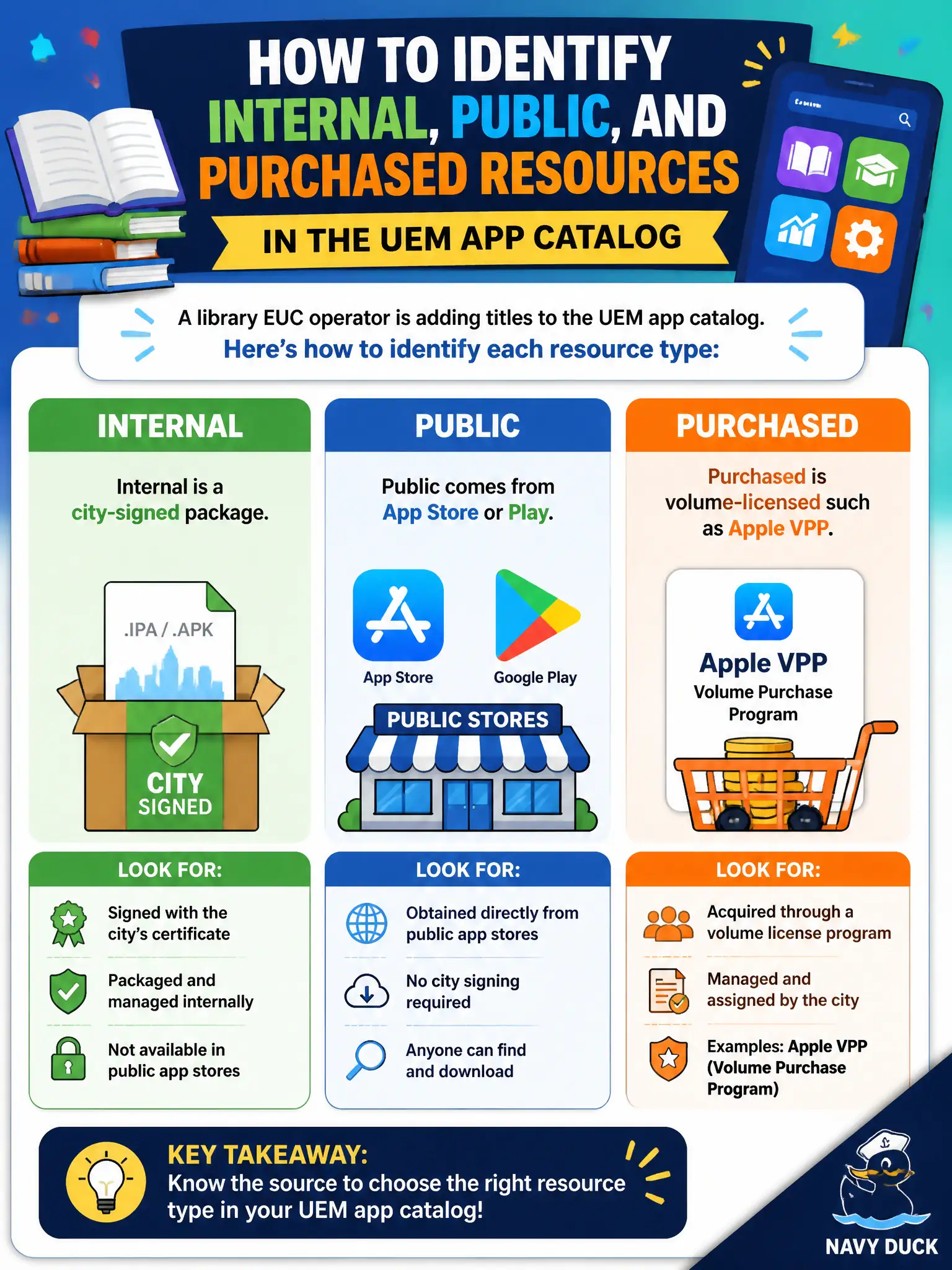
A library EUC operator is adding titles to the UEM app catalog. How should Internal, Public, and Purchased resources be identified?
Select an answer to reveal the explanation.
Short Explanation
Picture three shelves: the city's own stamped APK, the public store, and the bulk-order receipt. Those are Internal, Public, and Purchased. Mixing them with Horizon volumes or PDFs misses the catalog.
Full Explanation
When adding titles to the UEM app catalog, Internal, Public, and Purchased resources must be identified correctly: Internal is a city-signed line-of-business package, Public comes from the App Store or Play Store, and Purchased is volume-licensed such as Apple VPP. Those distinctions drive licensing, assignment, and update behavior for library and city apps. They are not all Horizon App Volumes packages that attach at desktop login. Public does not mean Intune, Internal does not mean NSX, and Purchased does not mean Horizon Help Desk. Purchased is not merely a Content Dashboard PDF; it is an app-license resource type. Exam caveat: mis-tagging forces wrong distribution channels and broken updates on civic devices. Operational check: for each new title, classify Internal versus Public versus Purchased in UEM, assign to the correct smart group, install on a sample library device, and confirm the store or VPP license depletes as expected for Purchased items. In municipal EUC operations, record the console path and the rejected alternatives in the change ticket so the next on-call technician repeats the same evidence-first workflow for city staff. Re-validate after the next maintenance window that the same control still holds for the civic tenant.