
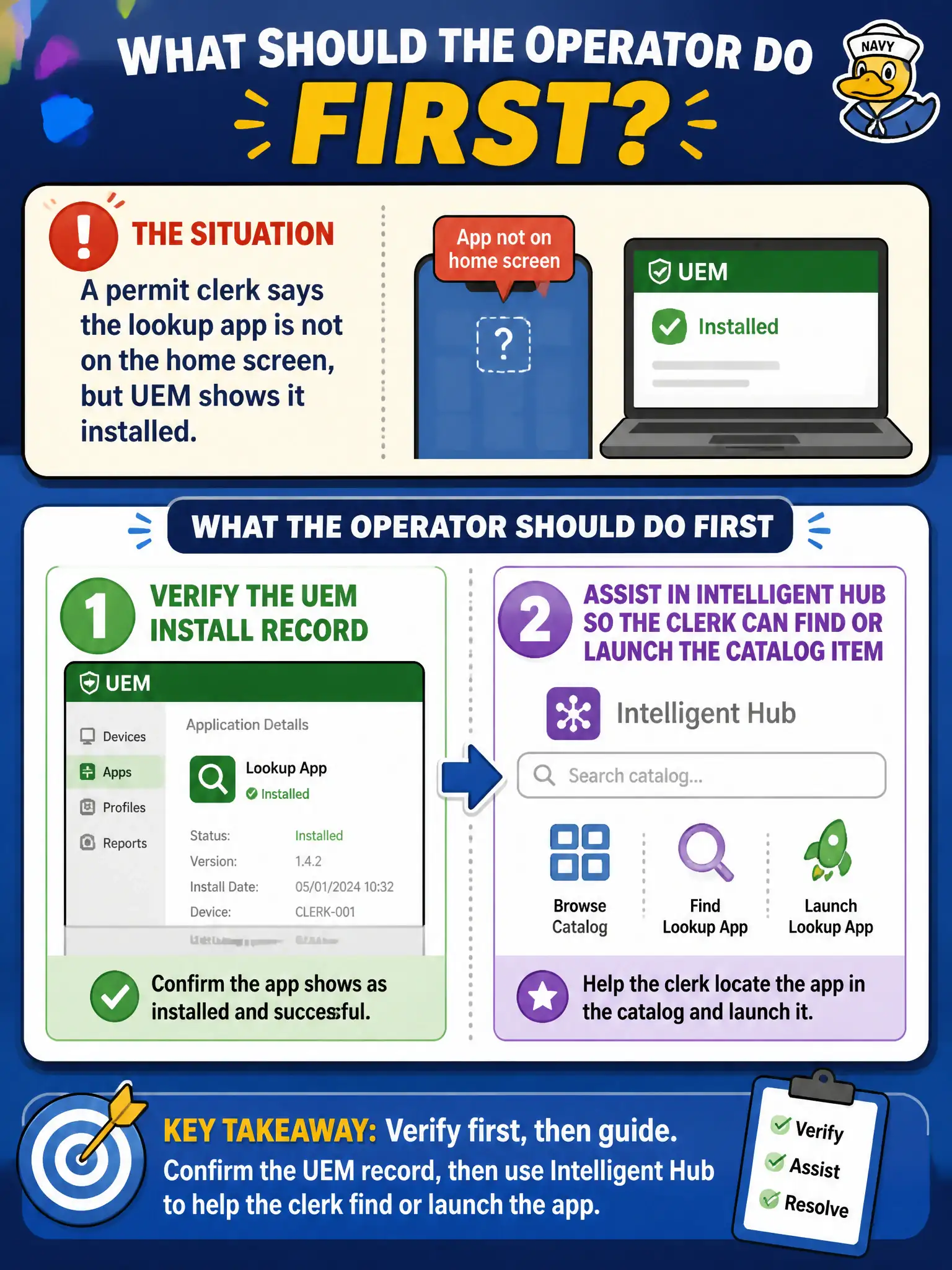
A permit clerk says the lookup app is not on the home screen, but UEM shows it installed. What should the operator do first?
Select an answer to reveal the explanation.
Short Explanation
The console can say the book is in the library while the clerk is staring at the wrong shelf. Trust the install record first, then walk the clerk through Hub to find the icon.
Full Explanation
If a permit clerk says the lookup app is not on the home screen but UEM shows it installed, the operator should verify the UEM install record, then assist in Intelligent Hub so the clerk can find or launch the catalog item. Installed status means the package is present; discoverability may require Hub catalog, a folder, or device UI differences. Rebuilding a Horizon instant-clone pool that supposedly owns the phone icon invents a VDI fix for a mobile UX issue. Retagging the app as Purchased VPP so iOS invents a home-screen shortcut does not address Hub navigation and may be the wrong resource type. Wiping the device because console install status is never trusted is excessive when Hub assistance can locate the app. Exam caveat: some apps install without a conspicuous home-screen icon depending on OS and app type—use Hub launch as proof. Operational check: confirm Installed in UEM, open Intelligent Hub with the clerk, locate and launch the lookup app, optionally add to the home screen per iOS/Android UI, and close the ticket with that evidence. In municipal EUC operations, record the console path and the rejected alternatives in the change ticket so the next on-call technician repeats the same evidence-first workflow for city staff.