
A clerk cannot find the city app catalog on a managed phone. What first-line assistance should the operator give?
Select an answer to reveal the explanation.
Short Explanation
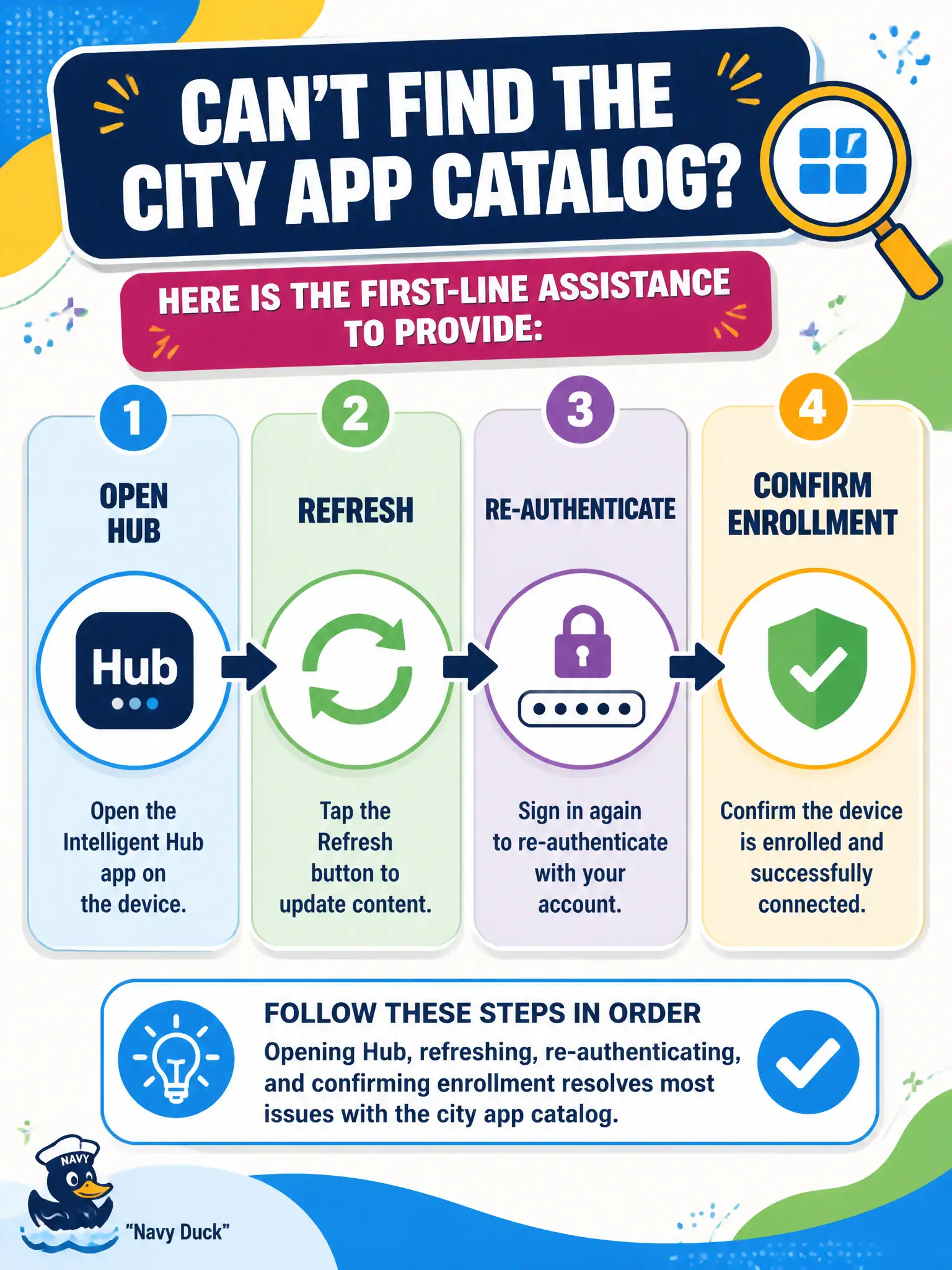
The catalog lives inside Intelligent Hub, not inside a Windows reimage. Open Hub, refresh, sign in again, and confirm the phone is still enrolled. Citrix and a new UAG BLAST edge will not find that catalog.
Full Explanation
When a clerk cannot find the city app catalog on a managed phone, first-line assistance is in Intelligent Hub: open Hub, refresh, re-authenticate, and confirm enrollment so the catalog can load. That user-facing path resolves many sync and token issues without infrastructure surgery. Reimaging Windows on an unused Horizon desktop does not fix a phone catalog problem. Replacing UEM with Citrix Workspace as the catalog abandons the Workspace ONE model. Authoring a new Unified Access Gateway edge service for BLAST addresses Horizon edge traffic, not Hub catalog visibility. Exam caveat: empty catalogs can also be Access assignment issues—after Hub refresh fails, check Access entitlements next. Operational check: with the clerk, open Intelligent Hub, refresh the catalog, re-authenticate if prompted, confirm the device still shows enrolled in UEM, and escalate to Access assignment review if the catalog remains empty. In municipal EUC operations, record the console path and the rejected alternatives in the change ticket so the next on-call technician repeats the same evidence-first workflow for city staff. Re-validate after the next maintenance window that the same control still holds for the civic tenant.