
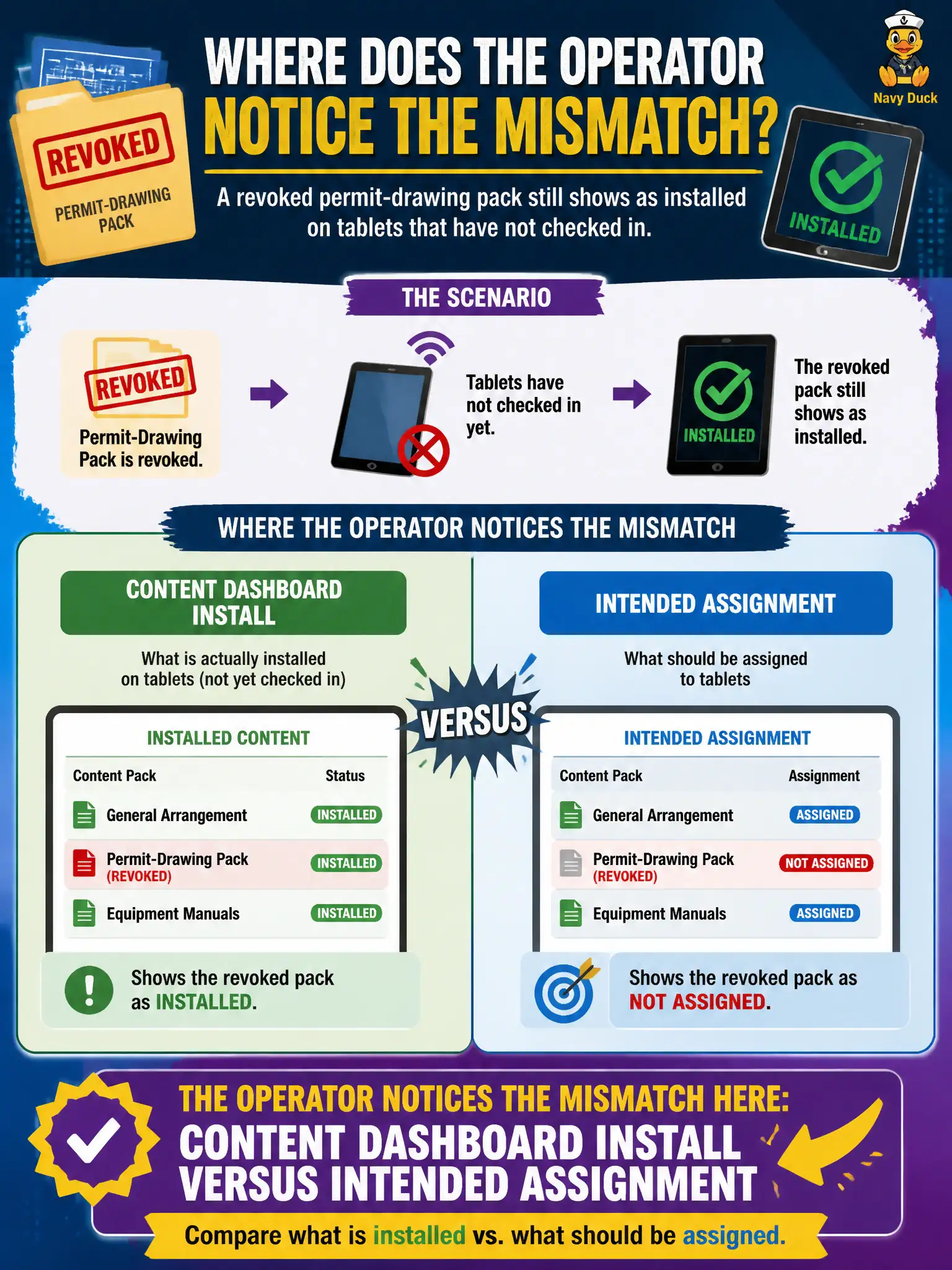
A revoked permit-drawing pack still shows as installed on tablets that have not checked in. Where does the operator notice that mismatch?
Select an answer to reveal the explanation.
Short Explanation
Revoke is the recall notice; stale tablets still have the old binder. Content Dashboard is where intended assignment and leftover installs disagree. Intelligence is broader analytics, not this MCM ops view.
Full Explanation
A revoked permit-drawing pack that still shows installed on tablets that have not checked in is visible as a mismatch between Content Dashboard install state and intended assignment. Devices offline retain last-known installed content until they check in and process removal. Horizon Administrator application-pool entitlements do not govern UEM content packs on tablets. Workspace ONE Intelligence is useful for analytics but is not the only place revoked files can appear—Content Dashboard remains the content operations view. App Volumes writable volumes on tablets are not how iPad content packs are tracked. Exam caveat: revocation is eventually consistent with check-in—do not assume instant removal on powered-off field devices. Operational check: open Content Dashboard, compare assignment (revoked/removed) versus install counts, list tablets with stale installed state, prioritize those with old last-seen, and confirm removal after they return online. In municipal EUC operations, record the console path and the rejected alternatives in the change ticket so the next on-call technician repeats the same evidence-first workflow for city staff. Re-validate after the next maintenance window that the same control still holds for the civic tenant.