
Council iPads enrolled in UEM do not show this week's meeting PDFs. Where should the operator check assignment and install?
Select an answer to reveal the explanation.
Short Explanation
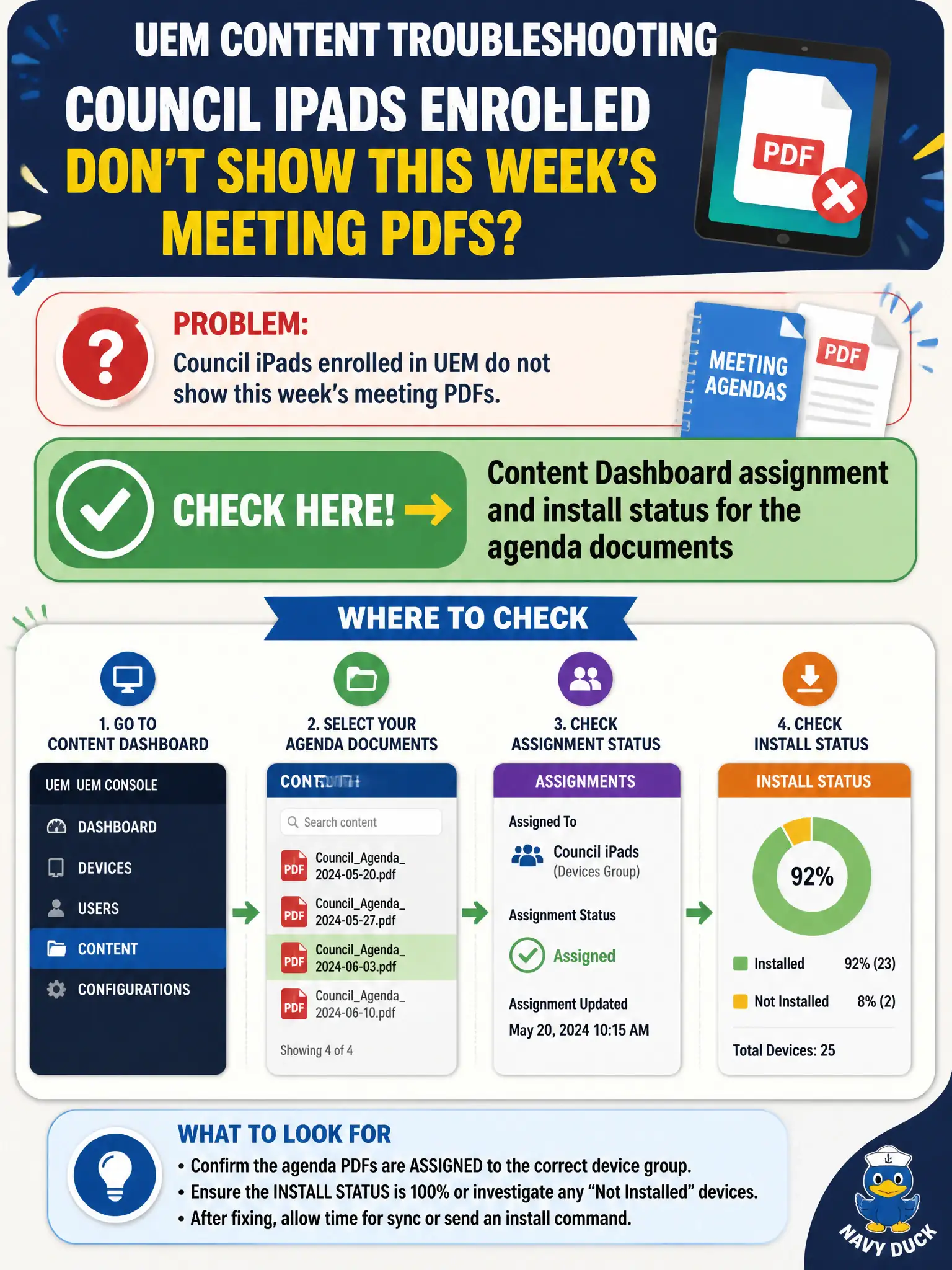
Missing meeting PDFs are a content-locker miss, not a mailbox miss. Open Content Dashboard and check assignment plus install. Boxer last-sync will not put a PDF on the iPad home screen.
Full Explanation
Council iPads enrolled in UEM that do not show this week's meeting PDFs should be investigated on the Content Dashboard for assignment and install status of the agenda documents. Enrollment alone does not prove content landed; assignment scope and per-device install state do for civic MCM. Mail Dashboard last-sync for Boxer fails by concept because mail sync is unrelated to MCM agenda PDF delivery on council tablets. Horizon Cloud Control Plane image publish concerns cloud desktop images, not UEM content packs on iPads. NSX content-filter URL reputation may block web categories but is not the UEM assignment and install ledger for published agenda files. Exam caveat: confirm the iPad is in the smart group that should receive this week's version before republishing the entire repository. Operational check: open Content Dashboard, verify the agenda documents are assigned to council iPads, open a sample device content list for install versus pending, force check-in if offline, and confirm the PDF opens on the tablet after sync. In municipal EUC operations, record the console path and the rejected alternatives in the change ticket so the next on-call technician repeats the same evidence-first workflow for city staff.