
A public-works rugged phone is retired. What inventory maintenance keeps licenses and compliance counts clean?
Select an answer to reveal the explanation.
Short Explanation
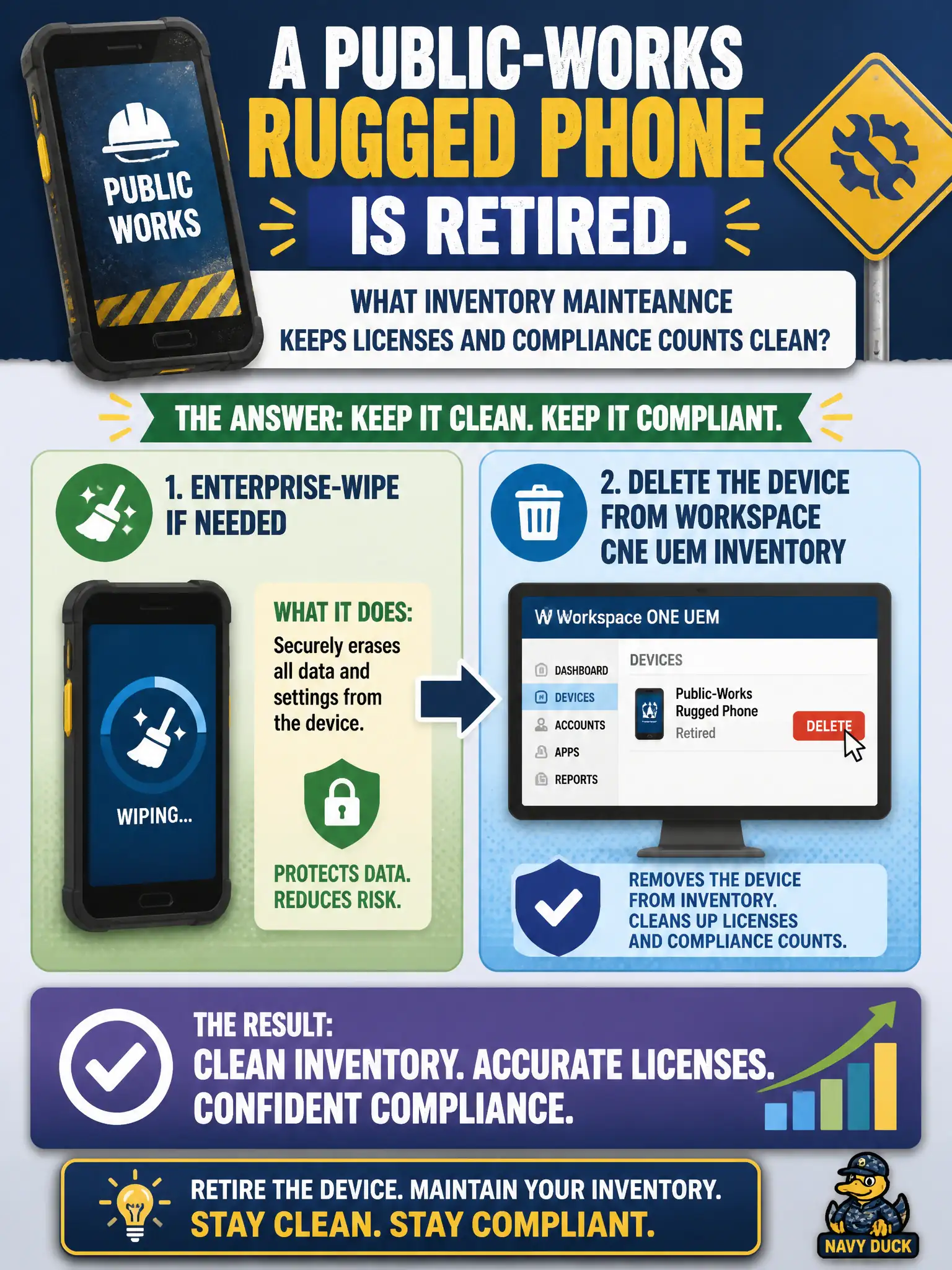
A retired phone that still sits in inventory is a ghost on the roster. Wipe it if it still has civic data, then delete the UEM record so licenses and compliance stop counting a brick. Logs and new Horizon pools do not retire it.
Full Explanation
When a public-works rugged phone is retired, inventory maintenance should enterprise-wipe if organizational policy requires data removal, then delete the device from Workspace ONE UEM inventory so licenses and compliance counts no longer include a dead asset. Leaving the record enrolled inflates license usage and compliance denominators and confuses audits of the civic mobile estate. Gathering Boxer logs from a retired phone is not the cleanup workflow and may be impossible if the device is already out of service or returned to surplus. Entitling a new Horizon pool named after the retired asset tag creates unrelated VDI objects and does not remove the UEM record or free mobile licenses. Exam caveat: wipe versus remove-only depends on ownership and whether the device will be repurposed; deletion from inventory is still required when the asset is truly retired from the fleet. Operational check: confirm asset retirement in the civic CMDB, enterprise-wipe if required, delete the UEM device record, verify license and compliance counts drop, and close the retirement ticket with screenshots of the removed inventory row. In municipal EUC operations, record the console path and the rejected alternatives in the change ticket so the next on-call technician repeats the same evidence-first workflow for city staff.