
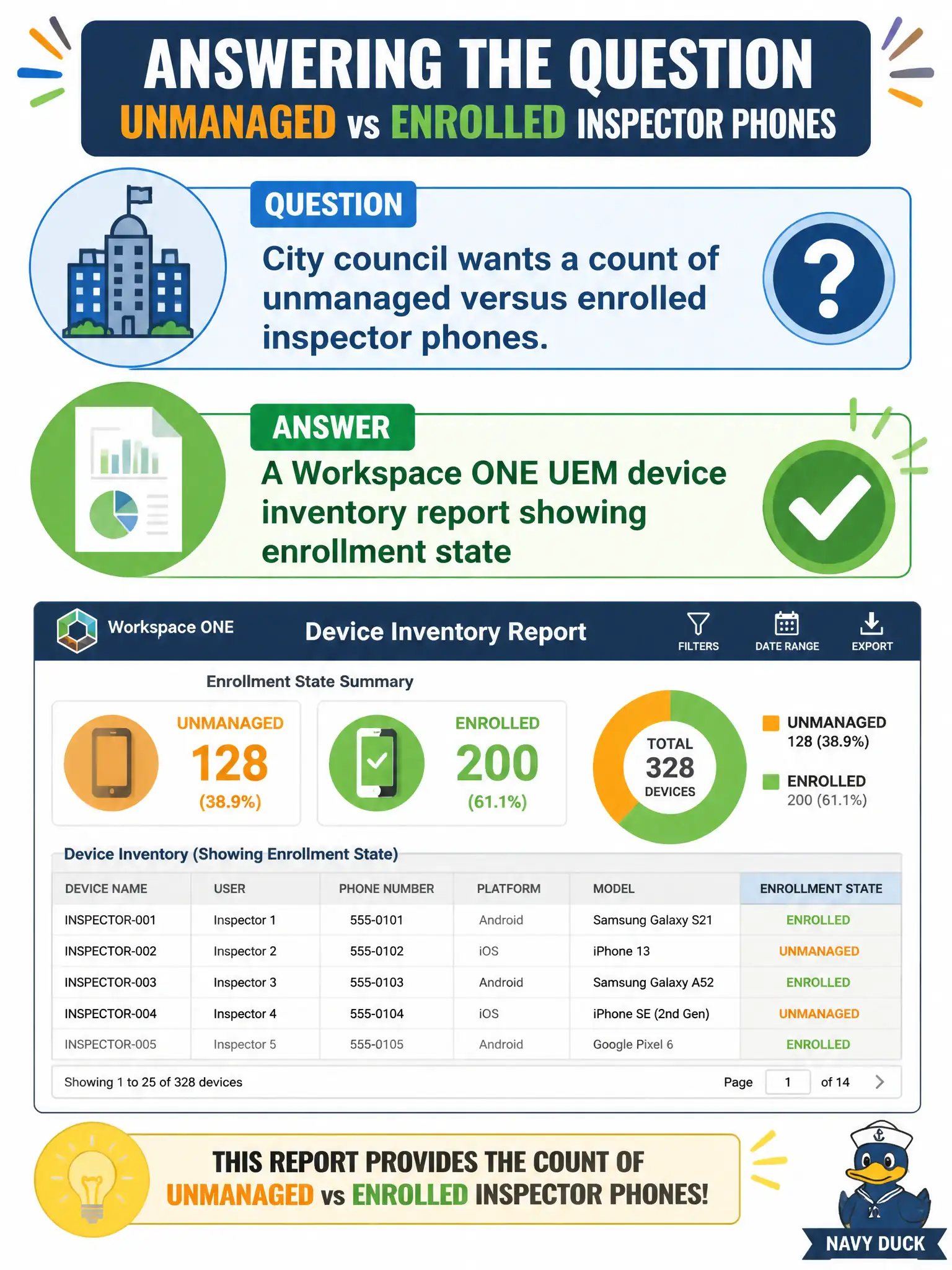
City council wants a count of unmanaged versus enrolled inspector phones. What artifact answers that question?
Select an answer to reveal the explanation.
Short Explanation
Council asked how many phones are in the building versus still in the wild. That is a UEM inventory report of enrolled versus unmanaged, not Help Desk sessions, not App Volumes packages, and not jumping first to Intelligence automation.
Full Explanation
City council questions about unmanaged versus enrolled inspector phones are answered with a Workspace ONE UEM device inventory report that includes enrollment state. That artifact counts which phones are enrolled under management versus not present as managed records, which is what leadership needs for mobile compliance posture. A Horizon Help Desk count of connected VDI sessions measures desktop connectivity for inspectors who also use VDI, not phone enrollment in UEM. An App Volumes assignment count for inspector packages measures Windows application assignments, not mobile MDM enrollment. A Workspace ONE Intelligence automation workflow can later act on data, but it is not the first named operational list that directly answers an enrollment-count question—start with inventory reporting. Exam caveat: "unmanaged" in council language usually means not enrolled in UEM; do not substitute VDI session counts for MDM enrollment counts when briefing elected officials. Operational check: run UEM device inventory filtered to inspector phones, group or filter by enrollment state, export totals for council, reconcile against the HR phone roster, and schedule a recurring report if the metric will be reviewed monthly.