
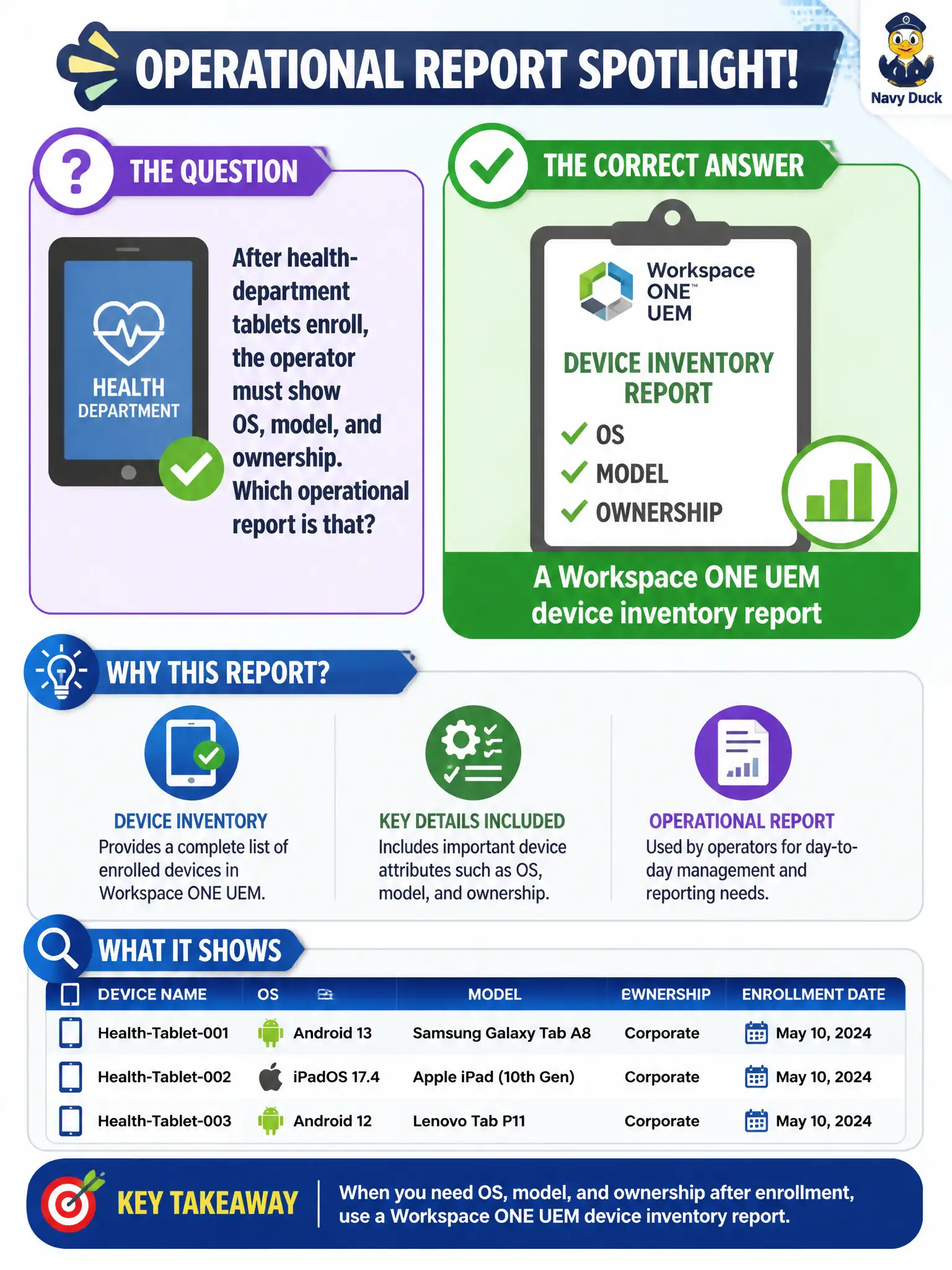
After health-department tablets enroll, the operator must show OS, model, and ownership. Which operational report is that?
Select an answer to reveal the explanation.
Short Explanation
OS, model, and who owns the tablet live on the UEM inventory clipboard, not on the Horizon session board. DEM and Boxer do not inventory health-department iPads.
Full Explanation
After health-department tablets enroll, OS version, model, and ownership are inventory attributes exposed through Workspace ONE UEM device inventory reporting. That report—or the Devices inventory views that feed it—is the operational artifact for platform and ownership evidence across the enrolled civic fleet. Horizon dashboard session lists show brokered desktop sessions, not tablet hardware inventory attributes for UEM-enrolled devices used by clinicians. DEM helpdesk printouts show which Windows user-environment settings applied in a session, not mobile OS, model, or ownership fields. The Boxer Mail dashboard focuses on managed mail sync and client posture, not general device inventory columns required for a health-department enrollment readout. Exam caveat: Intelligence can also analyze inventory at scale, but the first named operational report for enrolled-device attributes remains UEM device inventory. Operational check: generate or open a UEM device inventory report filtered to health-department tablets, verify OS, model, and ownership columns populate for each row, export the CSV for the enrollment completion ticket, and spot-check one tablet's device record against the report.