
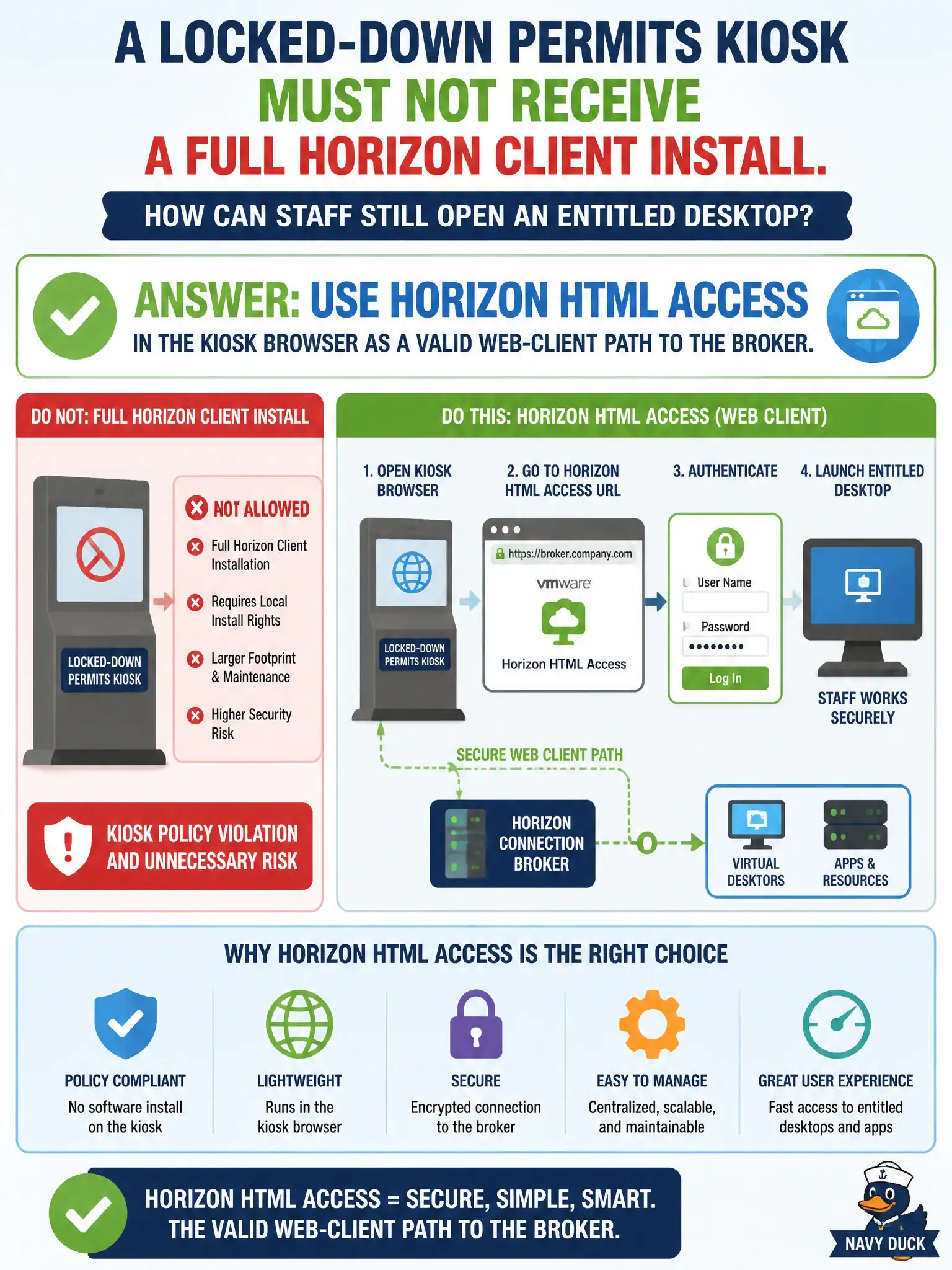
A locked-down permits kiosk must not receive a full Horizon Client install. How can staff still open an entitled desktop?
Select an answer to reveal the explanation.
Short Explanation
A locked kiosk is a glass case: you may not drop a full Client installer in, but the browser can still walk up to HTML Access. That web client is a real Horizon Client path. Citrix Workspace, Hub enrollment, and NSX load balancing are not the kiosk VDI client.
Full Explanation
When a locked-down permits kiosk must not receive a full Horizon Client install, staff can still open an entitled desktop by using Horizon HTML Access in the kiosk browser as a valid web-client path to the broker. HTML Access is an supported client path without a full native install. Permit lobbies often forbid local installs; validating HTML Access keeps public kiosks usable while meeting lockdown policy. Installing Citrix Workspace only is wrong because Horizon provides its own browser client path and the estate is Horizon. Enrolling the kiosk in Workspace ONE UEM alone does not make UEM the VDI client for brokered desktops. Publishing the desktop through NSX load balancing without any Horizon client still leaves no user client to broker and display the session. Exam caveat: HTML Access is the associate answer for browser-only kiosks that cannot install full Horizon Client. Operational check: On the permits kiosk browser, open the HTML Access URL for the civic broker or UAG, authenticate, and launch the entitled desktop without installing native Client. Document the collection source and timestamp in the municipal ticket so the next operator can continue without rework. Prefer vendor-documented steps over tribal shortcuts whenever civic uptime is at stake.